Lead lists by industry and city
Build your own list of the businesses you sell to, city by city, and reach them from one dashboard.
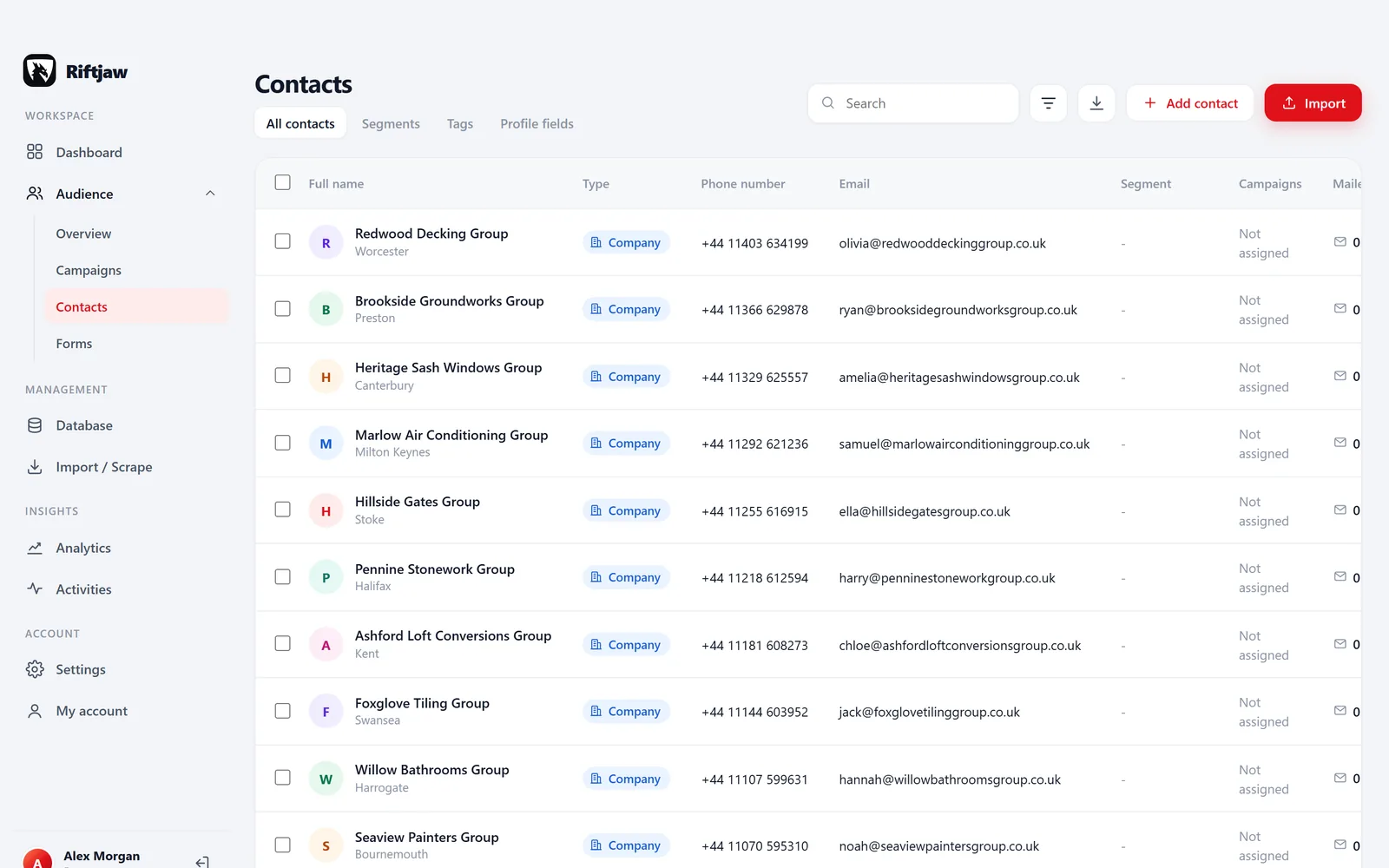
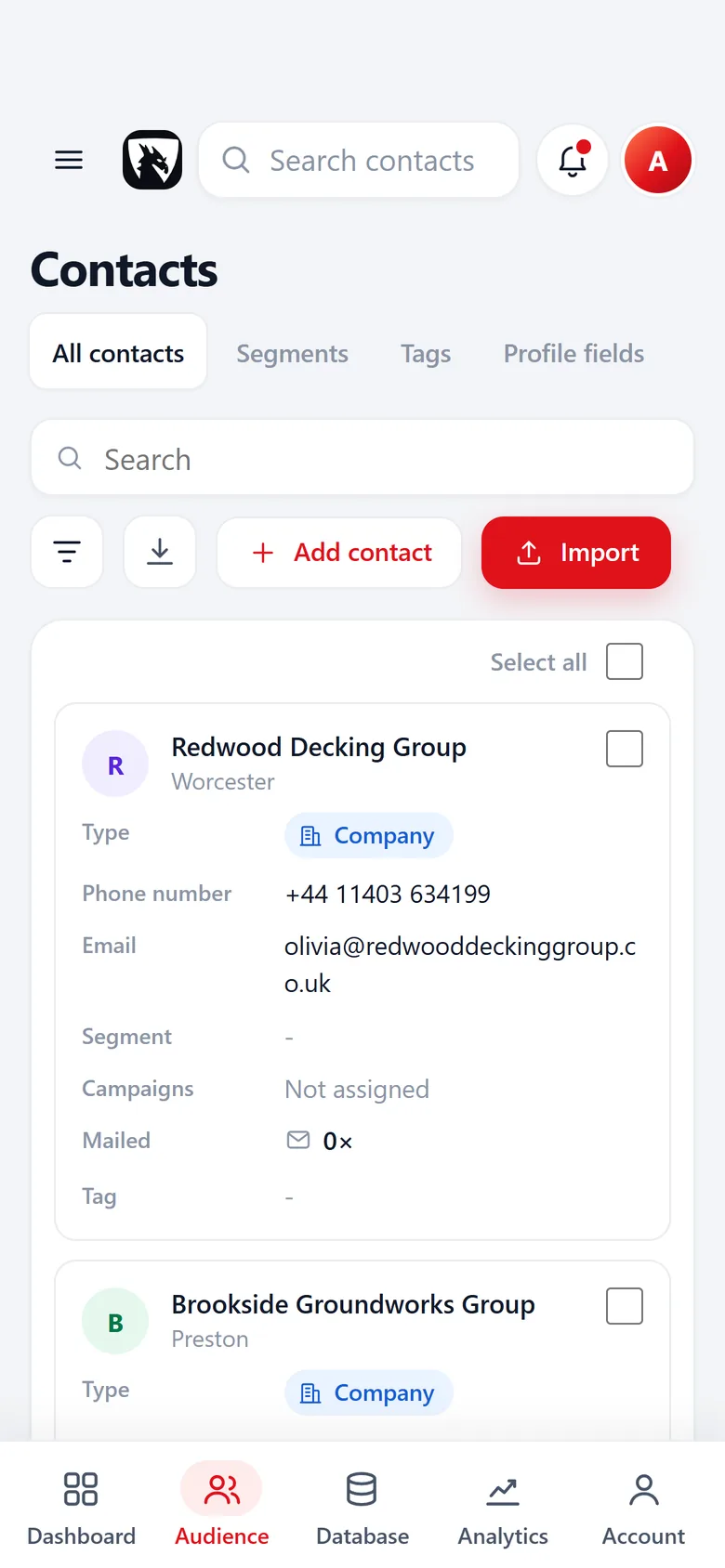
Build lead lists of any industry, in any city
Pick the kind of business you sell to and the place you want to cover. Each page below shows where lists of those businesses sit in the open, which fields are worth recording, how to fill in missing emails and how to reach them without burning the list.
Riftjaw does not sell contact data. You collect the companies yourself, import them into your own database and keep them. No credits, no rented records, and everything exports again as CSV.
From a public listing to your first campaign
Paste a page, get rows.
With paste and collect you paste the HTML of a page you opened yourself into Riftjaw. You pick the repeating blocks, turn them into rows and send them to import. Riftjaw does not crawl the web; you supply the page.
See the feature
Every list in one database, on your own server.
Riftjaw imports CSV and Excel files from any source into one lead database of your own. You map every column to a field once, and unknown columns become new fields. After that every company has one record with one status.
See the feature
Role addresses from a website, without credits.
Email from domain takes the website, strips www. and keeps the domain. You tick the prefixes you want, such as info@, hello@ or sales@, and add your own. An existing email column always wins, and derived addresses are clearly guesses based on common patterns.
See the feature
Named segments, ready for a campaign.
In Riftjaw every contact you add and every import goes into a segment with its own name, like Dentists Leeds. A campaign asks which segment to reach first. Next to segments there are saved filters, rules such as city contains Leeds, which a campaign can reach too.
See the feature
Write once, send in small batches.
Write a campaign once with placeholders such as {first_name|there} and {company}. Pick a segment as audience and Riftjaw sends it from the server in small batches, also when your browser is closed. Add up to 5 follow-ups and they go out the number of days later that you choose. Opens and clicks show up on each contact record.
See the feature
Trades and home services
Business services
Professional and creative services
Health, care and beauty
Hospitality, shops and motor trade




Questions people ask
From you. Export them from public listings, directories, trade fair lists or your own spreadsheets and import the file. Riftjaw turns the rows into records you can work. See the guide to public listings.
Bought lists are shared with everyone else who bought them, go stale fast and often come with licence limits. A list you build yourself fits your market exactly and stays yours.
Yes. Create a lead file per industry or one file with an Industry field. Segments let you slice it any way you like.
In most English speaking countries it is, within rules on consent, identification and opt out. Each country page summarises them. The GDPR guide goes deeper.
Build a database you own
Create your account, import your first list and see it turn into records you can work.
No credit card · cancel any time · your data stays yours