Looking for a Lemlist alternative
What Riftjaw does differently, in plain terms, so you can judge it yourself.
Last checked 30 September 2026
Many channels, or one done properly
According to their public website at the time of writing, Lemlist is a multichannel outreach tool. A sequence can mix email with LinkedIn steps and other touch points, with personalisation per prospect.
If you prospect on LinkedIn every day and want it in the same flow as your mails, that is a real advantage. But plenty of people pay for channels they never use. Their customers are local companies that are not active on LinkedIn at all. What they actually lack is a tidy database: who is in which list, who replied, who asked for a quote, which client does this lead belong to.
Do you run outreach for several clients and keep mixing up their lists? Do you only ever use the email step? Then the comparison below is worth a minute.

A separate workspace for every client
On the Agency plan each client gets its own workspace with its own lead files, segments, campaigns and forms. Nothing leaks between clients, and when a client leaves you hand them their data as CSV.
Campaign results stay inside the workspace too, so the numbers you show a client are only theirs.
- Unlimited users, so the whole team can log in
- Lead files, segments and campaigns kept apart per client
- Export per client on the day the contract ends
Riftjaw and Lemlist, line by line
| Riftjaw | Lemlist | |
|---|---|---|
| LinkedIn steps in a sequence | No | Yes |
| Multichannel sequences | No | Yes |
| Automatic follow-up steps | Up to 5 per campaign, email only | Yes |
| Follow-ups stop by themselves when someone replies | No | See their site |
| Email campaigns with placeholders and fallbacks | Yes | Yes |
| Open and click tracking | Yes | Yes |
| SMS | No | See their site |
| Lead files with your own field types and key field | Yes | See their site |
| Public forms that write entries to the contact | Yes | See their site |
| Separate workspace per client | Agency plan | See their pricing page |
| Users on one account | Unlimited | See their pricing page |
| Each account on its own private server | Yes | See their security page |
Based on the public website of Lemlist as checked on 30 September 2026. Channels, features and plans may have changed, so check their site for the current details. Lemlist is a trademark of its owner. Riftjaw is not affiliated with Lemlist, and Lemlist has not endorsed or sponsored this page. If we got something wrong, please tell us.
When Lemlist is the better choice
LinkedIn is where your buyers are
Visiting a profile, sending an invite and a mail in one flow is something Riftjaw does not do at all.
You want sequences that stop on reply
Multi-step cadences that stop on reply are central to Lemlist. Riftjaw sends up to 5 follow-ups by email, but it does not read replies: you set the status Replied yourself.
Heavy personalisation per prospect
If each mail carries custom elements per person, a tool built around that gives you more options.
When Riftjaw fits better
You only use email
Placeholders like {first_name|there}, a test send, up to 5 follow-ups, small batches, pause and resume. Just the parts of outreach you use.
How campaigns work
You want answers, not only replies
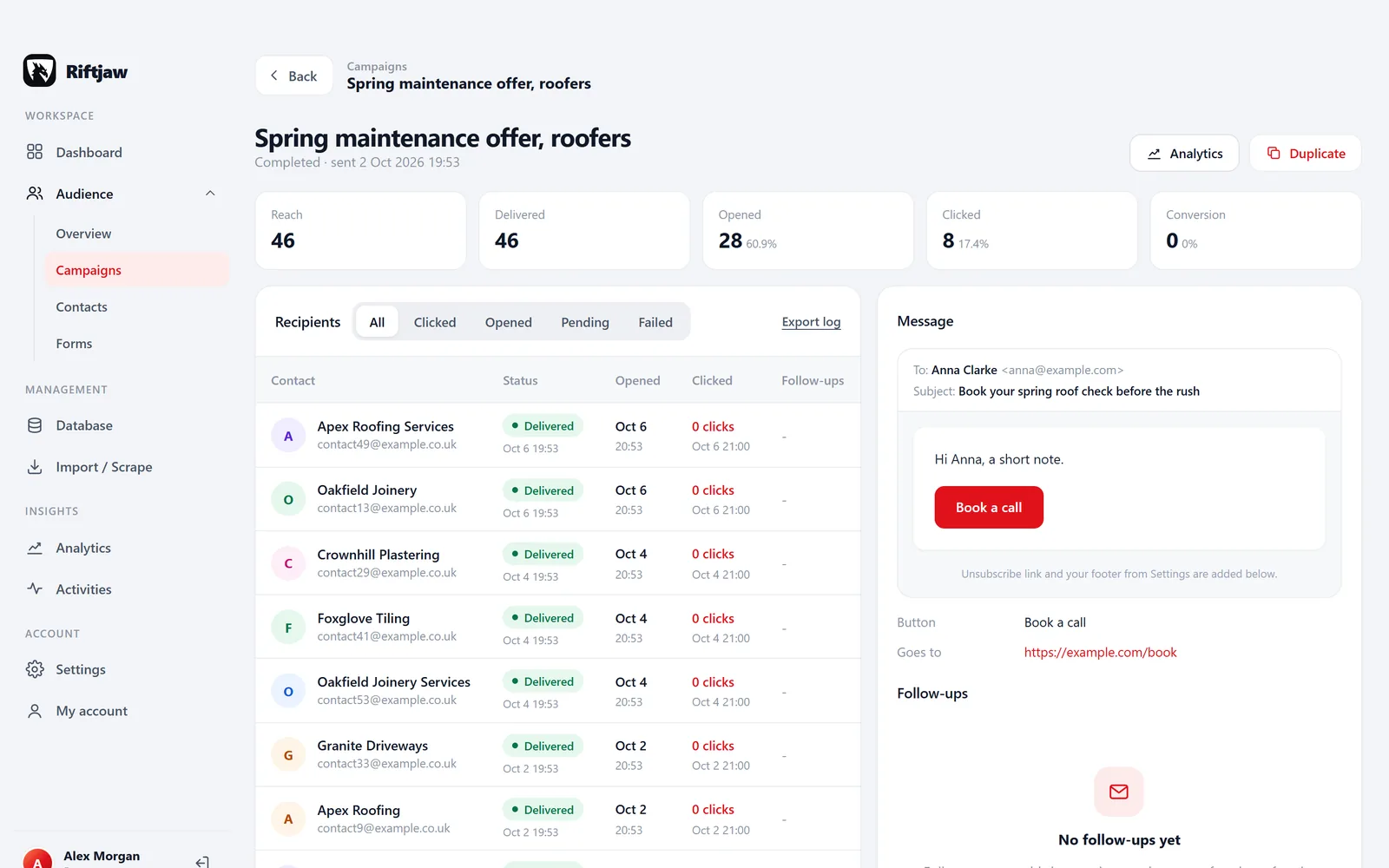
Put a button in the mail that opens a form. Entries land on the contact, with an optional auto reply and a notification to you. Every click on that button shows up in Activities as it happens.

The list is the asset
Every import keeps its original file, source and date, and every contact shows the lead file it came from. You can get the original file back at any time.
How importing works
Switching from Lemlist
Finish running sequences first, so no prospect gets two different mails in the same week. Then move over in four steps.
1. Export leads per campaign as CSV. Include status and any custom variables you used.
2. Import each export into a segment. One segment per client or per market. Custom variables become fields you can use as placeholders.
3. Turn status into tags. Map replied, interested or bounced to your own tags, so you can leave those people out of the next campaign.
4. Rewrite the first mail. Use the same placeholders with a fallback, send a test to yourself and start with a small segment.
How import works
Questions people ask
No. Riftjaw campaigns are email only. If LinkedIn is essential for you, keep a tool for that.
Yes, with placeholders from any field, like {company} or {city}, each with a fallback for rows where the field is empty.
Yes. The Agency plan gives each client a separate workspace. See pricing.
They are skipped automatically in every future campaign. The opt-out is kept on record. More in our GDPR and cold email guide.
The free plan has small campaigns. Paid plans are built for targeted campaigns, not newsletters to 50,000 addresses.
Also worth reading

Product
Collect companies, fill in what is missing, organise them into segments and reach them, without leaving the dashboard.
Read more How it works
Import, enrich, organise, reach. Four steps you repeat every week on a database that keeps getting better.
Read more
Changelog
Every release, what it fixed and what it added.
Read more
Features
The parts that turn a list of company names into a database you can actually work.
Read more
Who it is for
The same database, used in a different way depending on who is behind it.
Read more Guides
How to collect, enrich and reach companies without breaking anything.
Read moreKeep outreach simple
One database, one channel, clear history per company. Start free and import your first list.
No credit card · cancel any time · your data stays yours