Problems we solve
The everyday walls of B2B prospecting, and how a database you own takes them down.
The problems we built Riftjaw for
Everyone who finds their own customers runs into the same walls: lists in too many places, missing emails, credits that run out, and no memory of who was already contacted. Each page below describes one of those walls and exactly how Riftjaw takes it down.
Six walls almost everyone hits

Leads spread over spreadsheets
Are your leads spread over five spreadsheets?
Read more
Forgot who was contacted
Are you sure you did not email that company last month?
Read more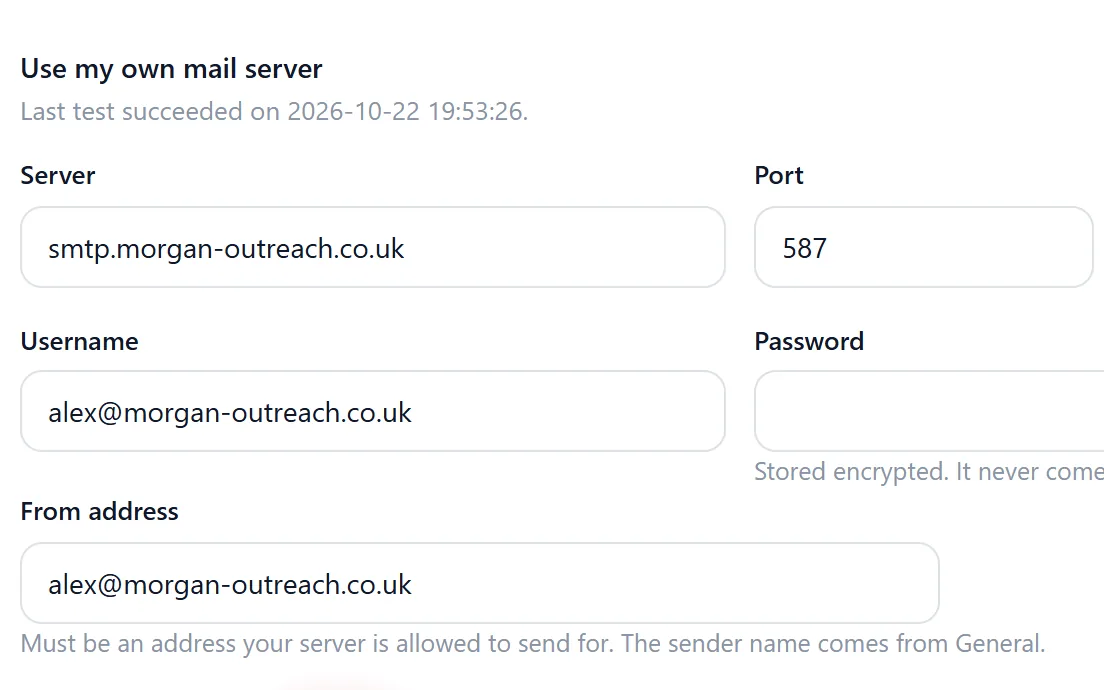
Cold email lands in spam
Is your last campaign sitting in spam folders right now?
Read more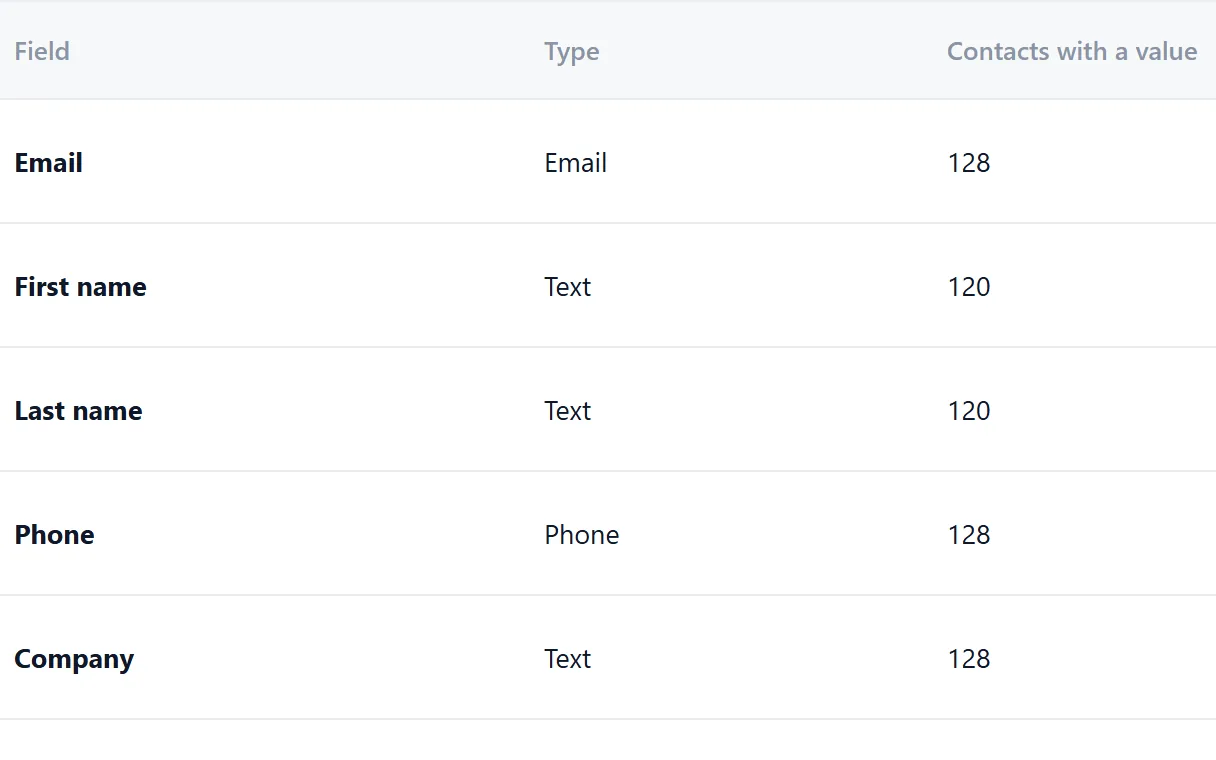
Generic mass emails
Would you reply to the email you are about to send?
Read more
No idea what works
Do you know which of your last campaigns actually got clicks?
Read more
No follow up
How many prospects opened your email and never heard from you again?
Read morePick the one that sounds familiar
Show all 18Show fewer
What the fixes look like in Riftjaw
Every list in one database, on your own server.
Riftjaw imports CSV and Excel files from any source into one lead database of your own. You map every column to a field once, and unknown columns become new fields. After that every company has one record with one status.
See the feature
Role addresses from a website, without credits.
Email from domain takes the website, strips www. and keeps the domain. You tick the prefixes you want, such as info@, hello@ or sales@, and add your own. An existing email column always wins, and derived addresses are clearly guesses based on common patterns.
See the feature
Named segments, ready for a campaign.
In Riftjaw every contact you add and every import goes into a segment with its own name, like Dentists Leeds. A campaign asks which segment to reach first. Next to segments there are saved filters, rules such as city contains Leeds, which a campaign can reach too.
See the feature
One status and full history per company.
Every contact in Riftjaw has a status: New, Contacted, Replied or Customer. The record keeps a history of every mail, open, click and form entry. Notes and your own tags sit right next to it.
See the feature
Write once, send in small batches.
Write a campaign once with placeholders such as {first_name|there} and {company}. Pick a segment as audience and Riftjaw sends it from the server in small batches, also when your browser is closed. Add up to 5 follow-ups and they go out the number of days later that you choose. Opens and clicks show up on each contact record.
See the feature
Paste a page, get rows.
With paste and collect you paste the HTML of a page you opened yourself into Riftjaw. You pick the repeating blocks, turn them into rows and send them to import. Riftjaw does not crawl the web; you supply the page.
See the feature
Your data, exportable at any moment.
In Riftjaw you build your own lead database on your account's own server. You can export contacts to CSV at any time, all at once or per segment. Form entries and original import files come back out too, including on the day you leave.
See the feature
Build a database you own
Create your account, import your first list and see it turn into records you can work.
No credit card · cancel any time · your data stays yours