Your data, your server
Where your records live, who can reach them and what happens when you leave.
- Its own private server for every account
- HTTPS on every page and every request
- Export or delete everything yourself
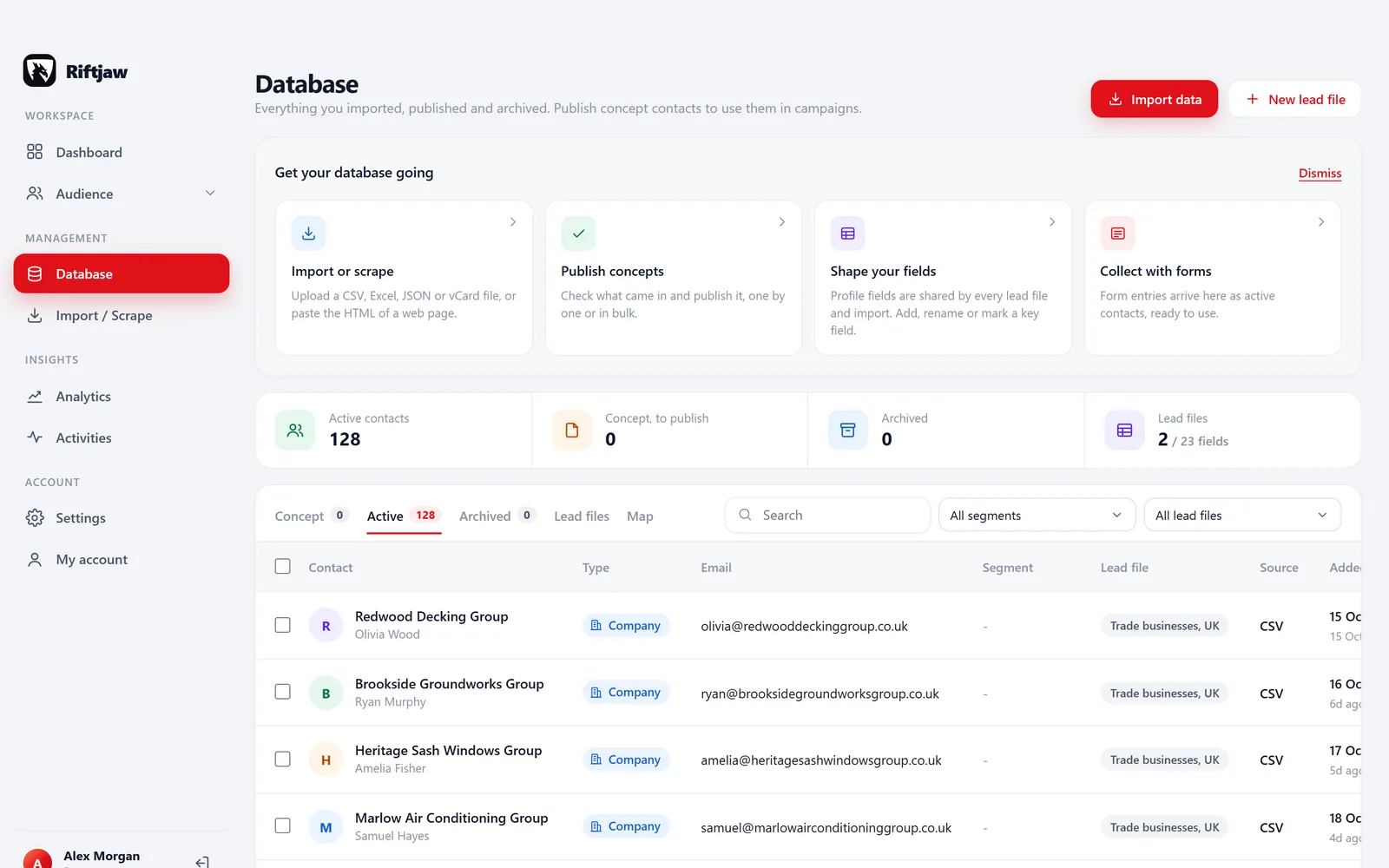
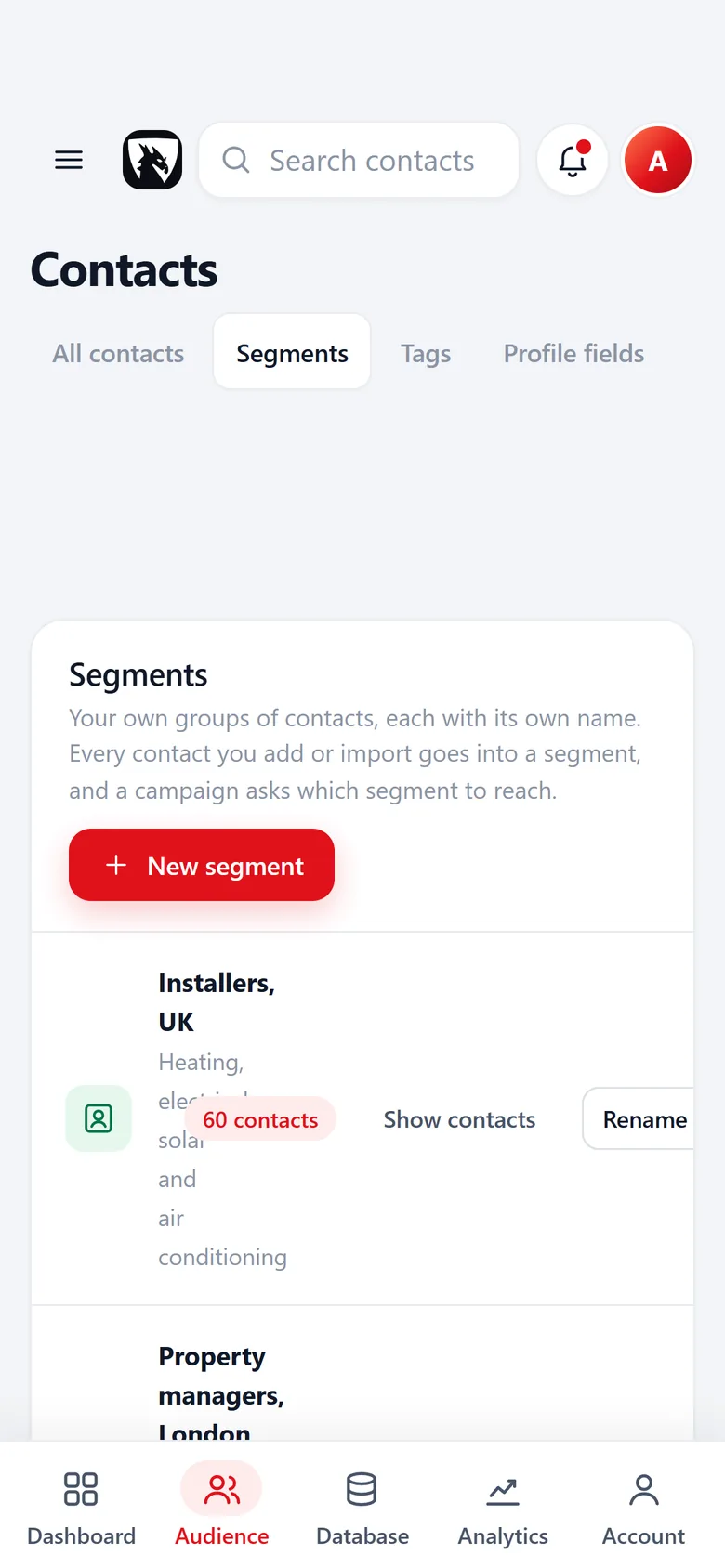
Your records do not share a database with anyone
Many tools keep every customer in one large shared database and separate them with a filter. It works, until a filter is wrong. Riftjaw takes a different route: every account runs on its own private server with its own database.
Your companies, contacts, notes, form entries and campaign history live there and nowhere else. Another customer's account cannot see your records, because they are simply not in the same place.
That setup is also why export is straightforward. Your database is yours, so taking it out is a normal feature and not a support ticket.
What that looks like in your account
These are the screens you work in every day. What you see on them lives in the database of your own private server and nowhere else.
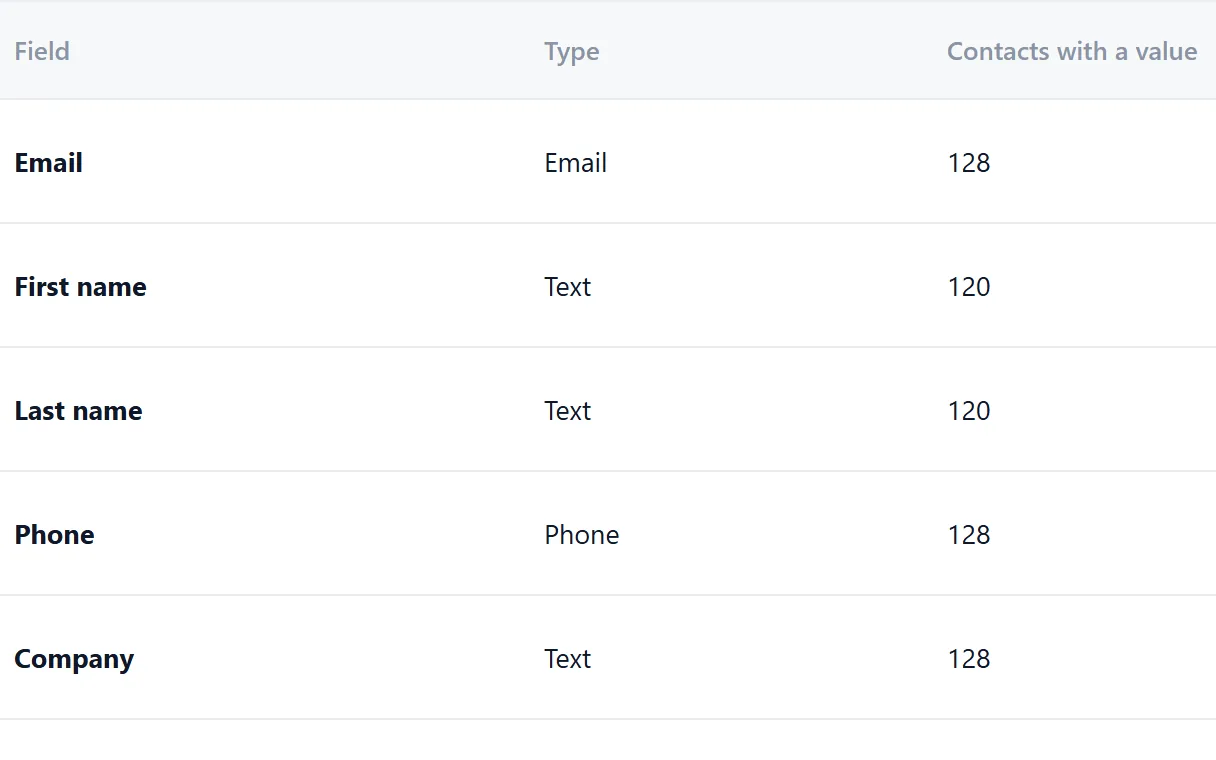
Lead files and their fields
The fields you add to a lead file, and the values in them, are stored in your own database.
Contacts, notes, tags and status
Every contact with its details, pipeline status, tags and history stays on your server.

Form entries, opens and clicks
Every form entry, open and click is logged against the contact with its date and time, in the same database.

Campaign logs
Who received a campaign, who opened it and who clicked, with the date and time. Export log takes the full log out.

How access is protected
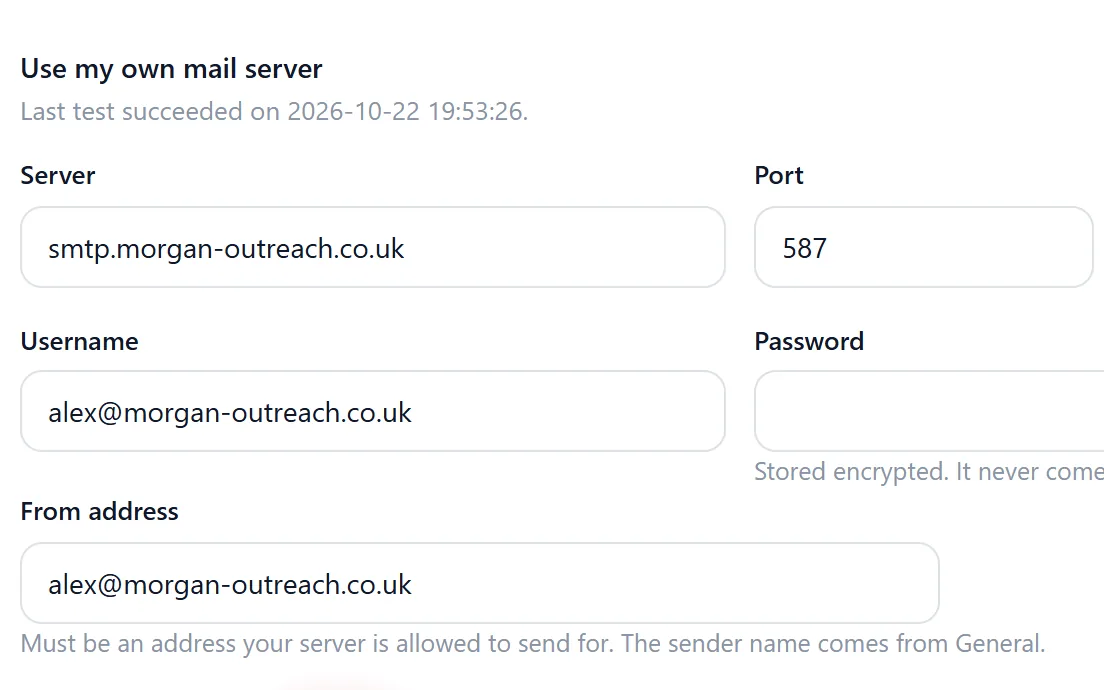
The basics, done properly and switched on for everyone. Secrets stay secret too: the password of your own mail server is stored encrypted and never comes back to your browser.
- HTTPS everywhere. Every page of the dashboard and every request to your server goes over an encrypted connection.
- Stronger passwords. At least 10 characters. Longer is better, and a password manager helps.
- Rate limited login. Repeated failed attempts are slowed down, which makes guessing passwords impractical.
- Log out everywhere. Lost a laptop or used a shared computer? One click in settings ends every open session.
- Your own users. You decide who has access. Remove a person and their access ends.
- Backups. Servers are backed up as part of normal operations, so a hardware problem does not mean lost work.
You stay in control when you leave
Security is also about what happens at the end. You should not need our permission to take your data or to have it removed.
- Export contacts, segments and form entries to CSV any time
- Get the original import files back
- Delete your account yourself from settings
- Deletion removes the account and its data from your server

Common worries, and how they are handled
My data sits in a pool with thousands of other companies.
Each account has its own server and database. Your records are kept apart by design.
Someone could keep trying passwords until one works.
Login attempts are rate limited and passwords need at least 10 characters.
I forgot to log out on a shared computer.
Use log out everywhere in settings and every session ends at once.
Getting my data out means begging support.
Export and account deletion are buttons in the dashboard, not requests.
Found a security problem?
If you believe you have found a vulnerability in Riftjaw, please tell us before you tell anyone else. Send the details through the contact page and choose "Something else" as the topic. Describe what you found and how to reproduce it.
We read every report, confirm we received it and keep you posted while we look into it. Please do not access or change data that is not yours, and give us reasonable time to fix the issue before sharing it.
For questions about personal data and your rights, see GDPR at Riftjaw and our privacy statement.
Questions people ask
No. Every account runs on its own private server with its own database.
Yes, servers are backed up as part of normal operations. You can also export your own copy as CSV whenever you like, which we recommend for anything important.
Only when needed to run the service or when you ask for help with something specific. We never use your lead data for our own purposes.
At least 10 characters. Login attempts are rate limited, and you can end all sessions with log out everywhere.
Your account and the data on its server are removed. Export first if you want to keep a copy.
Also worth reading

Product
Collect companies, fill in what is missing, organise them into segments and reach them, without leaving the dashboard.
Read more
How it works
Import, enrich, organise, reach. Four steps you repeat every week on a database that keeps getting better.
Read more
Changelog
Every release, what it fixed and what it added.
Read more Features
The parts that turn a list of company names into a database you can actually work.
Read more
Who it is for
The same database, used in a different way depending on who is behind it.
Read more
Guides
How to collect, enrich and reach companies without breaking anything.
Read moreKeep your lead data in a place you control
Start on the free plan and get your own private server from the first day.
No credit card · cancel any time · your data stays yours