What changed
Every release, what it fixed and what it added.
Releases
Newest first. Each entry lists what you can use in the dashboard today.
Analytics and activities
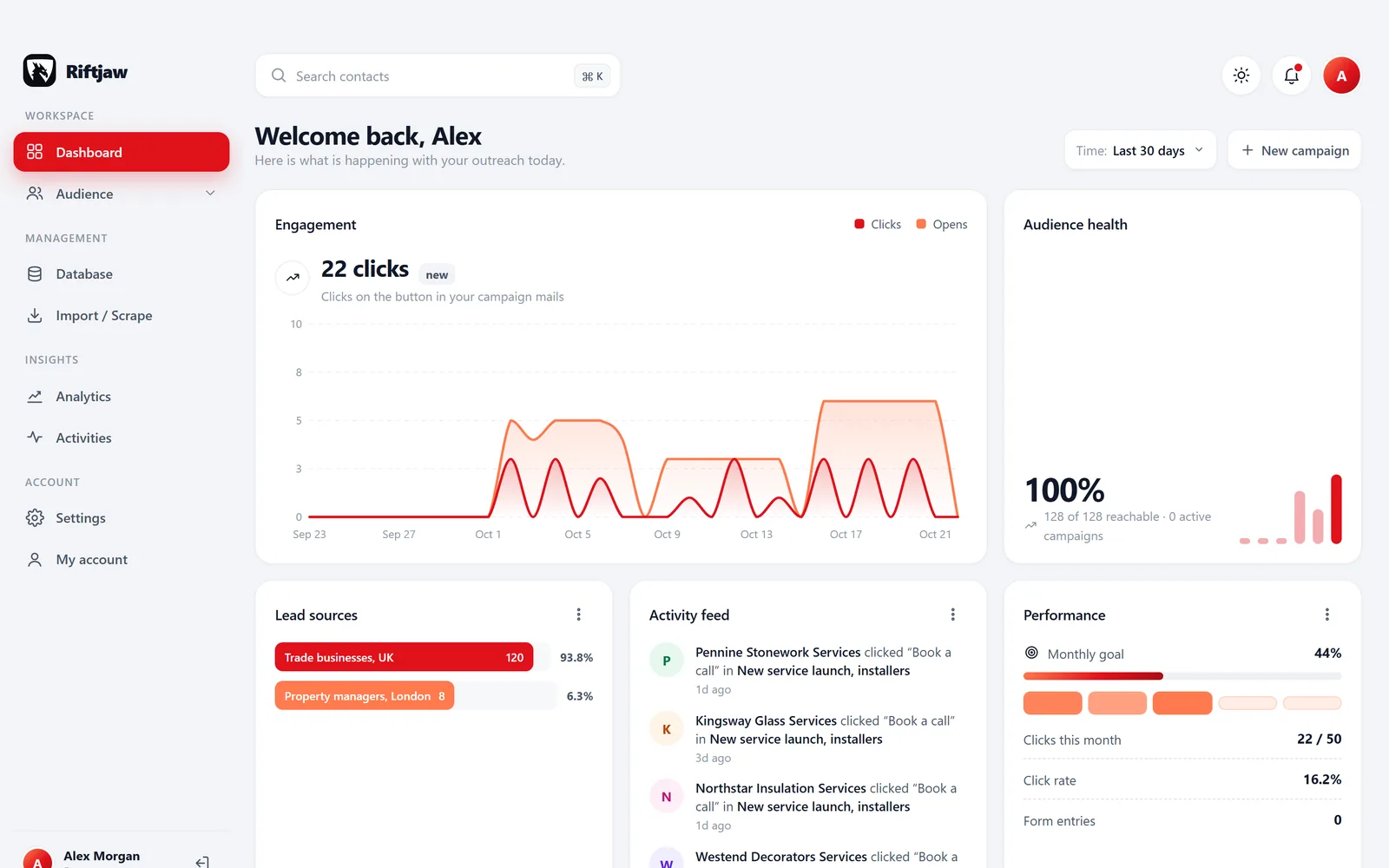
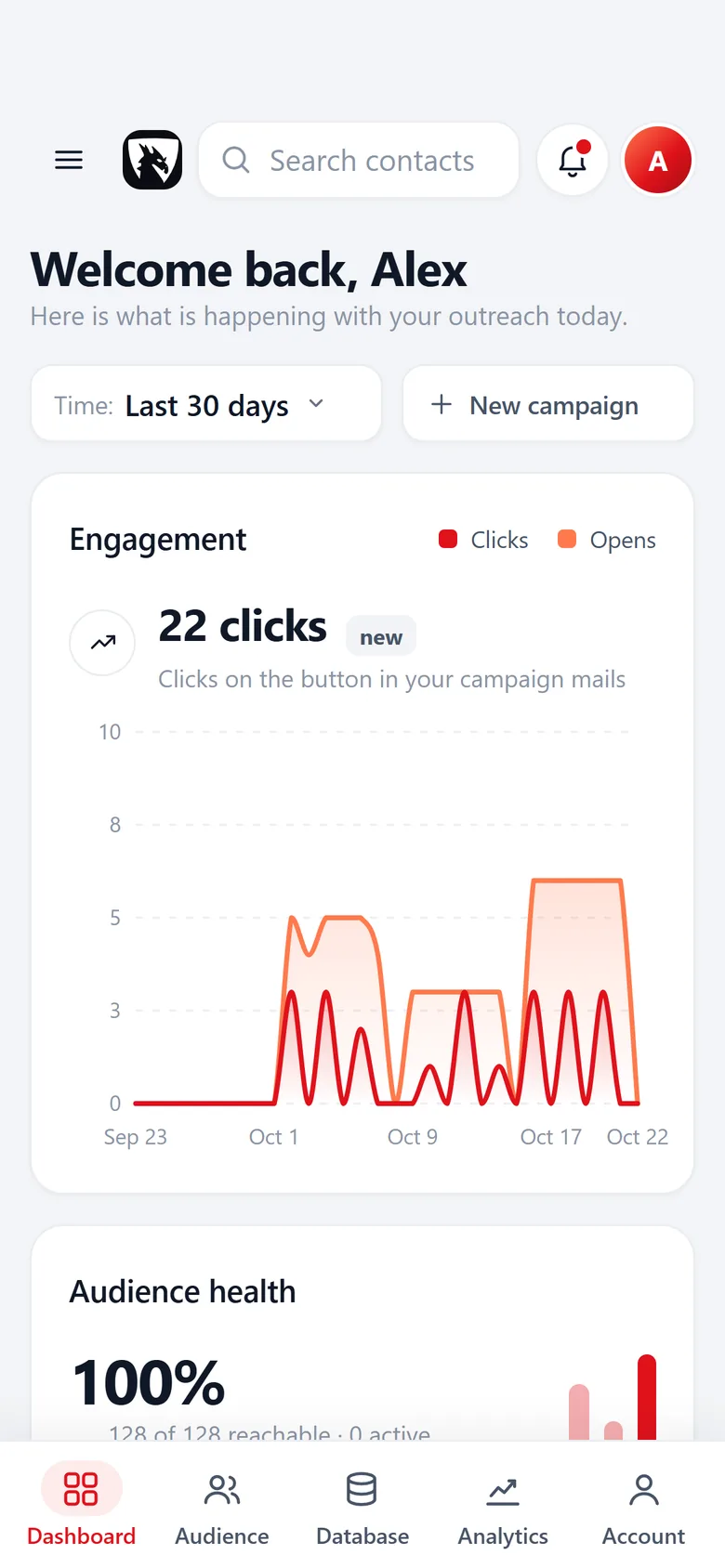
- Analytics page with lead growth over time and imports per period.
- Campaign results in one view: sent, opened and clicked.
- Activities feed that shows what happened in the account, newest first.
- Notifications bell in the dashboard, so you see what changed since your last visit.
Contact states and history
- Contacts now have a state: concept, active or archived. Imported records start as concept until you publish them.
- Status per contact: New, Contacted, Replied, Customer.
- Every mail, open, click and form entry appears in the history on the contact.
- Archive contacts you no longer work without losing their history.
Segments and tags
- Segments with their own name. Every contact you add and every import goes into one.
- Saved filters on the fields of a lead file, such as everyone tagged Hot.
- Tags you name yourself, such as warm, cold or already called.
- Use a segment or a saved filter as the audience of a campaign.
Import with column mapping and email from domain
- Import CSV (comma or semicolon) and Excel .xlsx into a new or existing lead file.
- Map every column to a field. Choose which URL column is the website. Unknown columns become new fields.
- Duplicates inside the file and against the database are flagged before anything is saved.
- Email from domain: tick prefixes like info@ and sales@, or add your own. An existing email column always wins.
- The original file stays attached, so you can get it back later.
Campaigns in batches
- Write once with placeholders such as {first_name|there} and {company}.
- Send a test to yourself before the real send.
- Mail goes out in small batches of 10. Pause a campaign and resume where it stopped.
- Open and click tracking, plus a send log per campaign.
- Unsubscribed contacts are skipped automatically.
Own login, account screens and forms
- Log in at riftjaw.com with your own account screens: profile, password, email and avatar.
- Log out everywhere and delete your account from settings.
- Build forms with fields from a lead file and share them on a public form page.
- Form entries land on the matching contact, with an entry count per form.
One screen from each release
What the releases above look like in an account today.
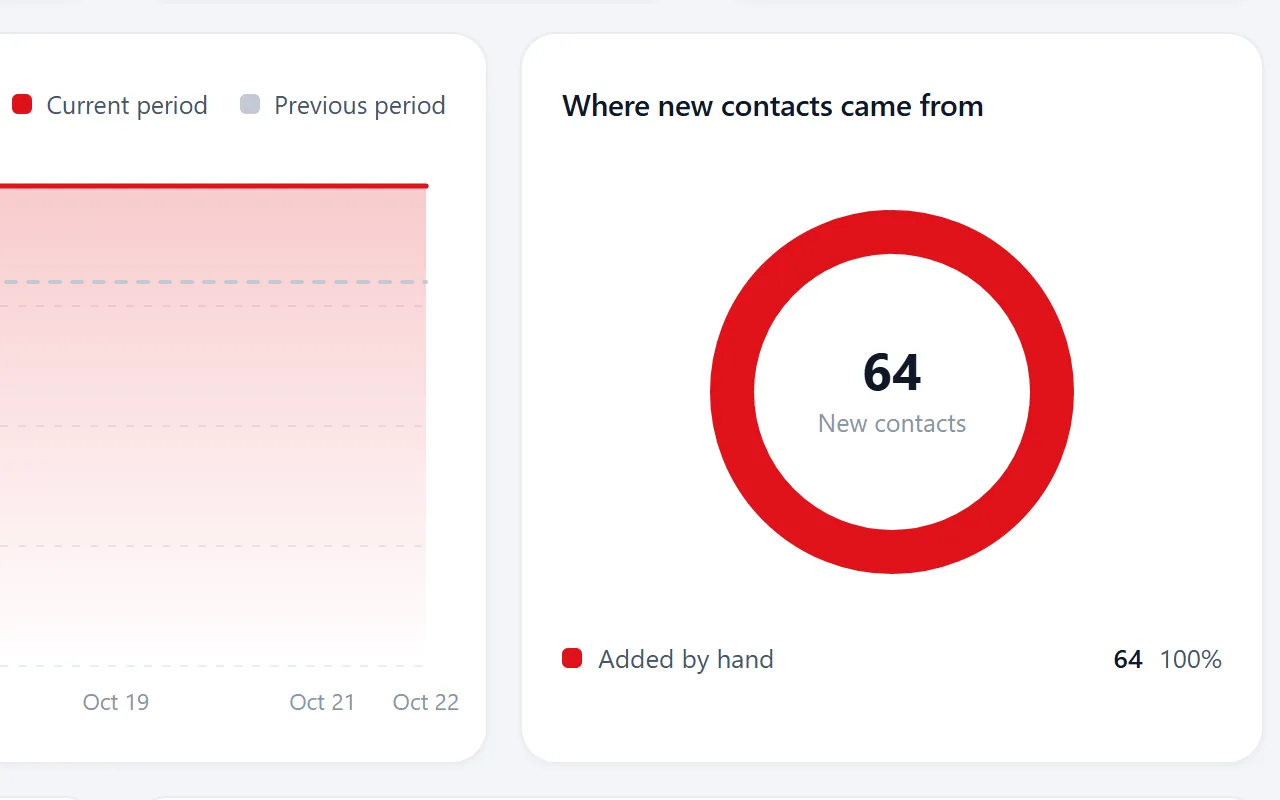
Analytics and activities
Version 0.31: lead growth over time, imports per period and campaign results in one view.

Contact states and history
Version 0.30: concept, active and archived, a status per contact and every mail, open and click on the record.
Read more
Segments and tags
Version 0.29: named segments with the number of contacts in each, and saved filters below them.
Read more
Import with column mapping
Version 0.28: every column matched to a field and duplicates flagged before anything is saved.
Read more
Campaigns in batches
Version 0.27: placeholders, a test send, batches of 10 and a send log per campaign.
Read more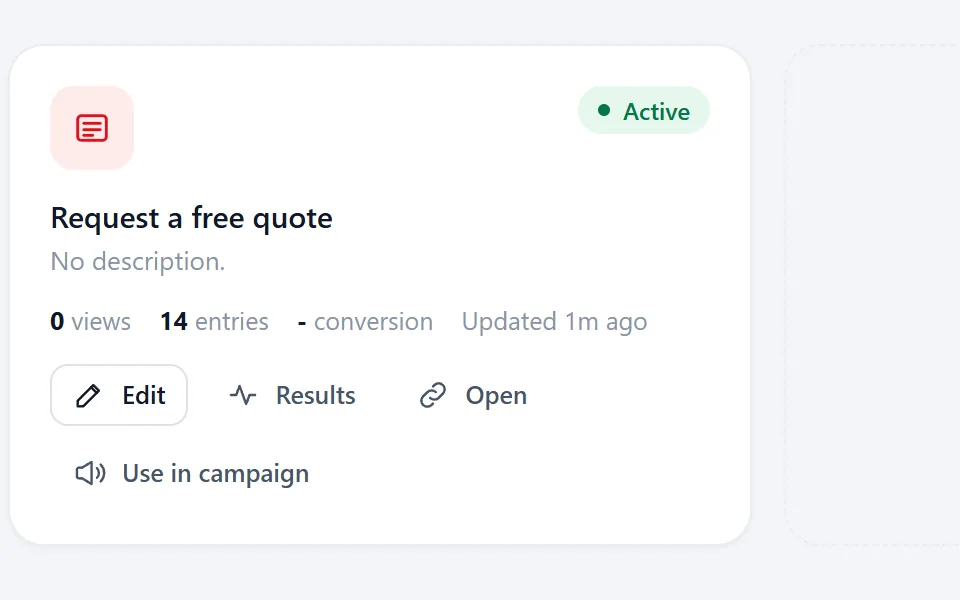
Account screens and forms
Version 0.26: your own login and account screens, and forms whose entries land on the matching contact.
Questions people ask
Whenever something is ready. Small fixes go out without an entry; anything you notice in the dashboard is listed here.
No. Riftjaw runs at riftjaw.com, so every account gets new releases automatically.
Yes. Send it through the contact page. Tell us what you are trying to do, not only the button you want.
The knowledge base covers the dashboard step by step, and the features overview explains what each part is for.
Also worth reading

Product
Collect companies, fill in what is missing, organise them into segments and reach them, without leaving the dashboard.
Read more How it works
Import, enrich, organise, reach. Four steps you repeat every week on a database that keeps getting better.
Read more
Features
The parts that turn a list of company names into a database you can actually work.
Read more Who it is for
The same database, used in a different way depending on who is behind it.
Read more
Guides
How to collect, enrich and reach companies without breaking anything.
Read more
Blog
Notes on prospecting, data and doing it without renting a database.
Read moreTry the latest version
Every account runs the newest release. Start free and import your first list today.
No credit card · cancel any time · your data stays yours