Import a list in minutes
CSV and Excel land in your database with the columns matched and the duplicates already filtered out.
- CSV and Excel, from any source
- Duplicates filtered before anything is saved
- Every row of the source stays with its import
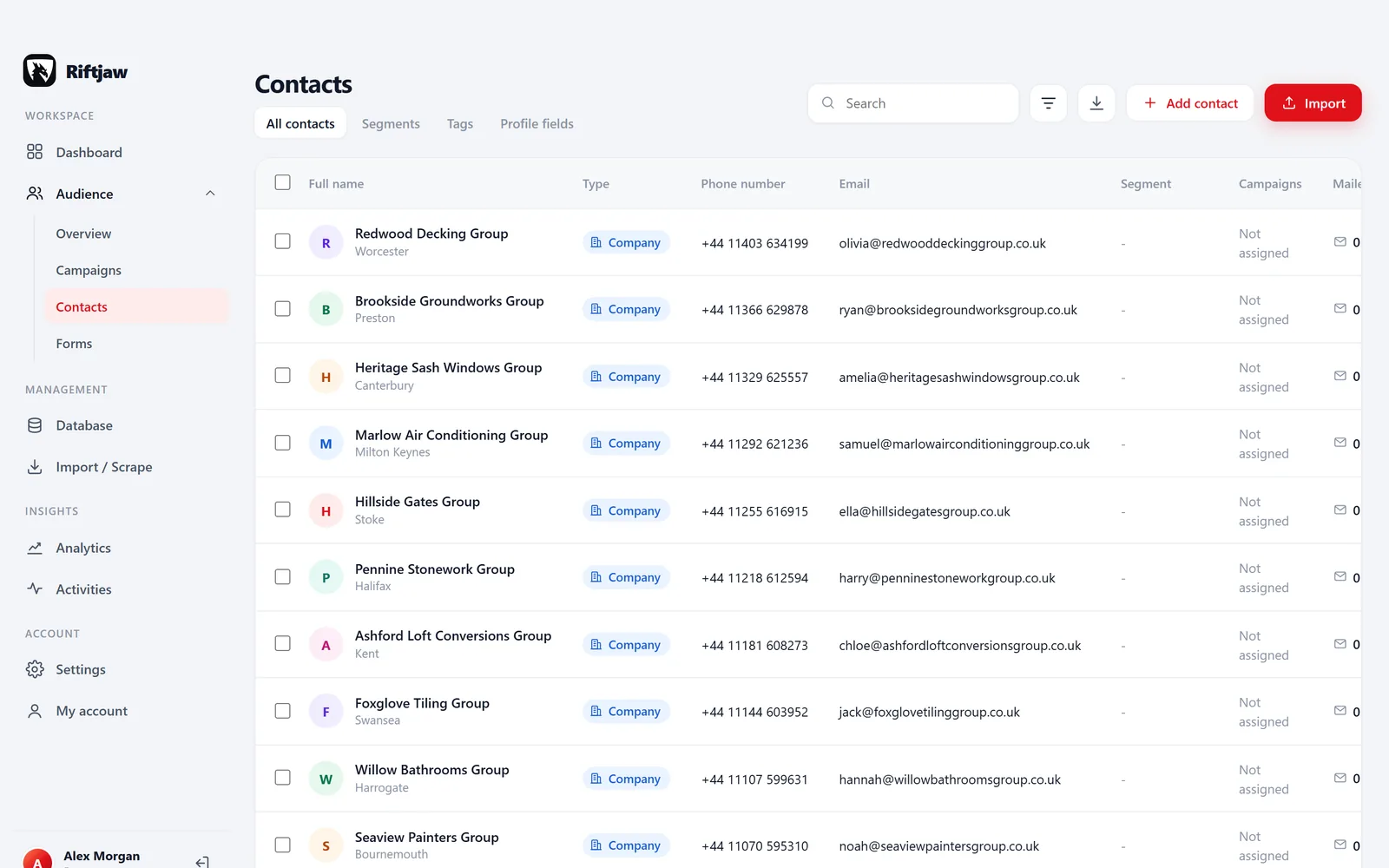
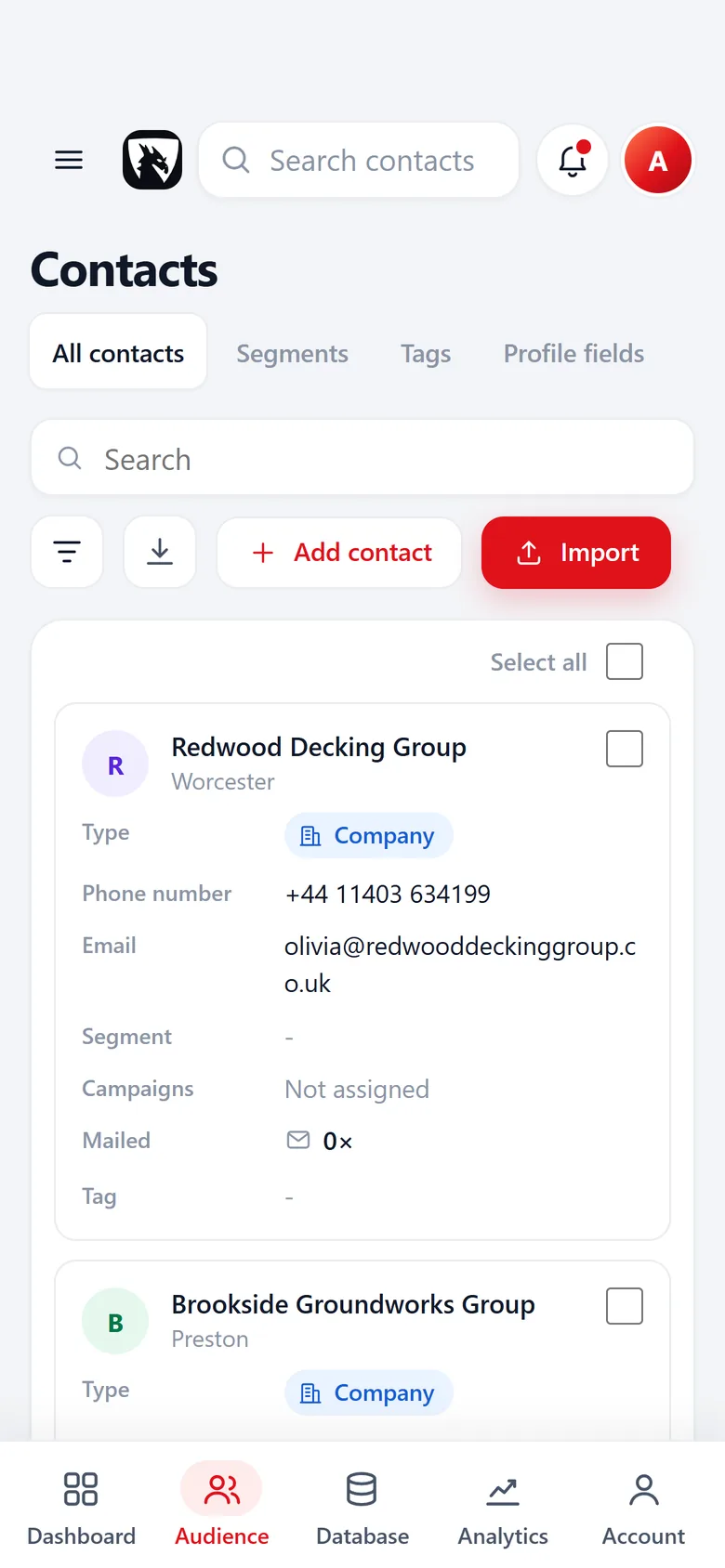
Every list ends up in the same place
Most people who find their own customers have the same problem. There is an export from a scraper, a spreadsheet a colleague made last year, a list from a trade fair and a file from a directory. Each one has other column names, half of them overlap, and nobody knows which companies were already called.
Import in Riftjaw is built for exactly that. You drop in the file, check what each column means and push the rows into a segment inside your own database. From that moment the companies are records you can filter, tag, segment and reach, instead of rows in a file on somebody's laptop.
From file to records in four steps
Nothing is written to your database until you say so. You see what will happen first.
Upload a file or paste a page
Drop in a CSV, Excel, JSON or vCard file of up to 8 MB, or paste the HTML of a listing page. Then choose the segment the rows go into, or create one on the spot, like Plumbers North or Trade fair 2026.
- CSV exports from any scraper and Excel sheets (.xlsx)
- Directory, trade fair and old CRM exports
- Rows collected with paste and collect

Match the columns
Riftjaw suggests which column is the company name, the email, the website and the phone. You change what is wrong, and a column that fits nothing becomes a new field on the spot.
Scraper exports rarely use clean names. A column called title is usually the company, url the website and tel the phone. You confirm every match, so the result is always what you meant.
- Several website or URL columns? You choose which one is the real site
- Nothing is imported until every column has a choice

Check the rows
Rows that repeat inside the file are caught, and rows that match a contact you already have on a key field like email or website are flagged before anything is saved. For those you choose per row: overwrite, add as new or skip.
- Website but no email? Tick prefixes like info@ and hello@ and addresses are derived from the domain
- What comes in waits as a concept until you publish it

Push to the database
The rows become records with source and date. Nobody has to remember where a list came from: every record keeps its import, its lead file and the date it was added.
- Useful for your own overview and for GDPR questions later
- Every import stays listed with its lead file, date, row count and status

What you can do right after the import

Build a segment
Every import goes into a named segment you choose or create on the spot. Saved filters on the fields of a lead file sit next to them.
Read more
Start a campaign
Write once with placeholders like {company} and send in small batches to the segment.
Read more
Export again
Every import keeps its rows. Take them back out as CSV, together with everything you built on top of them, whenever you want.
Read moreQuestions people ask
CSV with a comma or semicolon, TSV and plain text, Excel (.xlsx), JSON, vCard (.vcf) and HTML. You can also paste a list, or the HTML of a page, straight into the import.
Up to 8 MB per file, which is tens of thousands of rows. A bigger list can be split into several files, and duplicates between them are caught at import.
Yes. Choose the existing file, match the columns and Riftjaw checks every row against what is already there before anything is saved.
You skip them on purpose or turn them into new fields. Nothing is imported until every column has a choice, so no column is dropped by accident.
No. Importing costs nothing extra. There is no credit meter on your own data, on any plan.
Imported records start as concepts you can check. Until you publish them, you can delete the whole import in one go.
Also worth reading
Email from domain
No email in the file? Derive it from the domain, for every row, without a credit meter running.
Read more Fields and segments
Add your own fields, group contacts into named segments and save the filters you use every week.
Read more Database and records
Profiles, notes, status and the full history of everything you sent, in one place.
Read more
Campaigns
Write once with placeholders, send in small batches, and watch the status move on its own.
Read more Paste and collect
Paste a page, pick the blocks you need and send them straight into your database.
Read more Export
Export everything to CSV whenever you want, including on the day you leave.
Read moreImport your first list today
Create your account, drop in a file and see your companies as records in a few minutes.
No credit card · cancel any time · your data stays yours