Pull companies out of a page
Paste a page, pick the blocks you need and send them straight into your database.
- Paste the HTML of a page you opened
- Pick the blocks, get the rows
- Straight into import, duplicates checked

Good lists are sitting on pages with no export button
The data is right there on the page, neatly repeated block after block. There is just no way to get it out except copying one company at a time. Paste and collect closes that gap: Riftjaw finds the blocks that repeat, you pick the parts you want, and they become rows.
A list of eighty exhibitors that would take an afternoon to copy by hand is in your database in a few minutes. And because the fair or the directory will update its page next season, the sooner you capture this year's version, the more you have to compare against later.
- Member lists of a trade association
- Exhibitor lists of a trade fair
- Supplier and partner overviews
- Search result pages of a directory
Four steps, no code
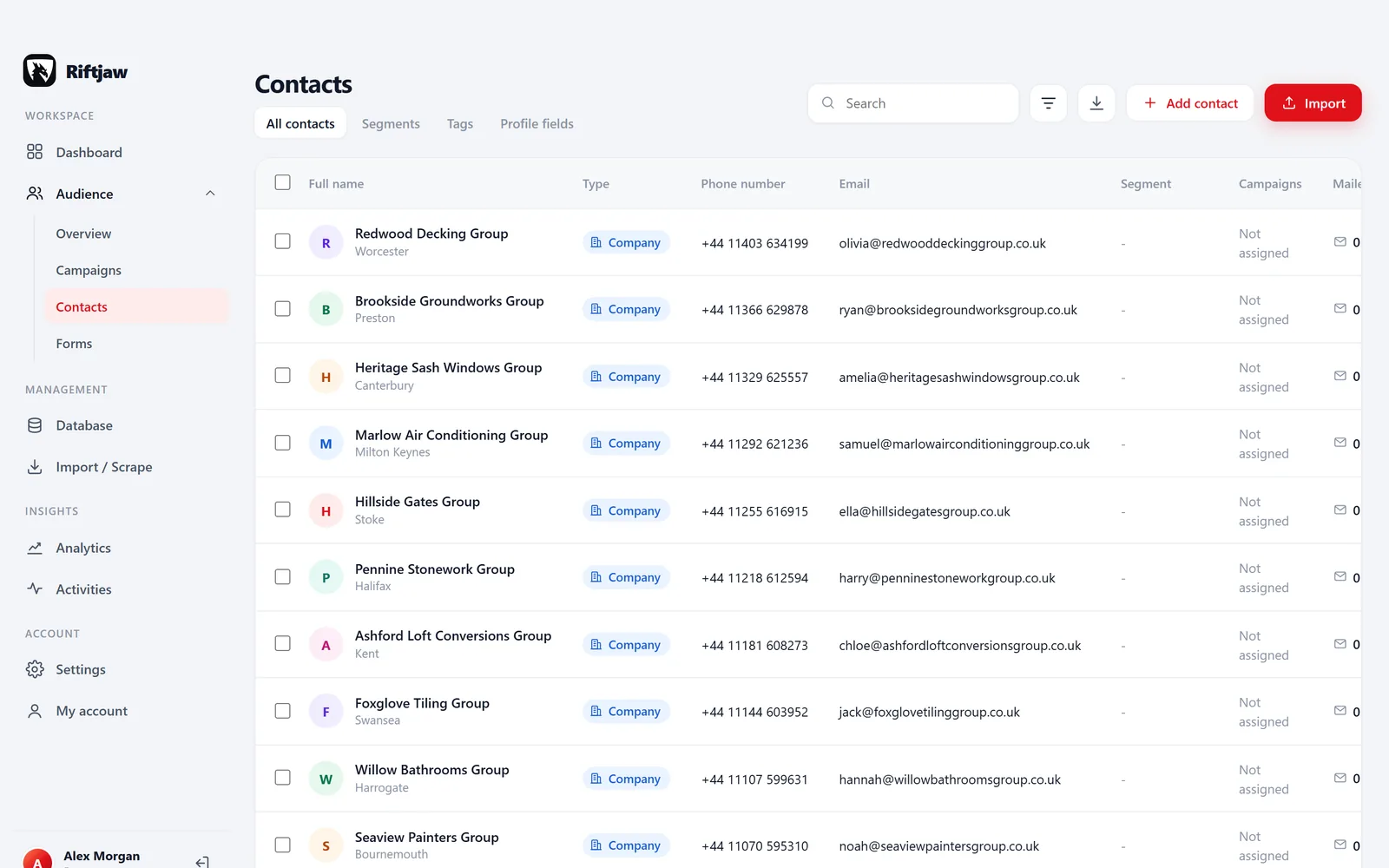
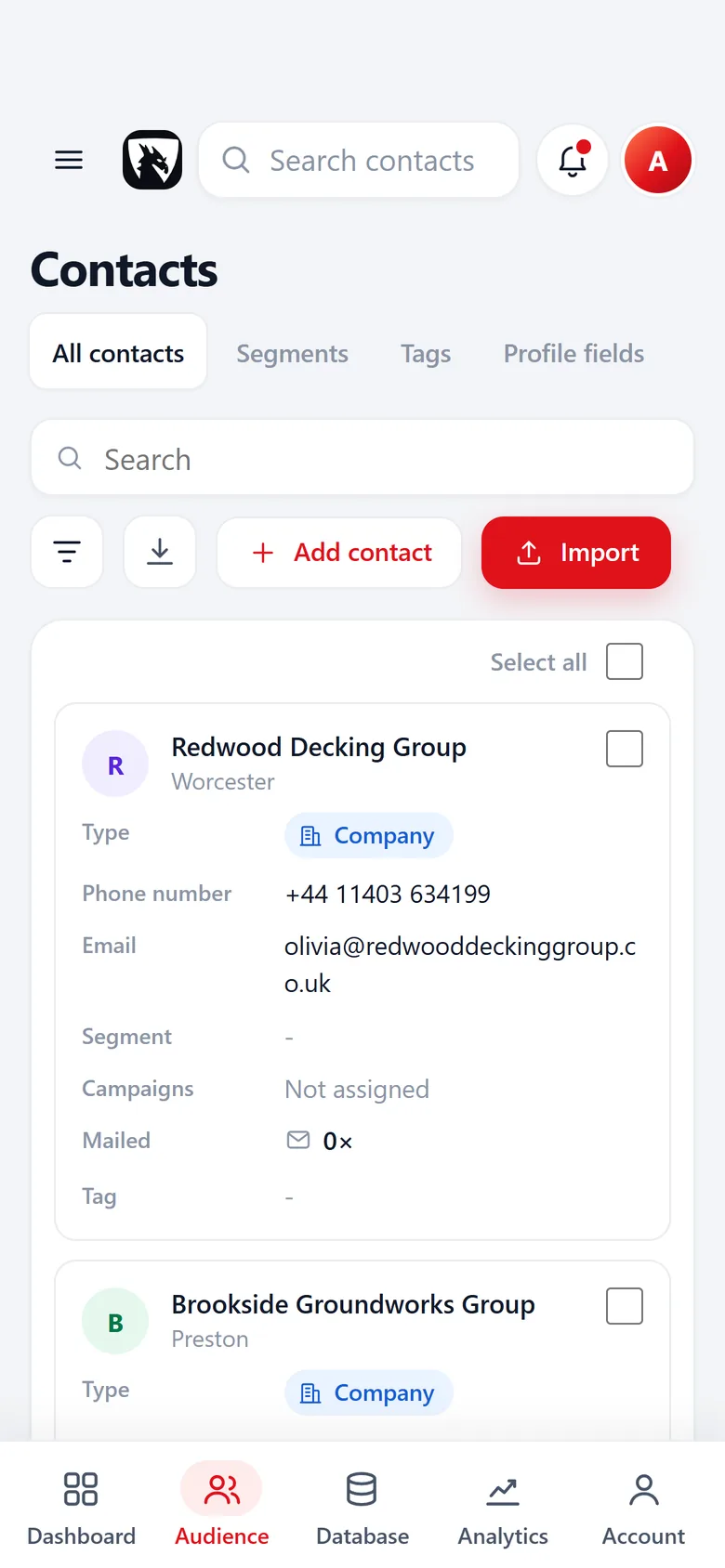
You open the page, Riftjaw reads what you paste. Steps two and three happen in the screen at the top of this page.
- Open the page yourself. In your own browser, logged in if needed. Scroll so everything you want is loaded.
- Copy and paste the HTML. View the page source or inspect the list, copy it and paste it into the import.
- Pick the repeating blocks. Find lists shows the blocks it found. Switch on the parts you need: name, website, phone, city.
- Send to import. The rows go into the normal import, with column matching and duplicate checks. Or save them as a highlight for later.

Riftjaw does not crawl the web
It never visits sites on its own, never follows links and never runs in the background against someone else's server. Only what you paste is read, up to 8 MB at a time. That keeps you in control of what you collect, and it keeps you responsible for respecting the terms of the site you took it from.
From the page to a record, with its source
Rows from a pasted page go through the same import as any file.
Into a segment you pick
Each part you picked becomes a column with a profile field, and unknown parts become new fields. Before the push you choose the segment the rows go into, or create one on the spot, like Plumbers Leeds.
- Duplicates checked against your whole lead file
- Paste a second page into the same segment

Source and date on every record
Each record keeps its source and the date it was added.
Missing emails? If the block had a website, tick email from domain in the column step and addresses are derived before you push.
- The rows from the page stay with their import

Publish, then reach them
Rows from the page start as concepts in the database. You check them and publish them, one by one or in bulk. Then a campaign asks which segment to reach.
- Concepts are never mailed until you publish them
- Unsubscribed contacts are skipped

Paste and collect or a crawler
| Paste and collect | A crawler | |
|---|---|---|
| Who opens the page | You | The software |
| Visits sites on its own | No | Yes |
| Works on pages behind your login | Yes | Partly |
| Rows go through duplicate checks | Yes | Depends on the tool |
| Credits per page | None | Check the vendor |
For more on where public company data sits, read collect companies from public listings.
Questions people ask
No. You paste the HTML of a page you opened yourself. Riftjaw does not visit sites.
No. You copy and paste it. Riftjaw finds the repeating blocks and shows them as rows.
Paste each page in turn. Duplicates between them are caught at import.
Yes. Save it as a highlight. It waits under Import / Scrape until you import it or export it as CSV.
Yes. Once imported, export them as CSV whenever you like.
That depends on the site's terms and the law where you work. Check before you collect.
Also worth reading

Import lists
CSV and Excel land in your database with the columns matched and the duplicates already filtered out.
Read more Email from domain
No email in the file? Derive it from the domain, for every row, without a credit meter running.
Read more Fields and segments
Add your own fields, group contacts into named segments and save the filters you use every week.
Read more Database and records
Profiles, notes, status and the full history of everything you sent, in one place.
Read more
Campaigns
Write once with placeholders, send in small batches, and watch the status move on its own.
Read more
Export
Export everything to CSV whenever you want, including on the day you leave.
Read moreTurn one page into a list today
Think of the directory you keep meaning to go through. Paste it in and see the rows appear.
No credit card · cancel any time · your data stays yours