Looking for an Instantly alternative
What Riftjaw does differently, in plain terms, so you can judge it yourself.
Last checked 30 September 2026
Sending tool or lead database?
According to their public website at the time of writing, Instantly focuses on cold email at scale: connect many sending inboxes, warm them up, rotate between them and run sequences. A lead database is offered as an add-on.
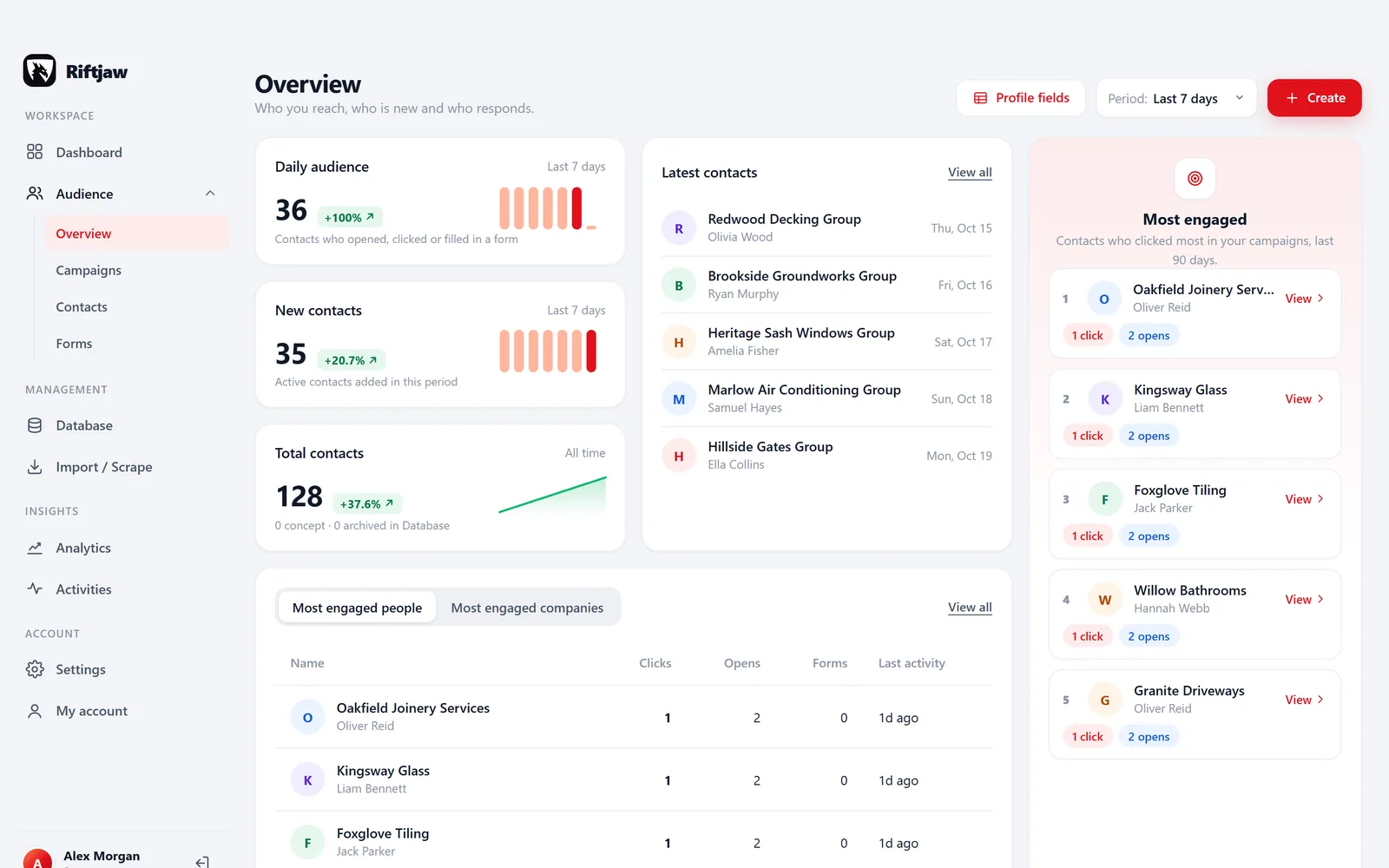
If your bottleneck is volume and deliverability across dozens of inboxes, that focus makes sense. Many smaller teams have a different bottleneck. The sending works fine. What breaks is everything around it: which list did this company come from, did anyone call them, did they fill in the form, and why is the same company in three campaigns?
Riftjaw starts from the other end. First a database of your own leads with records, fields and history. Then careful campaigns to a segment of it. Do you want to know, for every company, what happened so far? That is the gap this page is about.
- Every record keeps the lead file it came from
- Status and tags show who was called and who replied
- Duplicates are flagged against your whole database on import
- Every open, click and form entry is kept per contact

Feature by feature
Instantly leads on sending infrastructure. Riftjaw leads on keeping the data. Both are shown.
| Riftjaw | Instantly | |
|---|---|---|
| Built-in inbox warmup | No | Yes |
| Rotate across many sending inboxes | No | Yes |
| Multi-step sequences | Up to 5 follow-ups per campaign | Yes |
| Follow-ups stop by themselves when someone replies | No | See their site |
| Lead database to search and buy from | No | Add-on, see their pricing page |
| Lead files with your own fields and key field | Yes | See their site |
| Duplicate check against your whole database on import | Yes | See their site |
| Email derived from a website domain | Yes | See their site |
| Record history of every mail, open, click and form entry | Yes | See their site |
| Forms linked from a campaign mail | Yes | See their site |
| Open and click tracking | Yes | Yes |
| Sending pace | Small batches of 10 | Configurable daily limits per inbox |
| Each account on its own private server | Yes | See their security page |
Based on the public website of Instantly as checked on 30 September 2026. Features, add-ons and prices may have changed, so check their site for the current situation. Instantly is a trademark of its owner. Riftjaw is an independent product and has no affiliation with, endorsement from or sponsorship by Instantly. If you notice an error, contact us and we fix it.
When Riftjaw fits better

You need to know each company
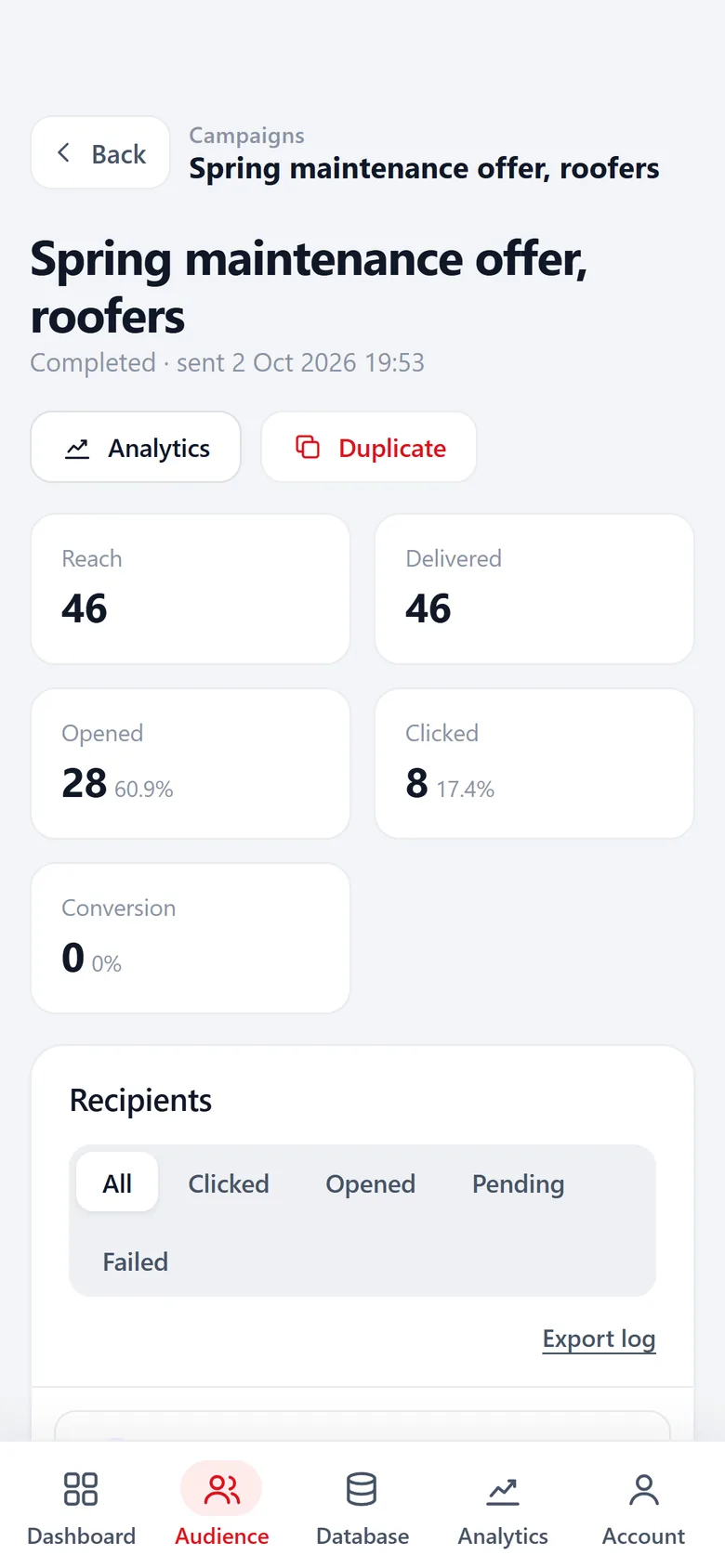
A record per company with status, tags like warm or already called, notes and the full history of mails and form entries.
Read more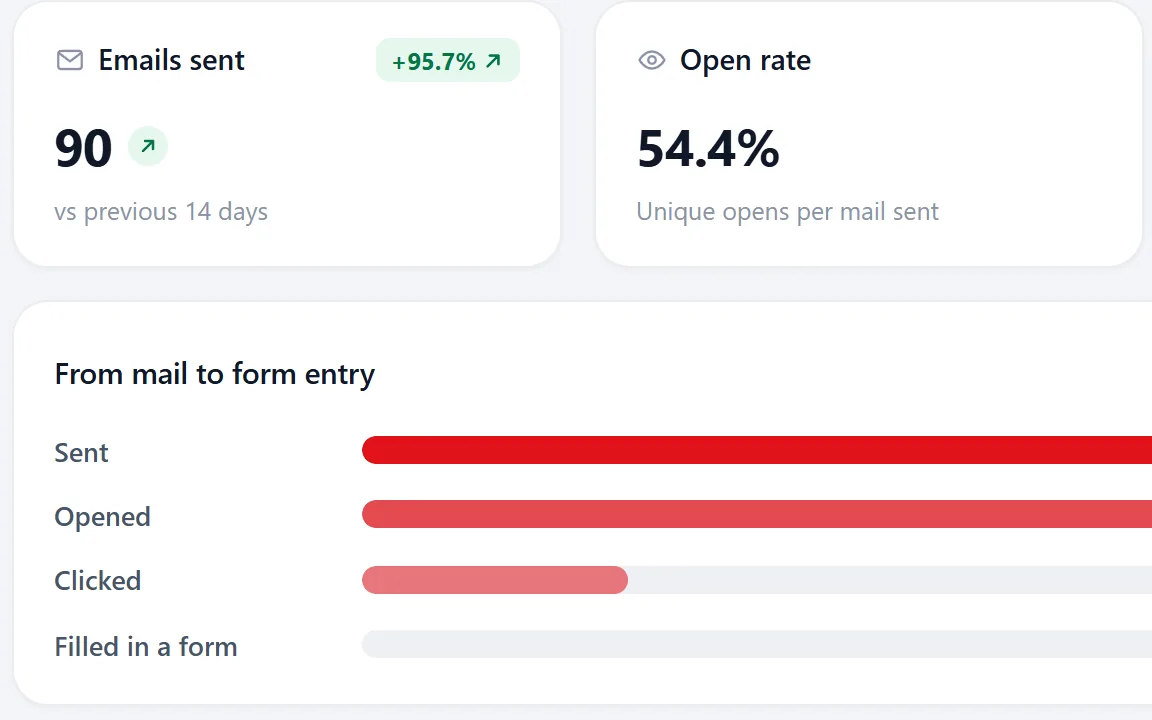
You want replies you can use
Link a form from your campaign mail. Entries land on the contact, you can get a notification and send an auto reply, and analytics shows the road from mail to form entry.
Read more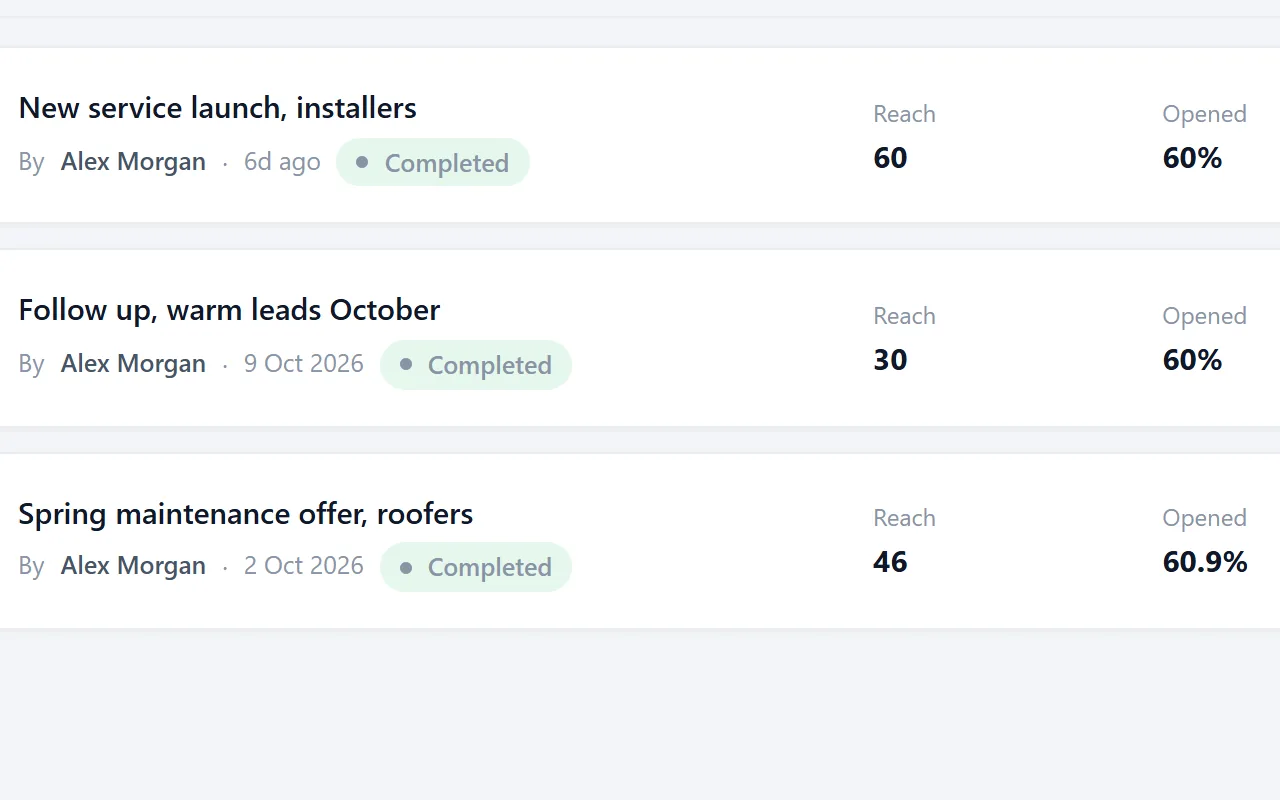
You mail a few hundred, carefully
Small batches, unsubscribed contacts skipped automatically, pause and resume any time. Suited to local and niche markets.
Read moreWhen Instantly is the better choice
You send at high volume
Thousands of mails a day across many inboxes need warmup and rotation. Riftjaw sends gently in small batches and has no warmup.
You want follow-ups to stop on reply by themselves
If your process is step one, wait three days, step two, stop on reply, a sequencing tool that reads your inbox handles all of it. Riftjaw sends up to 5 follow-ups on the days you choose, but it does not read replies: you set the status Replied yourself.
Deliverability is your main job
Agencies that manage sending domains for many clients get more deliverability controls from a tool built around that.
Switching from Instantly
Bring your leads and their status with you, so nobody gets mailed twice.
Export your leads as CSV
Export the lead lists from your Instantly campaigns, including status columns if you have them. In Riftjaw, choose Import data and drop in the file.

Match the columns
Map email, company, website and any status column. Status can become a field or a tag you filter on. The contacts go into a segment you pick or create on the spot.
How import works
Bring your unsubscribes
Import the people who opted out and mark them as unsubscribed, so future campaigns skip them.

Set up sending
Add your own mail server and a from address on your own domain, set sender name, reply-to and footer, then send a test before the first campaign.
Deliverability basics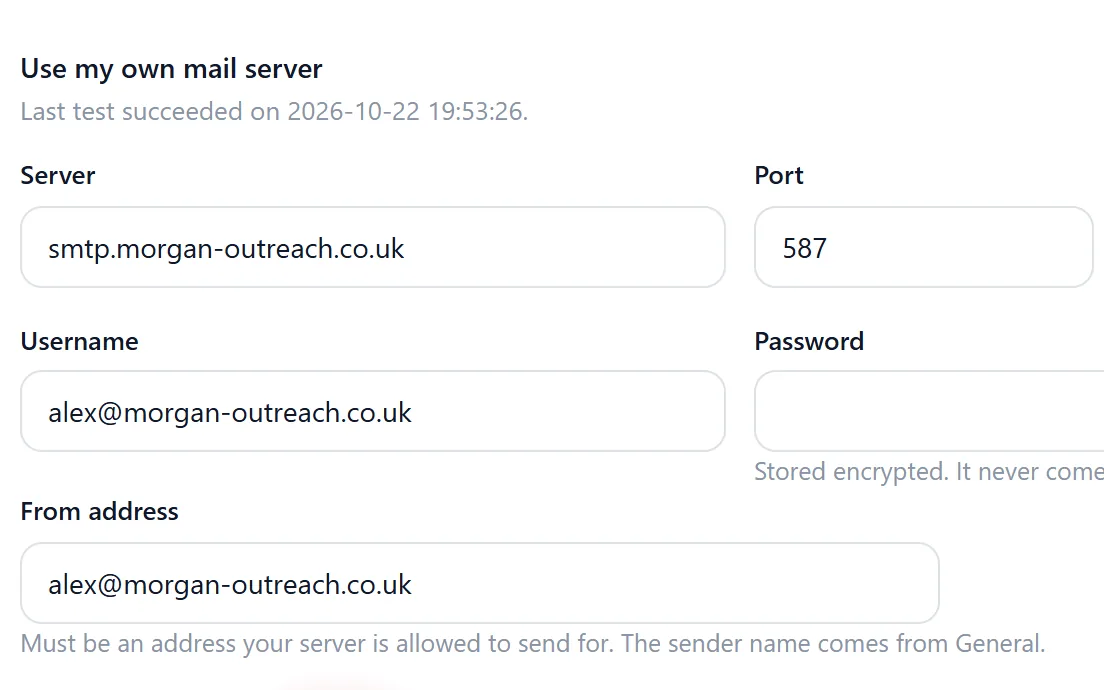
Questions people ask
No. Riftjaw sends through the mail setup of your account in small batches. If warmup matters for your volume, keep a dedicated tool for that. Our deliverability guide covers the basics.
Riftjaw sends from the mail setup in your account settings. On Pro you can use your own SMTP provider. It does not rotate between many inboxes.
Yes. A campaign can have up to 5 follow-ups, each sent a chosen number of days after the first mail, to everyone, only to those who did not open or only to those who did not click. Riftjaw does not read your inbox, so set a contact to Replied yourself and it gets no further follow-ups.
Yes. Contacts, form entries and the original import files go out as CSV at any moment, on any plan. See export.
No. Campaigns are email only.
Also worth reading

Product
Collect companies, fill in what is missing, organise them into segments and reach them, without leaving the dashboard.
Read more How it works
Import, enrich, organise, reach. Four steps you repeat every week on a database that keeps getting better.
Read more
Changelog
Every release, what it fixed and what it added.
Read more
Features
The parts that turn a list of company names into a database you can actually work.
Read more
Who it is for
The same database, used in a different way depending on who is behind it.
Read more Guides
How to collect, enrich and reach companies without breaking anything.
Read moreGive your leads a home first
Import your current list, see every company as a record and send your next campaign from there.
No credit card · cancel any time · your data stays yours