Looking for a Clay alternative
What Riftjaw does differently, in plain terms, so you can judge it yourself.
Last checked 30 September 2026
Two different jobs that sound alike
According to their public website at the time of writing, Clay is a data enrichment platform. You work in tables, pull in data from many external providers, chain steps into workflows and send the result on to other tools. Usage runs on credits.
That is powerful when you have a growth or operations person who enjoys building workflows. It is a lot when all you want is this: take the list you have, fill in an email where there is only a website, mark who you already called and send a short mail to the rest.
Do you spend more time building the table than talking to the companies in it? Is the enriched table in one tool, the replies in another and the notes in a third? Do you watch a credit balance before you run a column on a thousand rows? That is usually the moment people look for something plainer.
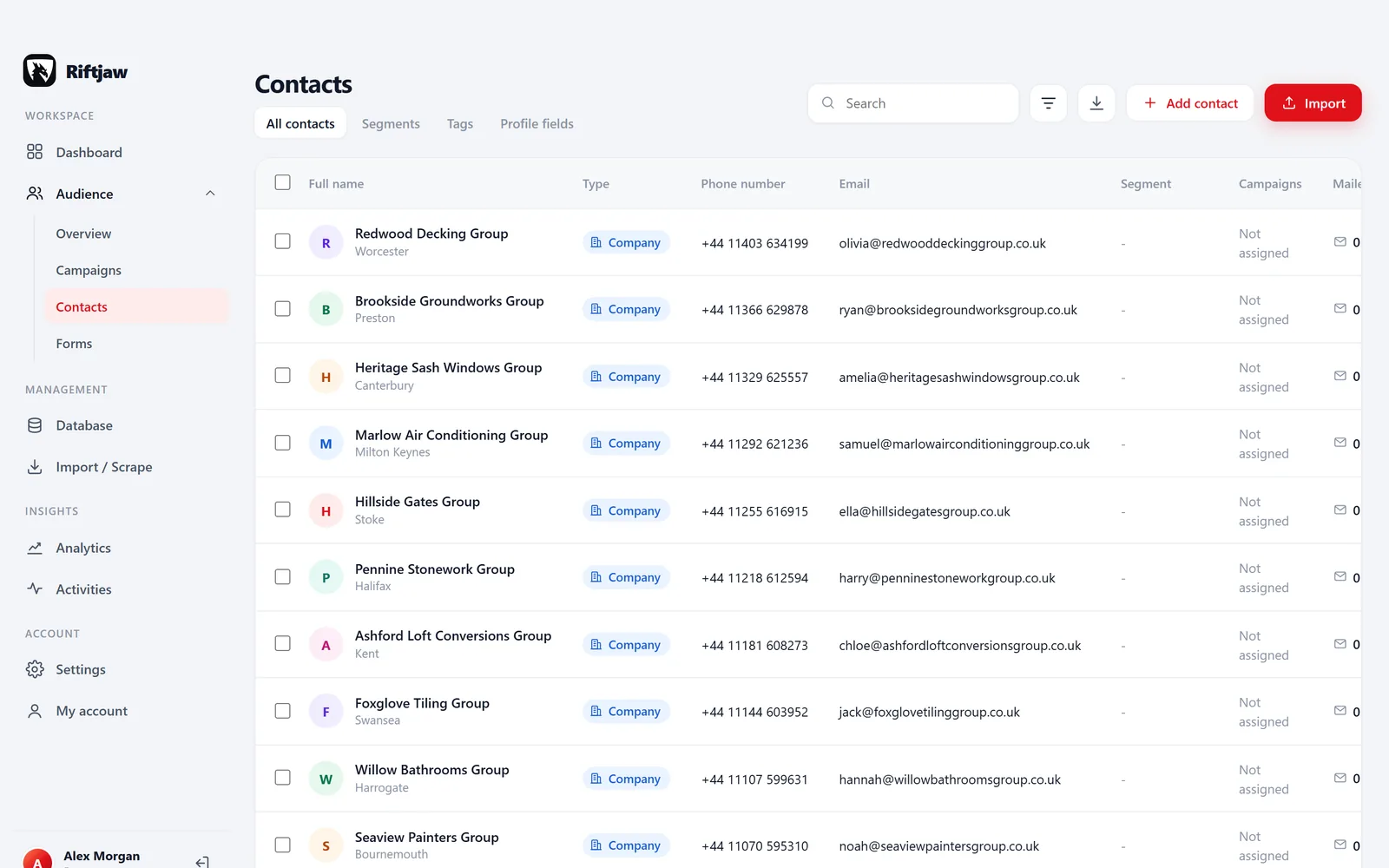
- One record holds the fields, notes, status and the history of every mail, open, click and form entry.
- Deriving an address from a domain, importing and exporting cost nothing extra. There is no credit meter on your own data.
- Import, segments and campaigns are plain screens that anyone who reads a spreadsheet can use, not a workflow only one colleague understands.

Riftjaw and Clay compared
Where Clay is stronger, the table says so.
| Riftjaw | Clay | |
|---|---|---|
| Enrichment from many external data providers | No | Yes |
| Custom multi-step workflows per column | No | Yes |
| Verified emails and phone numbers from providers | No | Yes |
| Email when you only have a website | Derived from the domain, no credits | Found through providers, uses credits |
| Import CSV and Excel | Yes | Yes |
| Contact records with status, tags and mail history | Yes | Not its main focus, see their site |
| Send email campaigns from the same place | Yes | Through connected tools, see their site |
| Forms that land on the contact record | Yes | See their site |
| Pricing model | Flat plan, no credits | Credit based, see their pricing page |
| Each account on its own private server | Yes | See their security page |
Based on the public website of Clay as checked on 30 September 2026. Their provider list and plans change often, so please check the current details on their site. Clay is a trademark of its owner. Riftjaw has no affiliation with Clay and is not endorsed or sponsored by it. Spotted something outdated? Let us know.
When Riftjaw fits better

Website but no email
Match the website column while you import and tick info@, hello@ or sales@, or add your own prefixes. Addresses are derived from the domain. They are not verified, and an email column in your file always wins.
Read more
List to inbox in one place
Pick the segment, write once with placeholders like {company}, add up to 5 follow-ups and send in small batches of 10. Opens and clicks land on the record.
Read more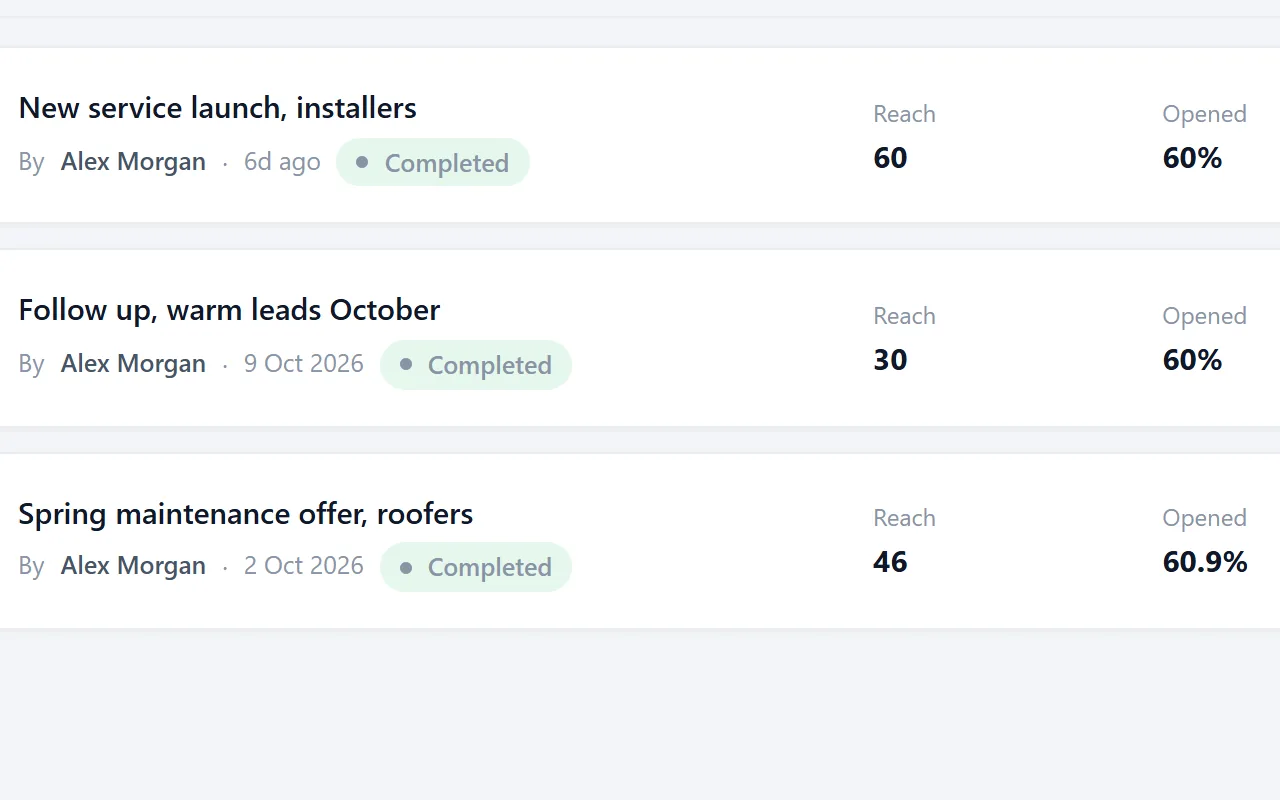
A whole team, one price
Unlimited users on an account, and every campaign shows who sent it. No seats to count and no credits to share out between colleagues.
Read moreWhen Clay is the better choice
You need data you do not have
Company size, tech stack, named decision makers, verified mobile numbers. Pulling those from many providers in one table is what Clay is built around. Riftjaw only works with data you bring.
You like building the machine
If your team wants to design custom logic per row and push results to a CRM or sending tool, a workflow platform gives you more room than a lead database does.
Bringing a Clay table over
Export the table, import the CSV
Use the export option in Clay for the table you want to keep. Enriched columns come along as normal columns. In Riftjaw, choose Import data and drop in the file.

Keep every enrichment column
Match columns to fields. Extra enrichment columns can become their own fields, so nothing is thrown away. Choose website or email as the key field, and rows that already exist are flagged before the push.
How import works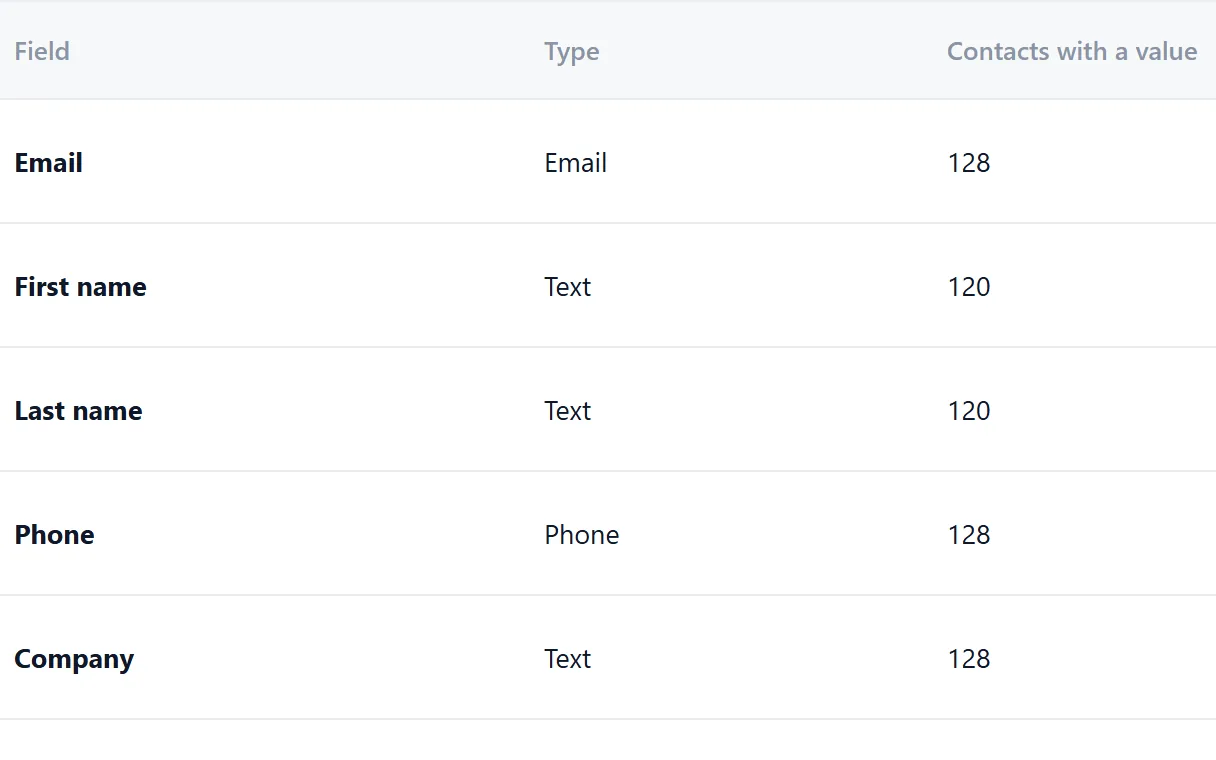
Put the list in a segment
Import the list into its own segment, or save a filter on any field you brought over, like everyone tagged Hot or every company whose city contains Leeds.
How segments work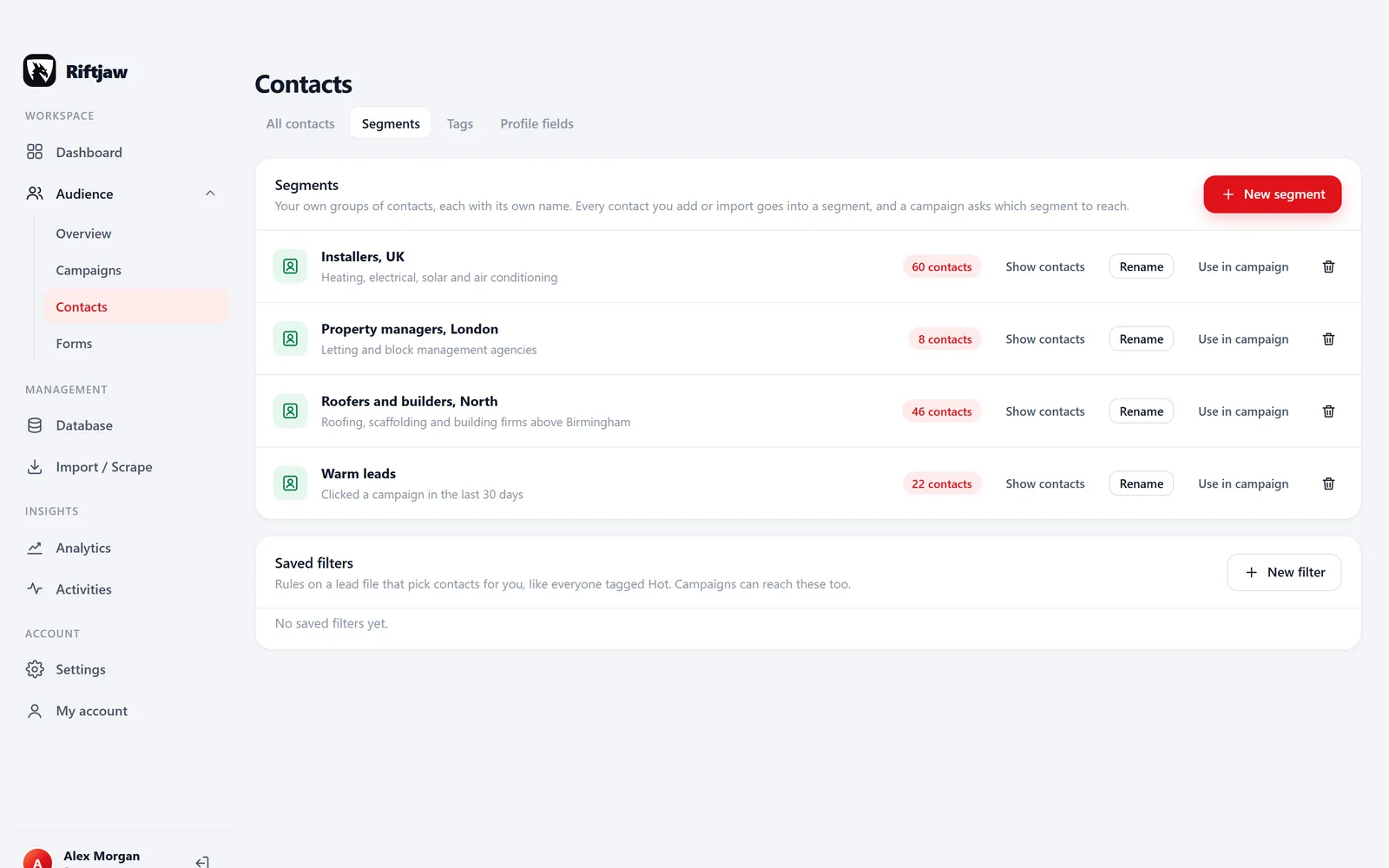
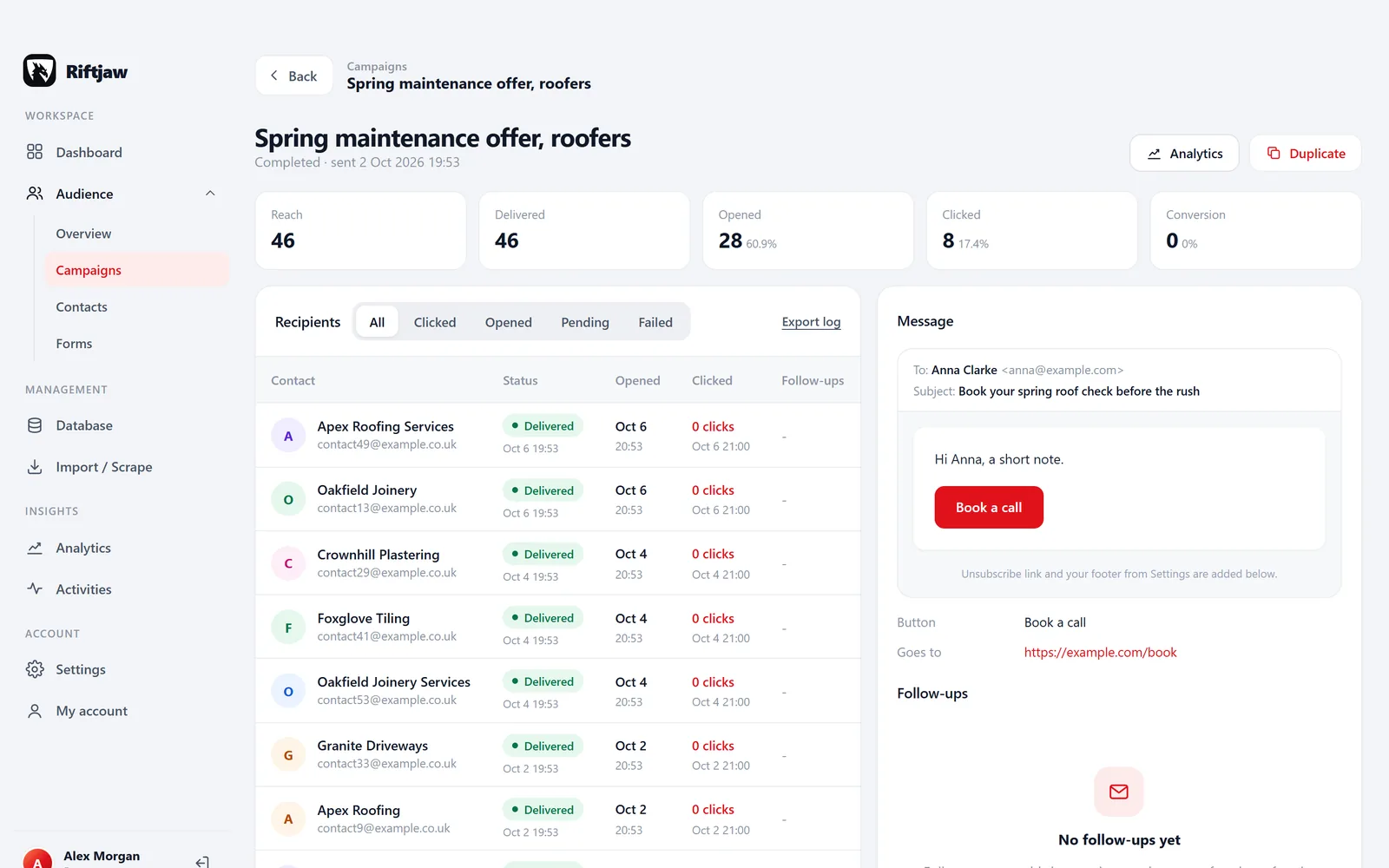
Send and see who responds
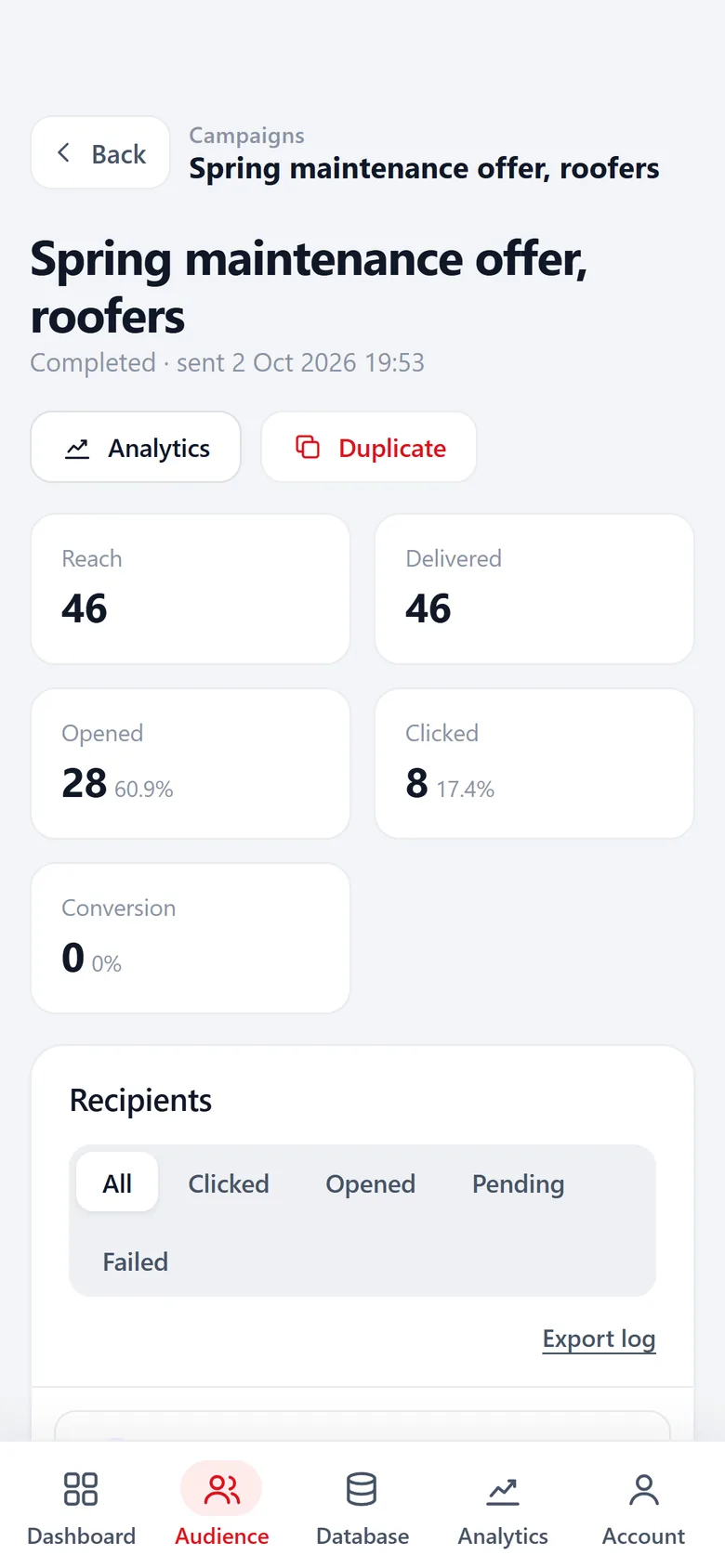
Start a campaign to the segment. The results show for every contact whether the mail was delivered, opened and clicked.
Questions people ask
No. Riftjaw does not buy or fetch data from providers. It keeps and works the data you import or collect with paste and collect.
Yes. Export the enriched table as CSV and import it. Your choices for matching columns are remembered for the next file with the same layout.
Riftjaw does not pay a provider per lookup, so there is nothing to pass on. You pay a flat plan, see pricing.
No, and we do not pretend it is. A derived address follows a common pattern like info@domain. Some will bounce. Read how to derive addresses carefully.
Also worth reading

Product
Collect companies, fill in what is missing, organise them into segments and reach them, without leaving the dashboard.
Read more How it works
Import, enrich, organise, reach. Four steps you repeat every week on a database that keeps getting better.
Read more
Changelog
Every release, what it fixed and what it added.
Read more
Features
The parts that turn a list of company names into a database you can actually work.
Read more
Who it is for
The same database, used in a different way depending on who is behind it.
Read more Guides
How to collect, enrich and reach companies without breaking anything.
Read moreTry the plain version
Import one list, derive the missing emails and send a first small campaign. Free to start.
No credit card · cancel any time · your data stays yours