Why good mails land in spam
Mailbox providers like Gmail and Outlook decide for every message whether it reaches the inbox, the spam folder or nowhere. They look at three things: can they verify you are who you say you are, how does your domain behave over time, and how do recipients react. A well written offer sent from a badly configured domain loses on the first point before anyone reads it.
Since 2024, Google and Yahoo require senders of larger volumes to authenticate their mail, to offer an easy way to unsubscribe and to keep spam complaints low. Even if you send far less, those rules show what providers value. Meet them from the start.
SPF, DKIM and DMARC in plain words
These are three DNS records on your domain. You set them once at your domain host, usually with values your sending provider gives you.
- SPF is a list of servers allowed to send mail for your domain. It is a TXT record like
v=spf1 include:_spf.yourprovider.com ~all. A receiving server checks whether the sending server is on the list. Keep one SPF record per domain, and add every service that sends for you to that same record. - DKIM is a digital signature on every mail. Your provider signs outgoing messages with a private key, and publishes the matching public key in your DNS. The receiver checks the signature, which proves the mail was not changed on the way and really came through your provider.
- DMARC tells receivers what to do when SPF or DKIM fails, and where to send reports. It is a TXT record at
_dmarc.yourdomain.com, for examplev=DMARC1; p=none; rua=mailto:dmarc@yourdomain.com. Start withp=noneto watch, then move toquarantineorrejectonce everything passes.
Check the result by sending a test mail to a Gmail address and opening "Show original". You want to see PASS for SPF, DKIM and DMARC.
Use a sending domain you can afford to damage
Your main domain carries your invoices, your support mail and your customer conversations. If cold outreach damages its reputation, all of that suffers. Many teams therefore send outreach from a separate domain or a subdomain, such as getcompany.com or mail.company.com, with its own SPF, DKIM and DMARC.
Make that domain look real. Point its website to your main site, give it a working reply address and use a sender name that matches your company. A sending domain registered yesterday with no website behind it is suspicious to providers and people alike.
Your own SMTP provider
Cold outreach should go through a proper mail provider: your business mailbox provider or a dedicated sending service that supports SPF and DKIM for your domain. The web server that hosts your website is usually a bad sender, because it is not set up for authentication and shares its reputation with other sites.
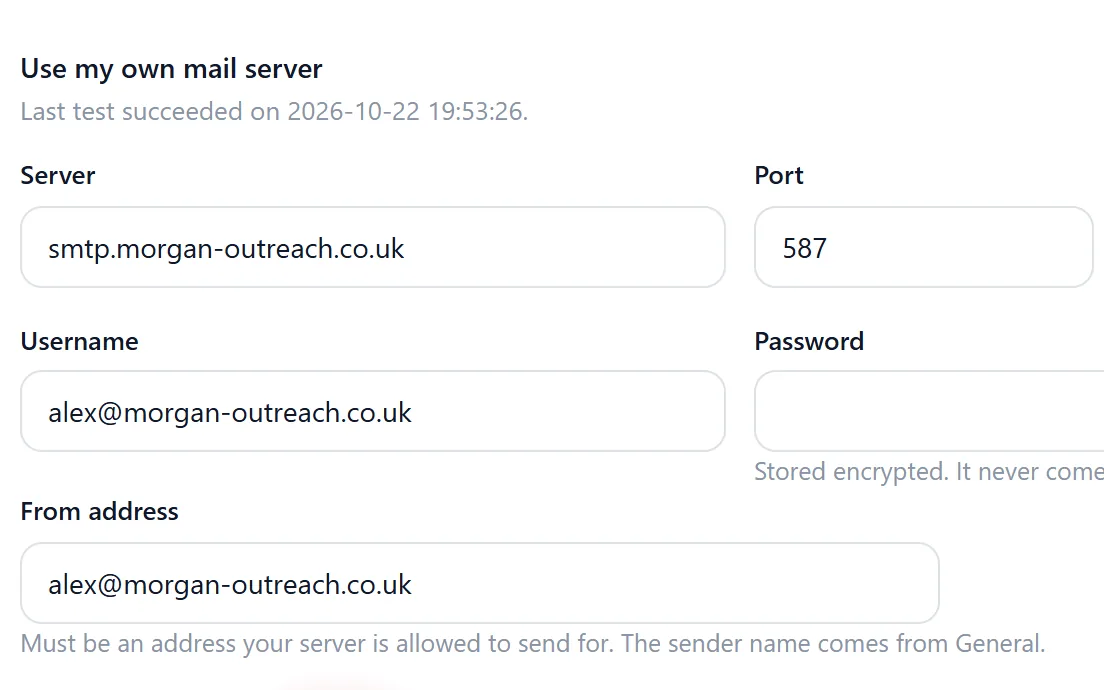
In Riftjaw, campaigns go out through the mail setup of your account. On Pro, you connect your own SMTP provider. Set the sender name, reply-to address and footer once in settings, and every campaign uses them.
Small batches and a gradual warm up
A new domain or mailbox has no history. If it suddenly sends hundreds of mails a day, providers treat that as a warning sign. Build up slowly:
- Start with a small number of mails a day for the first week, mostly to people likely to reply.
- Increase gradually over several weeks, and only while bounces and complaints stay low.
- Spread sends over the working day instead of firing everything at once.
- Keep daily volume steady. Irregular peaks look worse than a consistent pace.
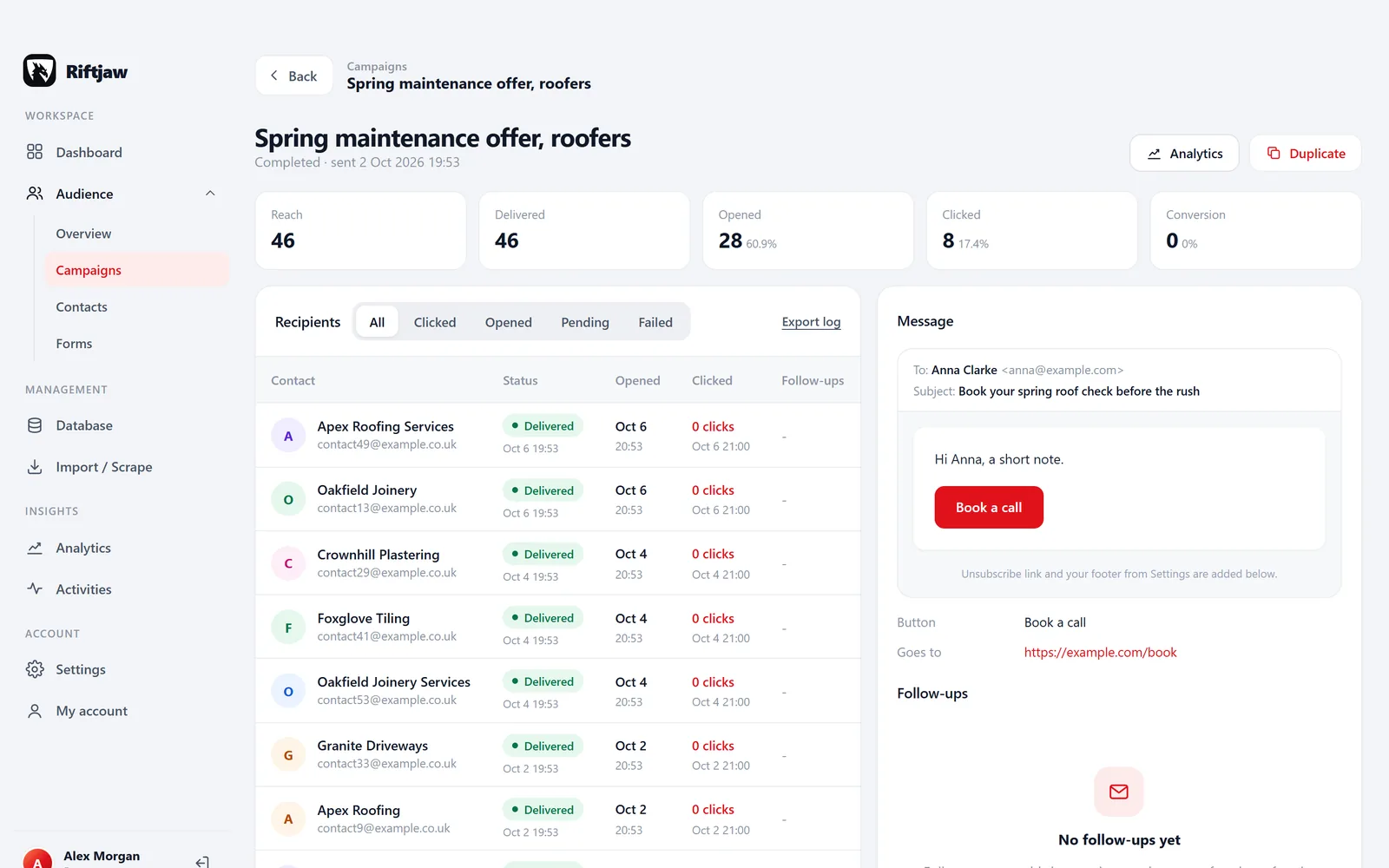
Riftjaw sends campaigns in small batches of ten, with pause and resume. That keeps the pace gentle and lets you stop when the first results look off.
Write mails that look like mail
Cold mail that reads like a newsletter gets treated like one. Keep it close to what you would type to one person.
- Short text, few links, no large images and no attachments in a first mail.
- A subject line without capitals, exclamation marks or "free".
- Personal details that are true: the company name, the city, why you picked them. Placeholders like
{company}with a fallback help here. - One clear question at the end instead of three calls to action.
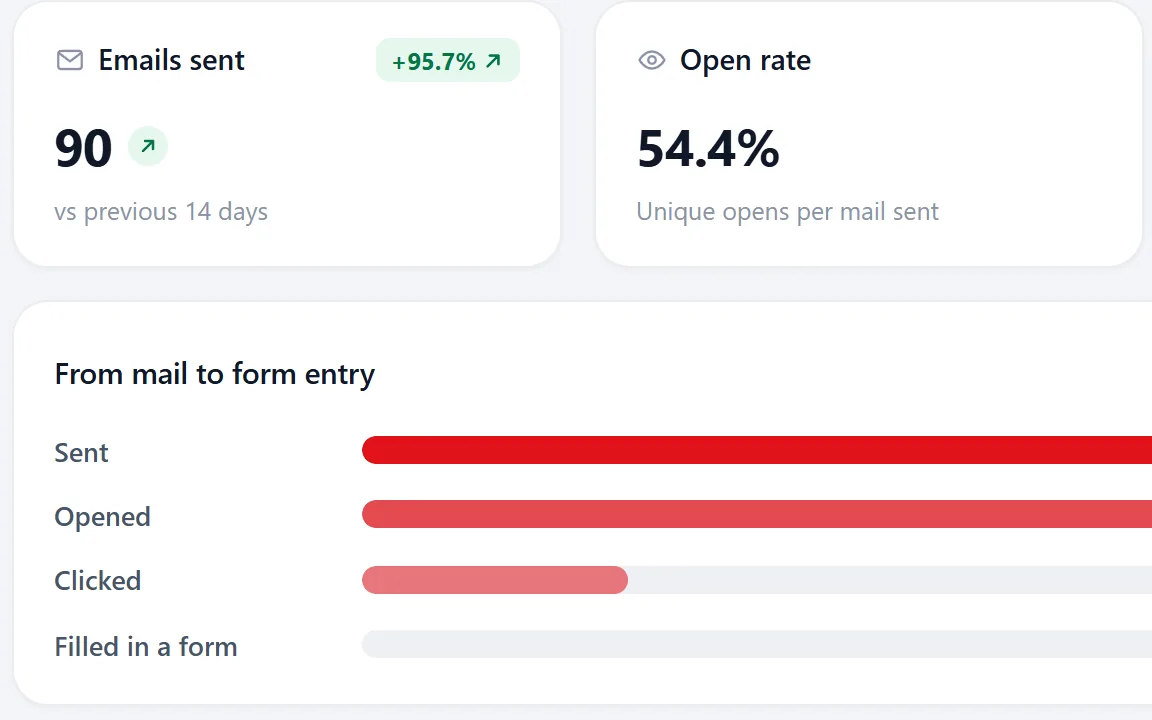
Open tracking uses a small image, and some privacy features load it automatically, so open rates are an estimate. Replies are the number that counts.
Always include a way out
Every outreach mail needs a clear way to stop receiving mail: an unsubscribe link or line in the footer, plus honouring replies like "remove me". This protects your reputation too. People who cannot find the exit press "report spam" instead, and complaints hurt more than almost anything else.
In Riftjaw, unsubscribed contacts are skipped automatically in every later campaign. The GDPR guide explains why an opt-out register matters legally as well.

Handle bounces properly
A hard bounce means the address does not exist or the domain rejects it. Never mail it again. A soft bounce is temporary, like a full mailbox or a busy server. Try again later, and treat it as hard if it keeps failing.
After each batch, read the bounces in your sending mailbox, tag the affected records and leave them out of your segments. This matters most when you mail addresses derived from a domain, because some of those will not exist. A clean list is the single best thing you can do for deliverability.