A record per company
Profiles, notes, status and the full history of everything you sent, in one place.
- One record per company, with its source
- Status from New to Customer
- Every mail, open and click on the timeline

Before there were records
Most people prospecting on their own recognise at least one of these.
You call a company and they say you mailed them last week. You had no idea.
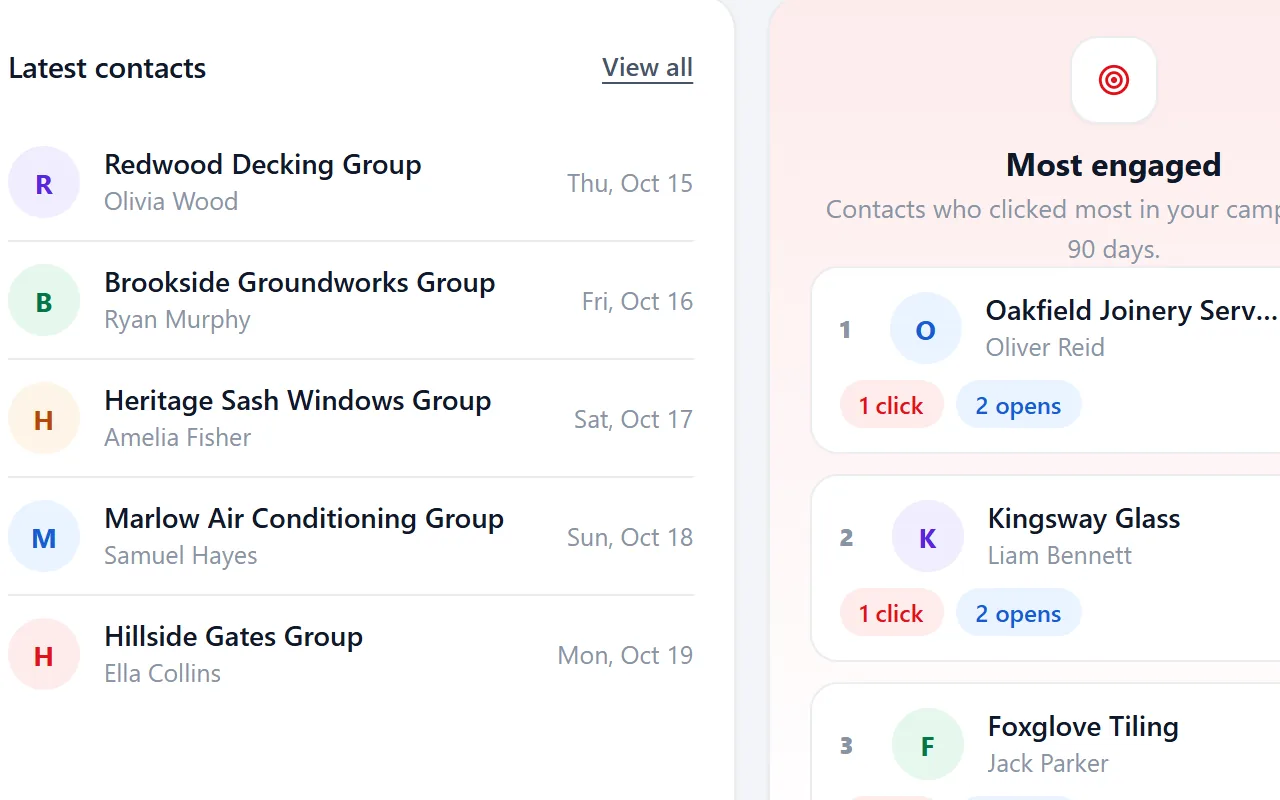
The history on the record shows every mail, open and click, with the date.
Notes from calls sit in a notebook, a phone and a spreadsheet.
Notes go on the record, where anyone in the account can read them.
A list from two years ago has no idea where it came from.
Every record keeps its import, source file and date from the moment it arrives.
Two people work the same company and nobody knows.
Everyone in the account works on the same records, with the same status and tags.
What a record remembers
Open a company and everything you know about it is on one screen: the profile with all fields from its lead file, your notes, its status and tags. Behind that sits a history that starts with the import it came from.
Every mail, open, click and form entry
Every mail, open, click and form entry is kept with its date and campaign. The record shows its own timeline, and Activities shows the same for all contacts at once.
Search one contact or pick a campaign to see who clicked and which page they went to.

What each company got from you
Every campaign keeps a send log: who it reached, when the mail was delivered, whether it was opened or clicked and which follow-ups went out.
A campaign send moves the status from New to Contacted, so the record shows it too.
See how campaigns work
Where every record came from
Every record keeps its lead file, source and date from the moment it arrives. New imports wait as concept until you publish them, and archived records keep their history.
- Concept, active and archived side by side
- Filter by segment or by lead file
- Source per record: file, scrape, form or by hand

Status and state, two different things
Status tells you where the conversation is. State tells you whether the record is in use.
| Name | What it means | Set by |
|---|---|---|
| Status: New | Not contacted yet | The import |
| Status: Contacted | You mailed or called | A campaign send, or you |
| Status: Replied | They answered | You |
| Status: Customer | They bought | You |
| State: concept | Imported but not published yet | The import |
| State: active | Published and part of segments | You, on publish |
| State: archived | Kept for history, out of daily work | You |
Archived records keep their history. That matters when someone asks what you stored and why. See the GDPR page.
Simple on purpose
Riftjaw is not trying to be a full sales suite with deal stages, forecasts and quotas. It is the place where the companies you found live, with enough context to decide who to reach next and what to say.
Open a record, read the timeline, add a note, move the status, done. A company you mailed in March and called in May is not a cold lead in September. It is a conversation with a history, and a form entry from a campaign lands on that same record.
Questions people ask
The four statuses are fixed so segments and campaigns can rely on them. For anything else, use your own tags.
Opens and clicks are added to the history. The status moves to Replied or Customer when you set it.
A record from an import that you have not published yet. You check it first. Until you publish, the whole import can be deleted.
Yes. You can also archive it to keep the history without it showing up in daily work.
Yes. There is no limit on users in an account, and no fee per record or per seat.
Also worth reading

Import lists
CSV and Excel land in your database with the columns matched and the duplicates already filtered out.
Read more Email from domain
No email in the file? Derive it from the domain, for every row, without a credit meter running.
Read more
Fields and segments
Add your own fields, group contacts into named segments and save the filters you use every week.
Read more Campaigns
Write once with placeholders, send in small batches, and watch the status move on its own.
Read more
Paste and collect
Paste a page, pick the blocks you need and send them straight into your database.
Read more
Export
Export everything to CSV whenever you want, including on the day you leave.
Read moreGive every company a record
Import a list today and the next call you make already has its history.
No credit card · cancel any time · your data stays yours