Why own it instead of renting it
A rented contact database works while you pay. Stop the subscription and the lists, the notes and the history often go with it. A database you build yourself keeps growing in value: every call, reply and status change is added to what you already had.
It also fits your market better. You choose the niche, the region and what counts as a good lead. This guide takes you from nothing to a database you can work every week.
Step 1: define who belongs in it
Write down in one sentence who you want to reach. "Plumbing and heating companies with 5 to 50 employees in the north of the country" is usable. "SMEs" is not. The sentence decides which sources you use and which rows you throw away.
Split it into lead files if you serve different markets. One file for plumbers and one for wholesalers keeps the fields relevant to each.
Step 2: decide which fields to record
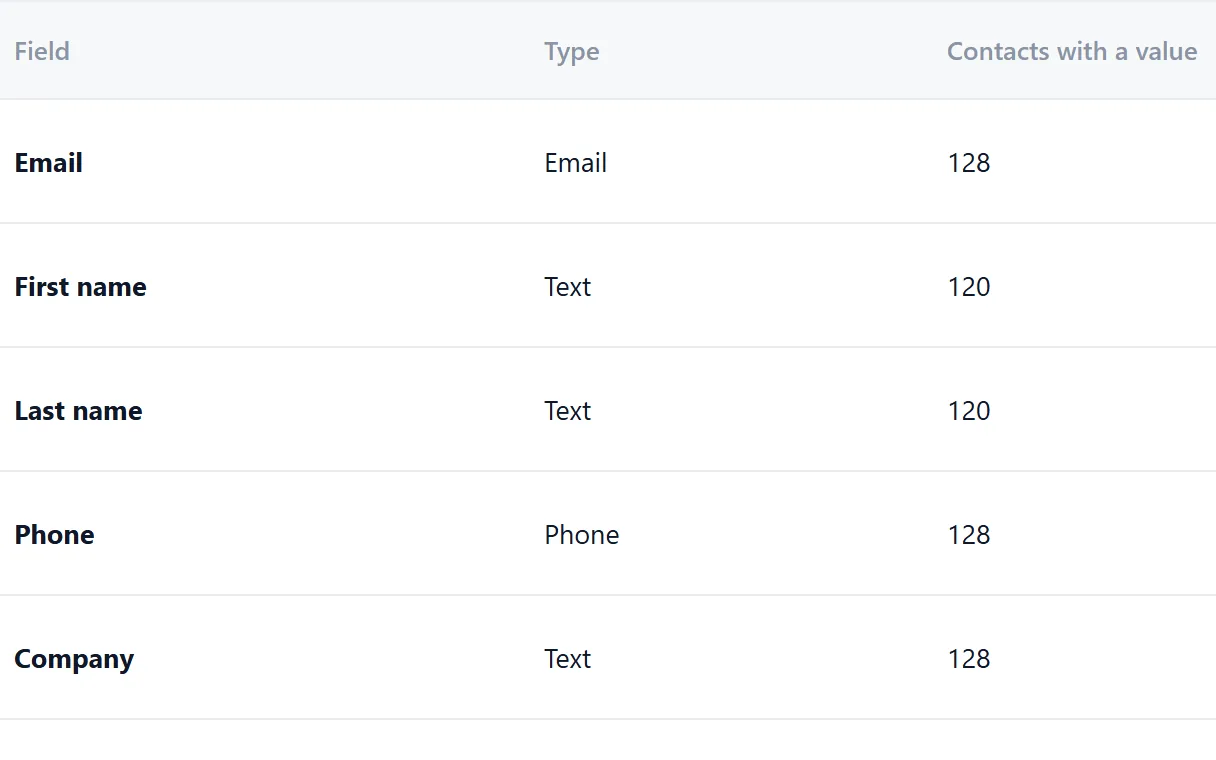
Start small. Every field you add has to be filled and kept up to date. A useful base set:
- Company name. As the company writes it.
- Website. The company's own domain. Often the best key field.
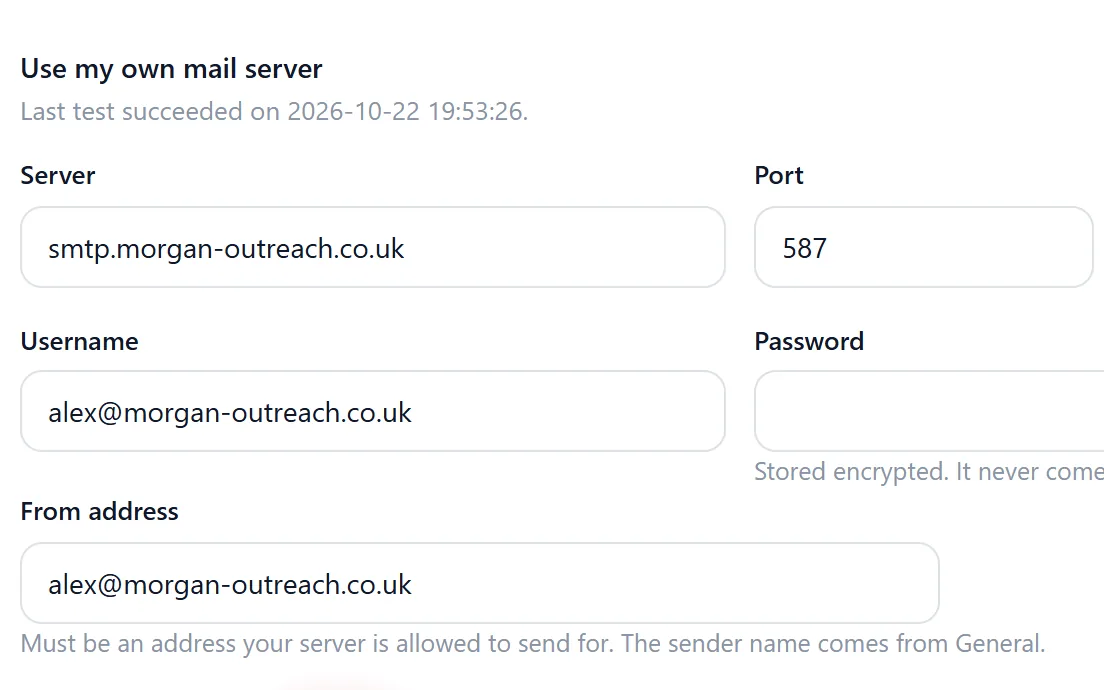
- Email. A real address from the source, or one derived from the domain, marked as such.
- Phone. The main business number.
- City or region. For segments by area.
- Sector or category. From the source, in your own consistent words.
- Source and date. Where the record came from and when. Needed for your own overview and for the GDPR.
- Notes. What you learned in a call or reply.
Add fields only when you will filter on them. "Number of vehicles" is worth a field if you sell fleet services. Otherwise it is a note.
Step 3: choose a key field
A key field is how you decide two rows are the same company. Without one, the same business ends up in your database three times and gets three mails.
The website domain is usually the best choice: it is unique per company and appears in most sources. Email works when every row has one. Company names are weak keys, because "Miller Heating Ltd" and "Miller Heating & Plumbing" may be one business or two. In Riftjaw you set the key field per lead file, and duplicates are flagged on it during import.
Step 4: fill it from real sources
Collect from places where companies list themselves: association member lists, exhibitor lists, sector directories and company websites. The listings guide covers where to look and how to respect site terms.
Import one source at a time, with the source in the file name. Review the records before you publish them. It is easier to reject fifty bad rows on day one than to find them months later.

Step 5: statuses and tags
Statuses tell you where a company stands. Keep them few and fixed:
- New: in the database, not contacted yet.
- Contacted: you sent a mail or called.
- Replied: they answered, positive or not.
- Customer: they bought.
Tags add everything statuses do not cover, in your own words: warm, cold, already called, bounced, call back in Q1. A record has one status but can have several tags. Agree on tag names with your team, so "warm" and "Warm lead" do not become two tags.

Step 6: work in segments
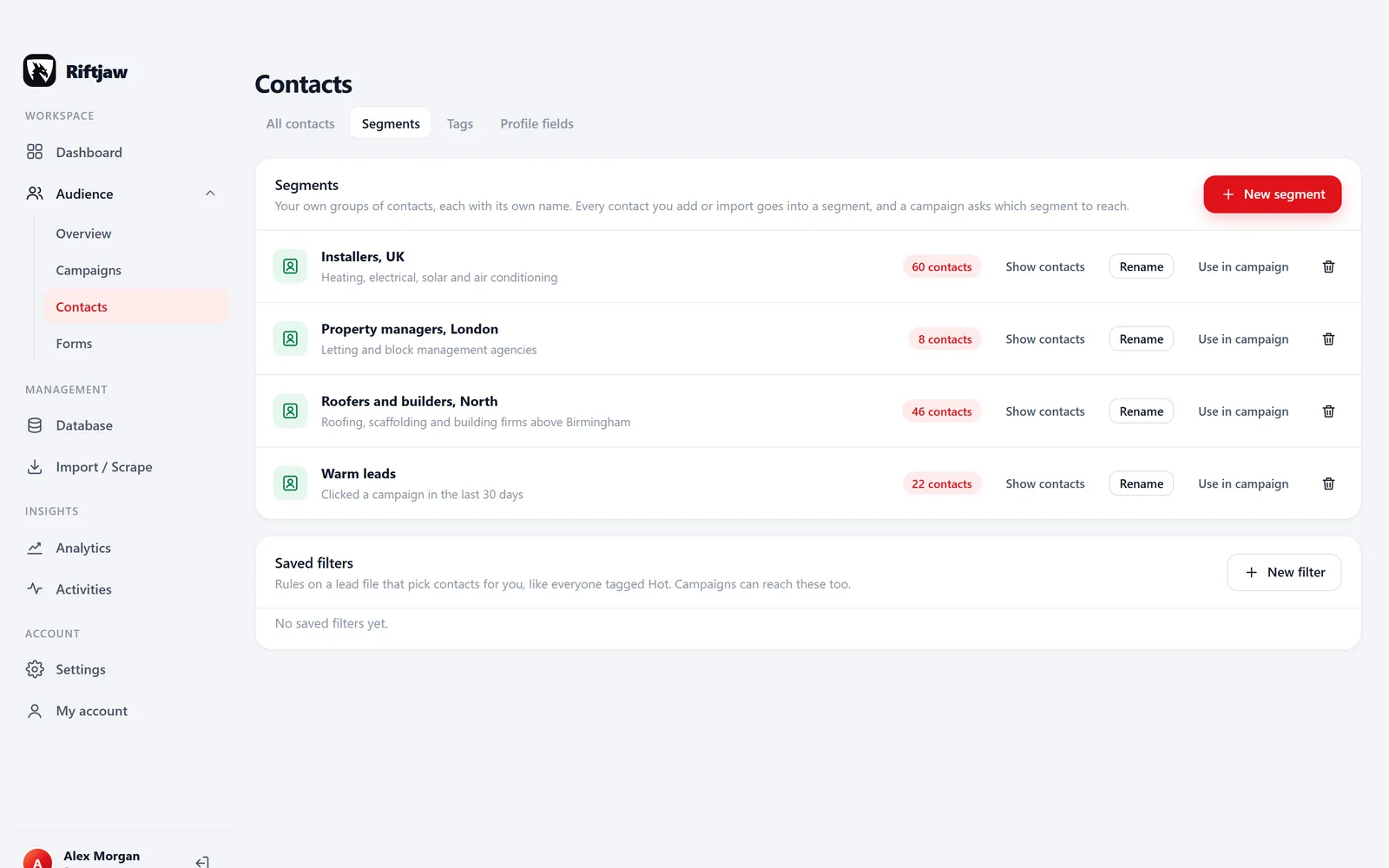
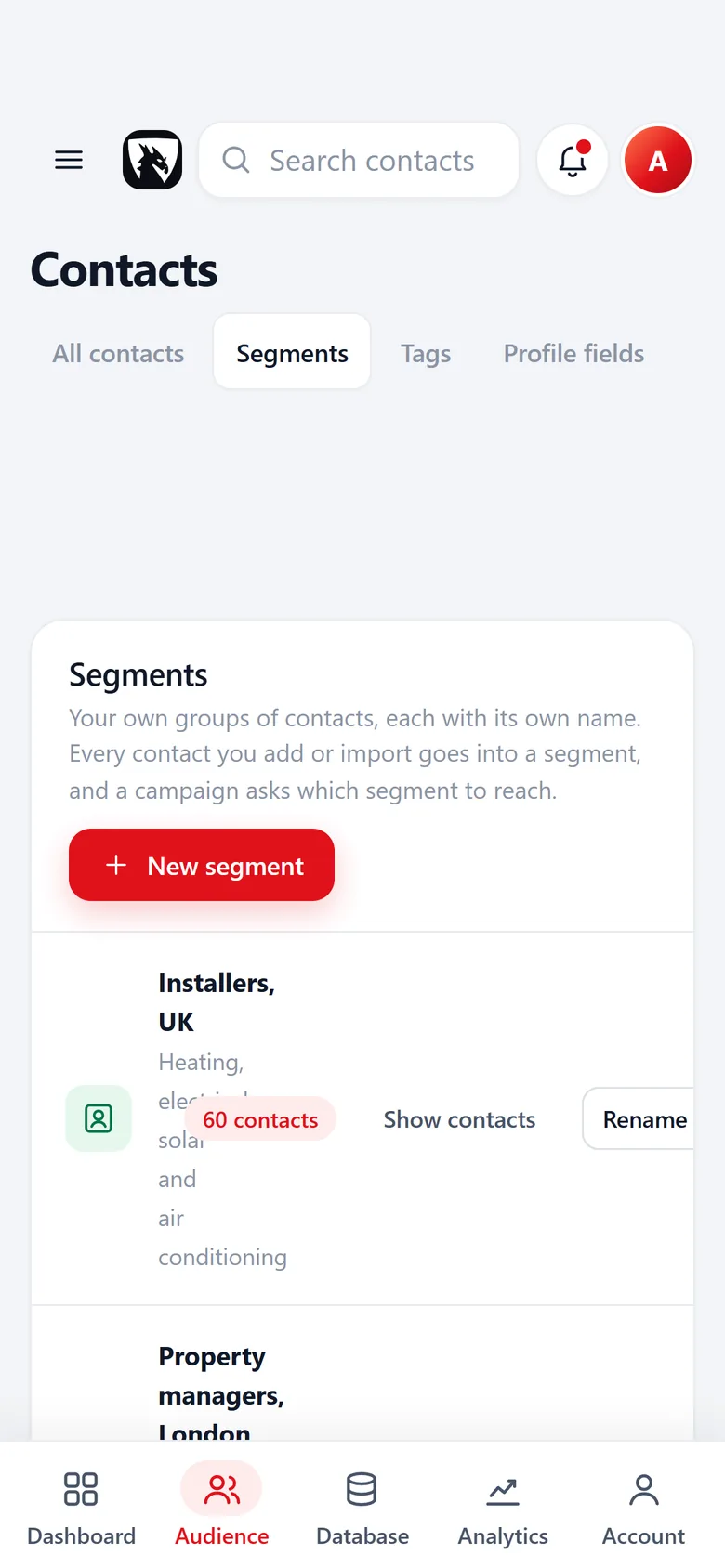
A segment is a named group of contacts, like "Plumbers North". In Riftjaw every import and every contact you add goes into a segment you choose, and you can add or remove contacts in bulk. For a rule such as everyone tagged Hot, save a filter next to your segments.
Work one segment at a time. Send to it, follow up the replies, update the statuses, then move to the next. In Riftjaw a campaign asks which segment to reach, and you can narrow it by status or tag before you send.
Step 7: a weekly routine
A database only stays useful when someone looks after it. One hour a week is enough for most small teams:
- Import and review new records from one fresh source.
- Send the next batch to one segment.
- Handle replies: update the status, add a note, set a tag.
- Remove hard bounces and process opt-outs.
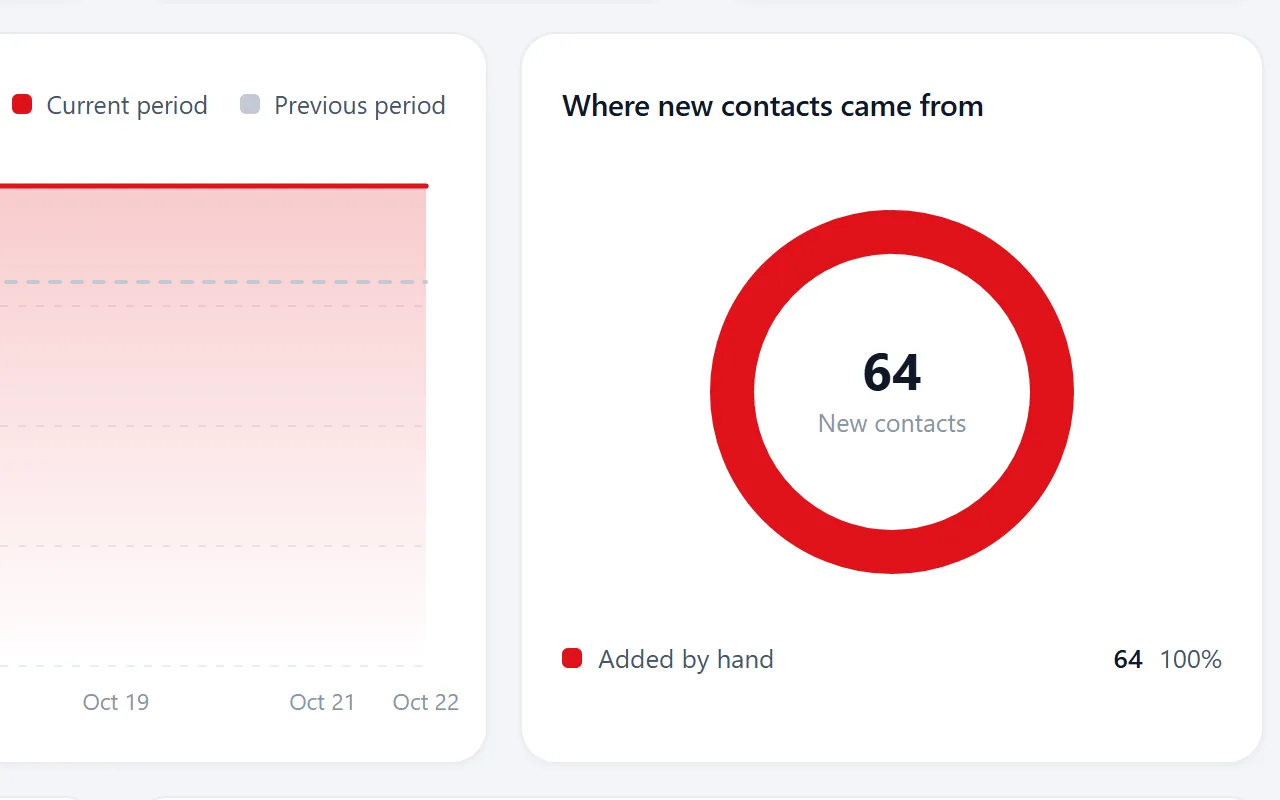
- Check your analytics: new leads, sent, opened, clicked, form entries.
Keeping it clean
Data goes stale. Companies move, rebrand and close. Every few months, archive records that bounced or never responded after your retention period, and check a sample of the rest by visiting their websites. Merge duplicates as soon as you spot them.
Finally, make sure you can always take it all with you. A database you own is one you can export completely, including on the day you leave.