Take your data out
Export everything to CSV whenever you want, including on the day you leave.
- All contacts or one segment
- Form entries, import rows and send logs
- Available on the day you leave

Your data should never be the reason you stay
Plenty of tools make it easy to get data in and awkward to get it out. Riftjaw works the other way round. Everything you import, derive, tag and note goes back out as CSV, whenever you want.
Every record can go out, no credits are needed, and the file opens anywhere.
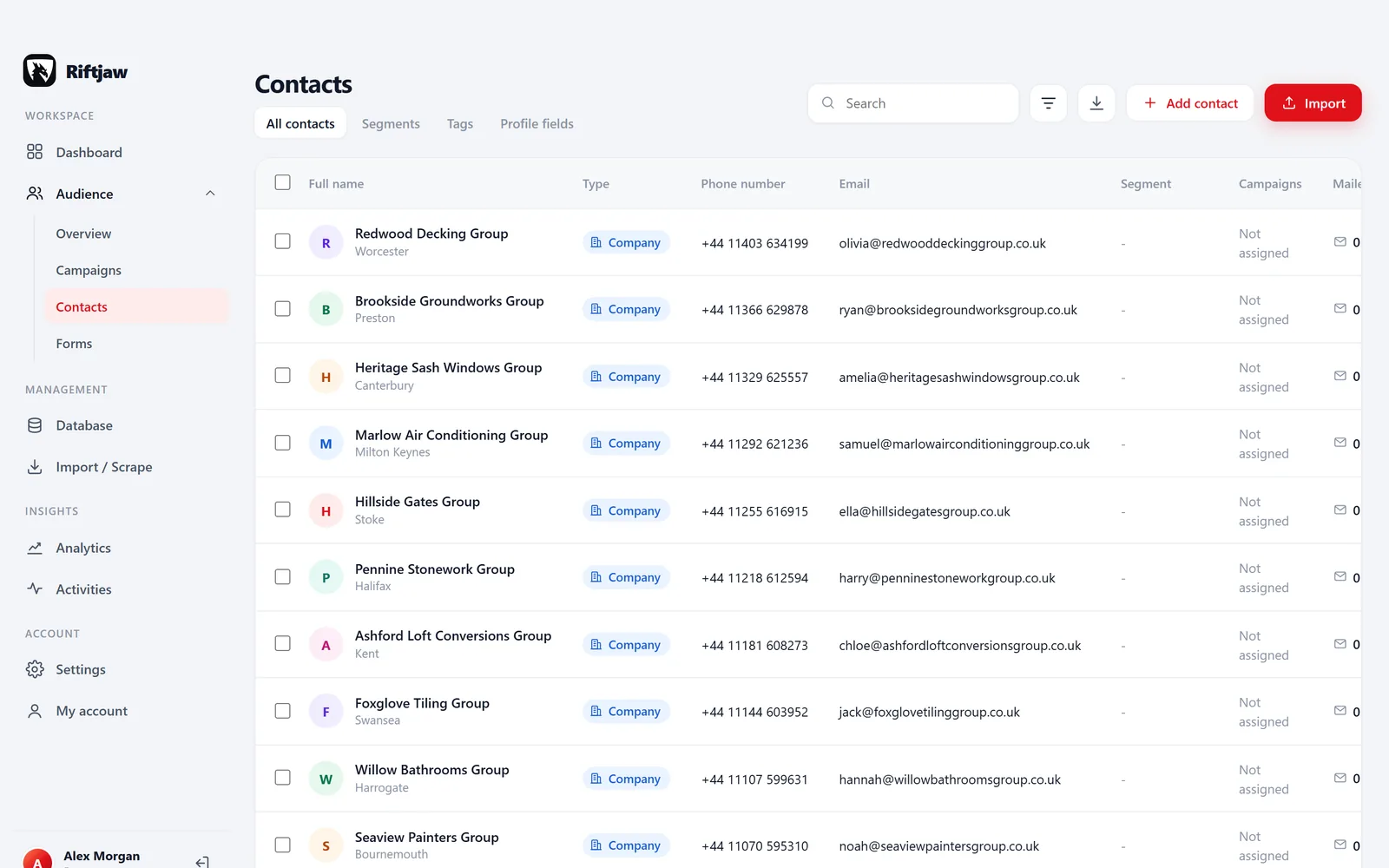
An export takes three clicks
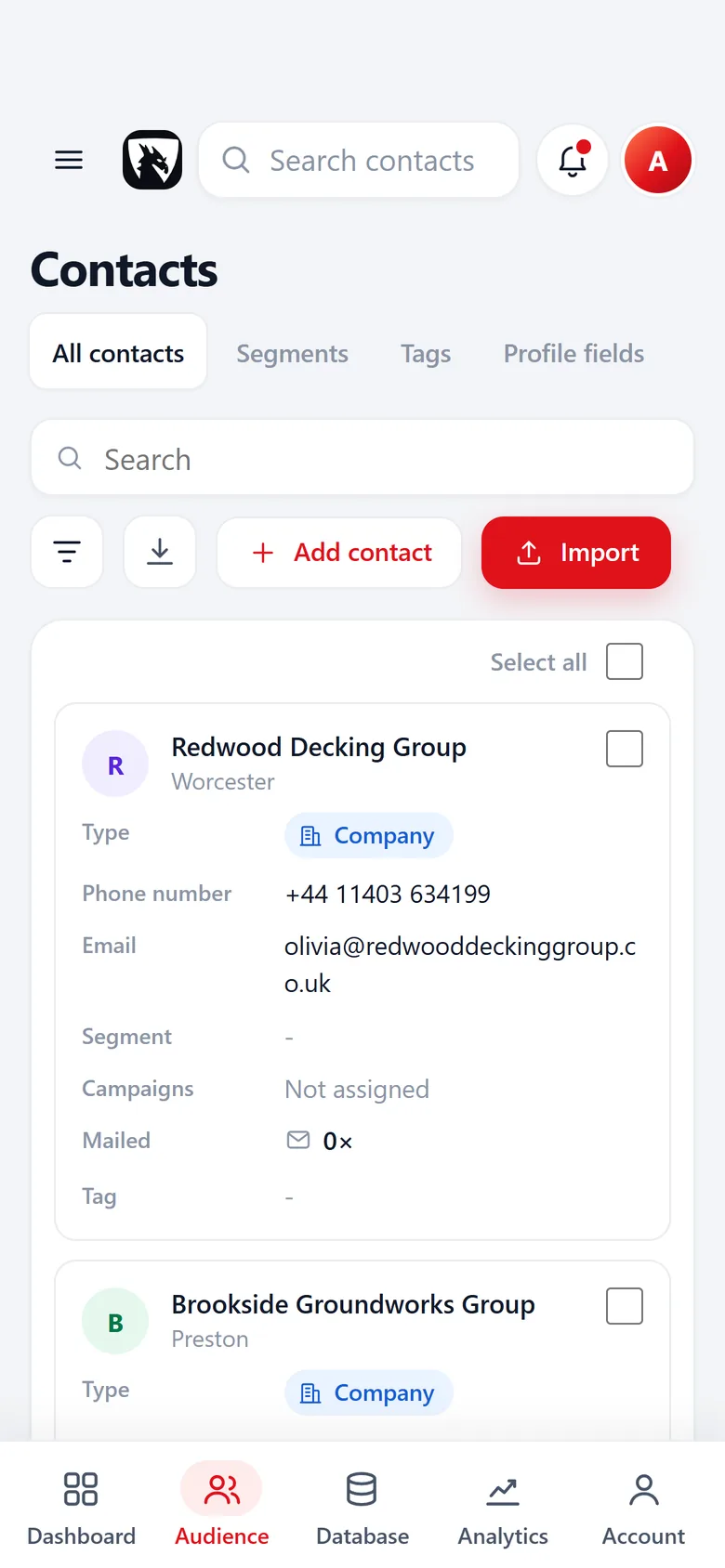
Filter the contact list on a segment, a lead file, a status or a tag, or tick the contacts you want. Press the export button next to the filter and the CSV is yours. No support ticket, no waiting for a file by email, no extra fee.
Every field of the lead file becomes a column, plus lead file, state, status, tags, source, date added and unsubscribed, so the file makes sense on its own.
- CSV opens in any spreadsheet
- Status and tags included
- Export as often as you want
What else you can export
Next to the contact list, four more things go out as CSV.

A segment
Only the contacts in one named segment: a call list for a calling day, a mailing by post or a colleague who works in another tool.
Read more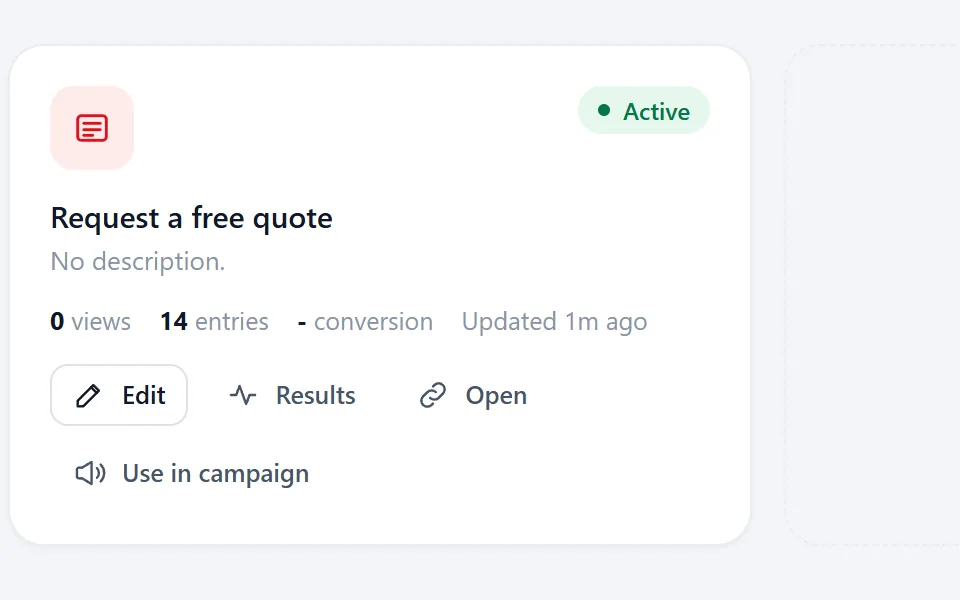
Form entries
Every form fills its own lead file, so its entries go out like any other list.
Read more
The rows of an import
Every import keeps its rows with the columns they came in with. Take them out again from the import list.
Read more
A send log
Every recipient of a campaign with delivered, opened, clicked and the follow-ups that went out.
Read moreCommon worries about lead tools
If I cancel, my database goes with the subscription.
Export everything first. The CSV is yours to keep and bring anywhere.
Exports cost extra or are capped by credits.
There are no credits in Riftjaw. Exporting your own data is included on every plan.
I cannot prove where a record came from.
Every record keeps its lead file, source and date, and every import keeps its rows as they came in.
Someone asks me to send them what I hold about them.
Find the record and export it. Deleting on request is just as quick. See the GDPR page.
Why we make leaving easy
A lead database is work. Every list you import, every tag you add after a call and every note about who to try again in spring is time you spent. That time should not be held hostage by a subscription.
So the rule is simple. What you put into Riftjaw, you can take out of it, complete and readable. We would rather you stay because the records, segments and campaigns save you time than because moving feels impossible.

Questions people ask
CSV. It opens in any spreadsheet and imports into almost any other tool.
Export before you delete your account. As long as the account exists, everything can go out.
Yes. Every field of the lead file, plus lead file, state, status, tags, source, date added and unsubscribed.
Yes, as CSV. Every import keeps its rows with the columns they came in with, and the export button on the import gives them back at any time.
Yes. Open the campaign and choose Export log to get every recipient with delivered, opened, clicked and the follow-ups that went out.
No. Exporting your own data is available on every plan. See pricing for the rest.
Also worth reading

Import lists
CSV and Excel land in your database with the columns matched and the duplicates already filtered out.
Read more Email from domain
No email in the file? Derive it from the domain, for every row, without a credit meter running.
Read more Fields and segments
Add your own fields, group contacts into named segments and save the filters you use every week.
Read more Database and records
Profiles, notes, status and the full history of everything you sent, in one place.
Read more Campaigns
Write once with placeholders, send in small batches, and watch the status move on its own.
Read more
Paste and collect
Paste a page, pick the blocks you need and send them straight into your database.
Read moreBuild something you can take with you
Start free, import a list and export it again five minutes later. That is how sure we are you will stay for the right reasons.
No credit card · cancel any time · your data stays yours