Looking for an Outscraper alternative
What Riftjaw does differently, in plain terms, so you can judge it yourself.
Last checked 30 September 2026
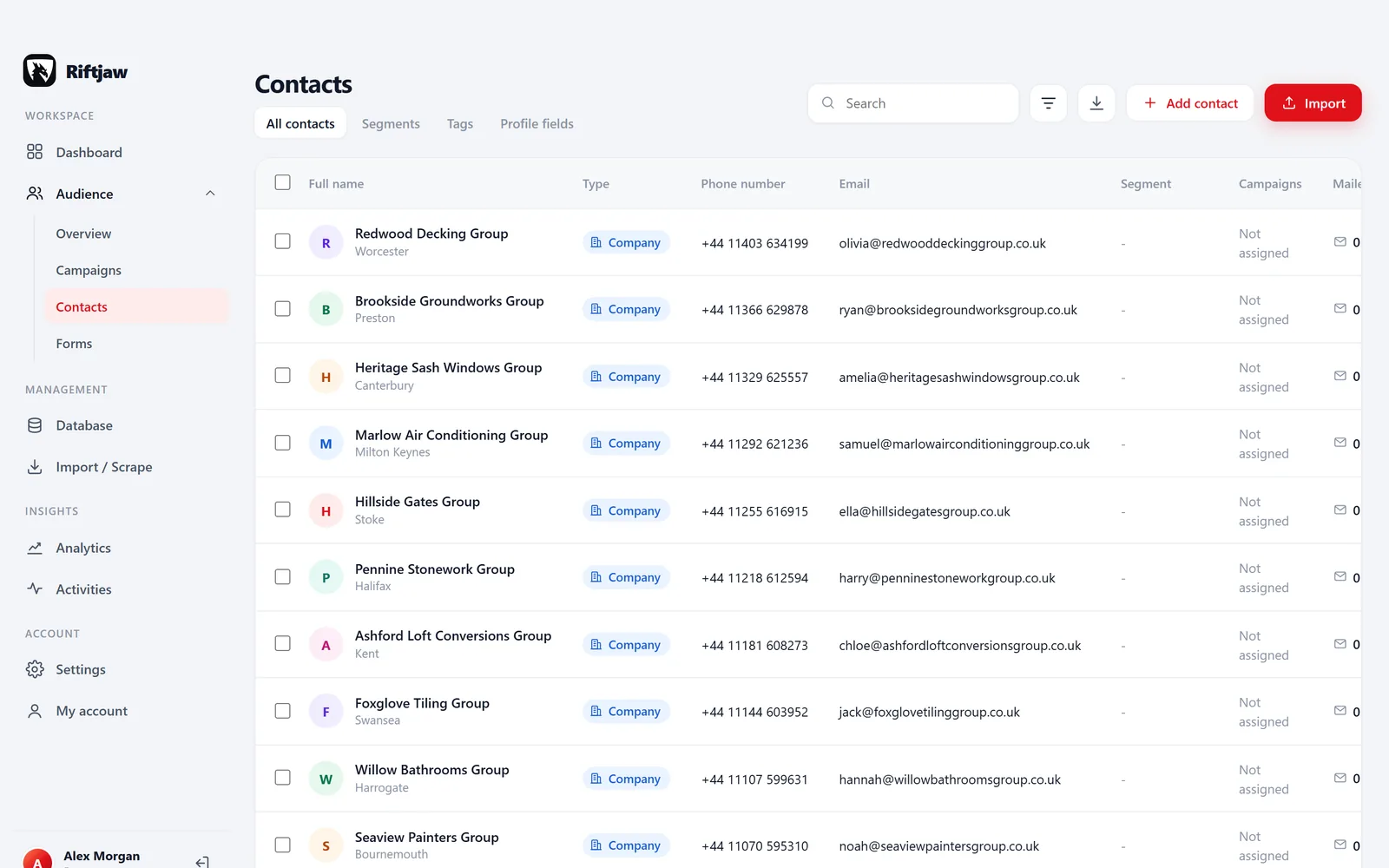
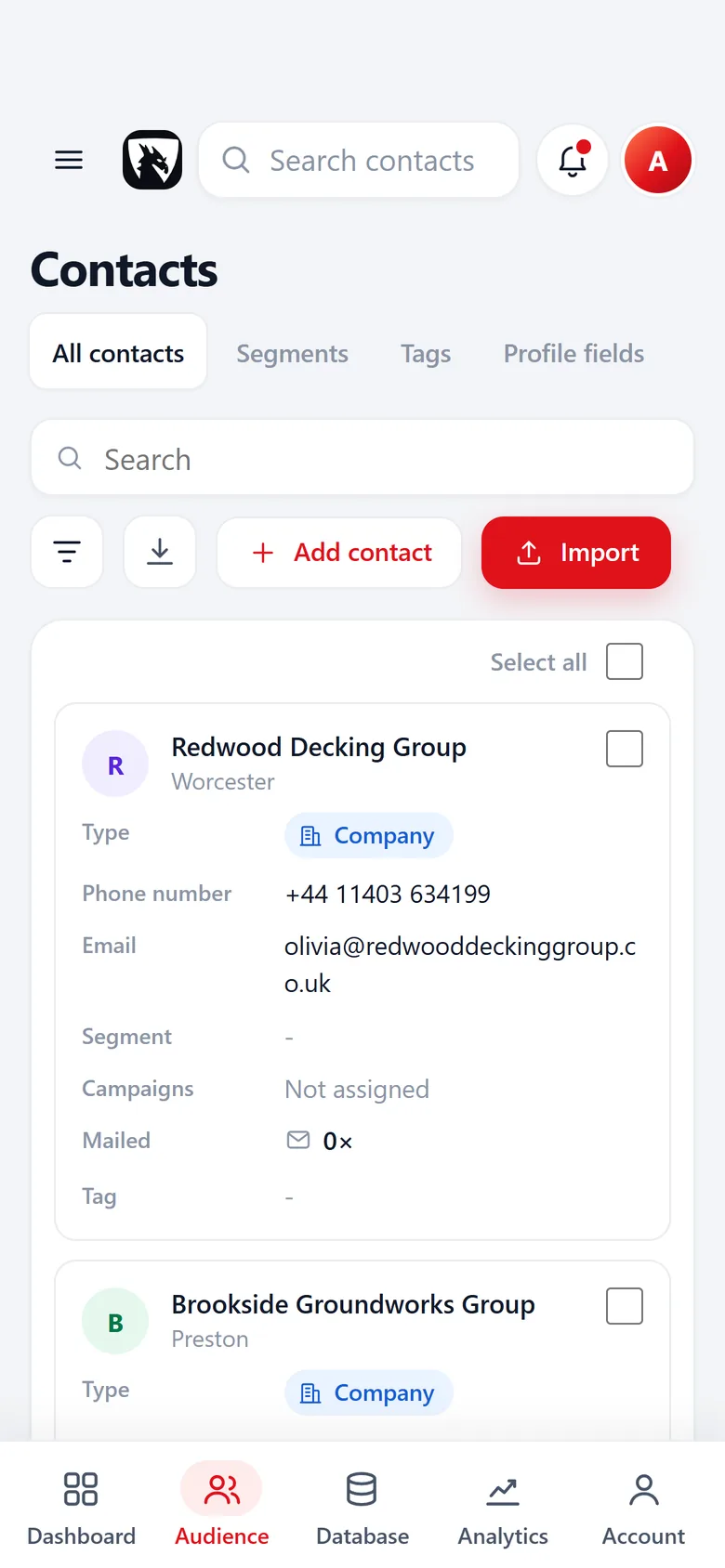
Collecting a list is only the first half
According to their public website at the time of writing, Outscraper offers scraping services for public business listings and other public sources, delivered as files or through an API, with pay as you go pricing.
That solves the collecting. Then the file arrives, and a new set of questions starts. Which of these 3,000 rows did we already have? Half of them have a website but no email. Who on the team calls which region? Which ones did we mail last month? A spreadsheet does not answer those for long.
Riftjaw does not scrape the web and does not try to. It is the place where a scraped file becomes a database you work. Have you got exports piling up in a folder, each one a little older every week? That is the moment to give them a home.
What each tool does
These tools sit at different points of the same process. The table shows where they overlap and where they do not.
| Riftjaw | Outscraper | |
|---|---|---|
| Automated scraping of public listings at scale | No | Yes |
| API access to scraped data | No | Yes |
| Scheduled or repeated collection jobs | No | See their site |
| Turn a page you paste into rows | Yes | Not its purpose |
| Import CSV and Excel from any scraper | Yes | Not its purpose |
| Duplicate check against earlier lists | Yes | See their site |
| Email derived from the website domain | Yes | See their site |
| Records with status, tags, notes and history | Yes | Not its purpose |
| Email campaigns to a segment | Yes | Not its purpose |
| Pricing model | Flat plan, no usage fees | Pay as you go, see their pricing page |
Based on the public website of Outscraper as checked on 30 September 2026. Their services and pricing may have changed, so check their site for the current details. Outscraper is a trademark of its owner. Riftjaw is not affiliated with Outscraper and is not endorsed or sponsored by it. If something is inaccurate, get in touch and we correct it.
Small list? Paste the page instead
Not every list needs a scraping job. When a directory page or a member list of a trade association shows fifty companies, you can copy the HTML of that page into paste and collect. Pick the repeating block, and every block becomes a row that goes straight to import.
Riftjaw lists the repeating blocks it found, best match first, and shows for every column how many rows it fills.
- You choose the page, Riftjaw only reads what you paste
- Useful for one-off lists and niche directories
- Rows go through the same duplicate check as a file

When Outscraper is the better choice
You need thousands of listings, repeatedly
Collecting whole categories across many cities is a job for a scraping service. Pasting pages by hand does not scale to that.
You feed data into your own systems
If a developer pulls listings into your own software through an API, that is what a data service offers and Riftjaw does not.
When Riftjaw fits better

You want to work the list
Status New, Contacted, Replied, Customer. Tags you name yourself. Every company with its details and the campaigns it received.
Read more
You want to reach them
Derive info@ from the website, then send a campaign in small batches with unsubscribes skipped automatically.
Read more
You want to know the source
Each import keeps its file, source and date. Handy for your own overview and when someone asks where you got their details.
Read moreFrom a scraper export to your first campaign
You can keep using any scraper you like. This is what happens once the file is in.
Import the export into a segment
Take the CSV or Excel file your scraping job produced, with comma or semicolon. Match name, website, phone and address columns and pick the segment the rows go into. Several URL columns? You pick which one is the real website.
How import works
Derive missing emails
Tick the prefixes you want, like info@ or sales@, and the addresses are built from each website. Rows that already have an email keep it. A derived address is a guess based on common patterns, so start with a small send.
How email from domain works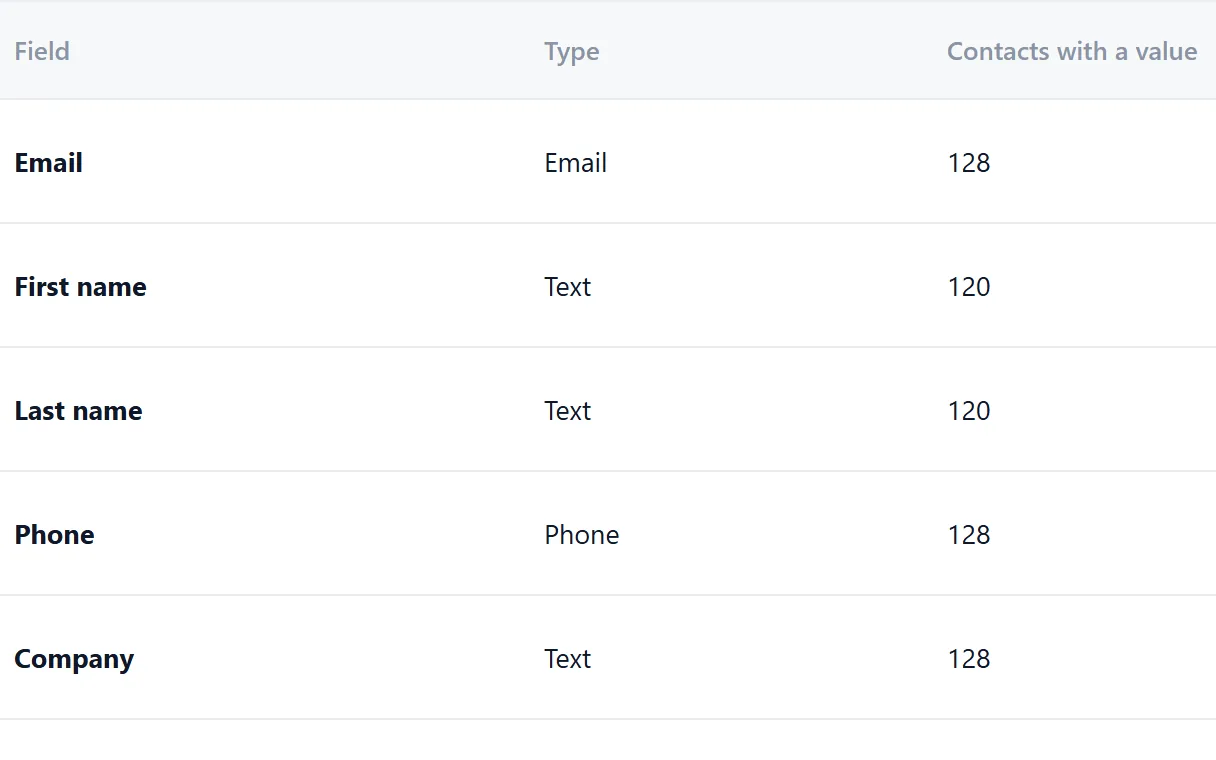
One segment per city or category
Import each city or category into its own segment, like Roofers and builders, North. Add or remove contacts in bulk later, or save a filter such as city contains Leeds.
How segments work
Send a first small campaign
Pick the segment, narrow it by status or tag and send a test to yourself. Then send from your own domain. Unsubscribed contacts are skipped.
How campaigns work
Questions people ask
No. Riftjaw does not crawl the web. You bring the data by importing a file or pasting a page you opened yourself.
Yes, and that is a common setup. Collect with the service of your choice, then import the export into Riftjaw.
It depends on the country, the type of address and your reason for contact. Our GDPR and cold email guide explains the main points. This is not legal advice.
Rows that already exist are flagged on your key field, such as website, before anything is saved. You decide to skip, merge or keep them.
Also worth reading

Product
Collect companies, fill in what is missing, organise them into segments and reach them, without leaving the dashboard.
Read more How it works
Import, enrich, organise, reach. Four steps you repeat every week on a database that keeps getting better.
Read more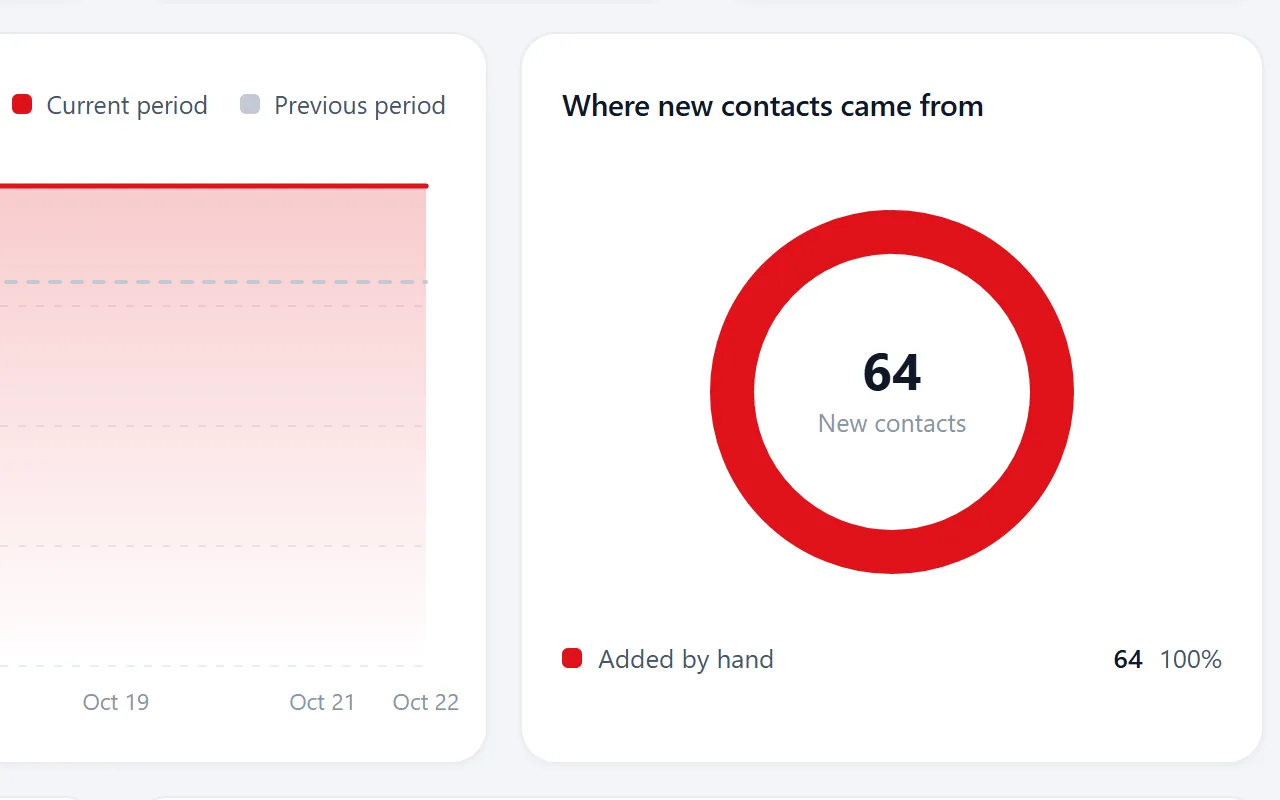
Changelog
Every release, what it fixed and what it added.
Read more
Features
The parts that turn a list of company names into a database you can actually work.
Read more Who it is for
The same database, used in a different way depending on who is behind it.
Read more
Guides
How to collect, enrich and reach companies without breaking anything.
Read moreGive your scraped lists a home
Import the export you already have, clean out the duplicates and send your first campaign. Free to start.
No credit card · cancel any time · your data stays yours