Cover a whole market
Work through an industry region by region and track exactly which part you already did.
- One database for a whole market
- Region and industry as fields you filter on
- See which part is done and which is still open
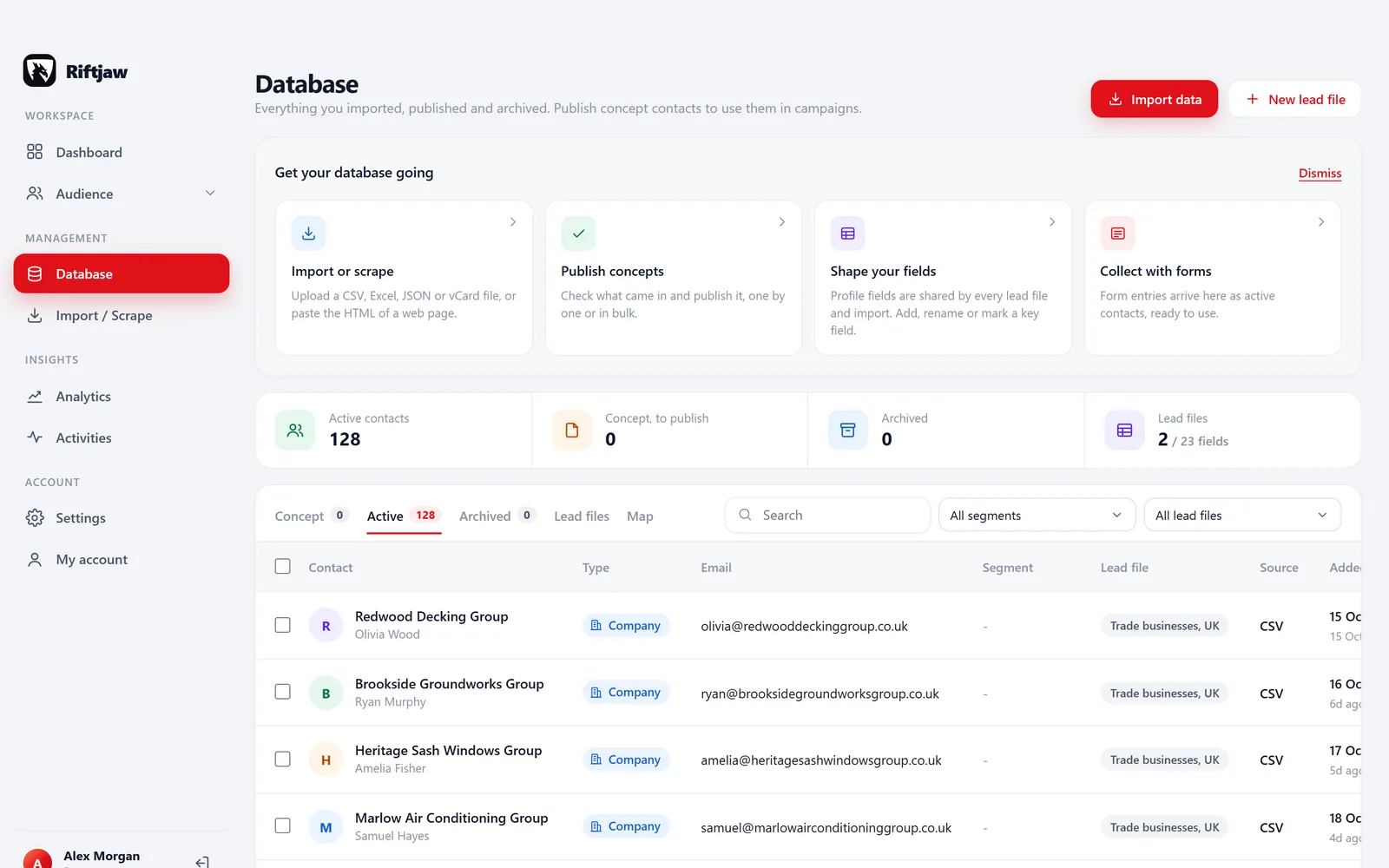
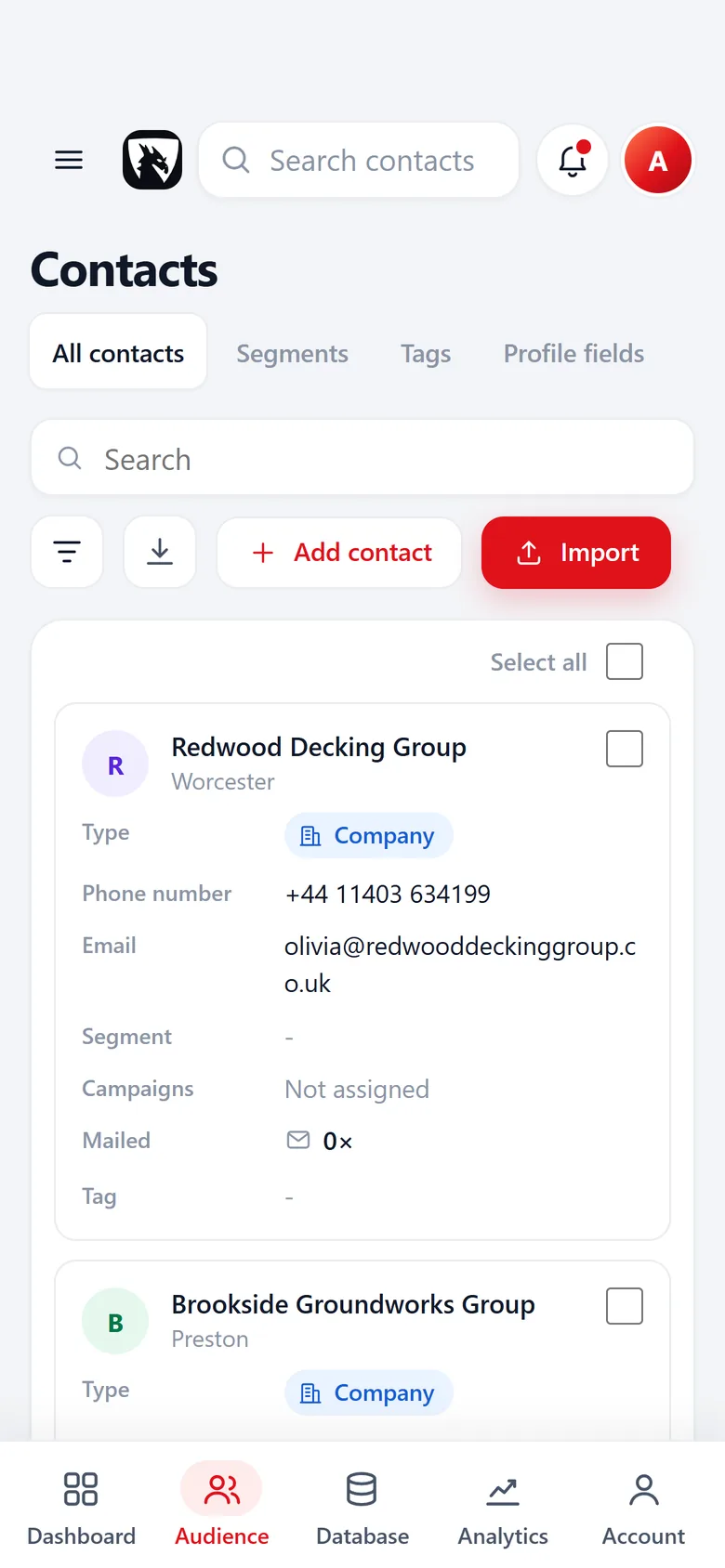
Your market is a finite list. Treat it like one.
A supplier of shop fittings sells to every hardware store in the country. A coffee roaster wants every independent café in five regions. A wholesaler in garden products wants every garden centre. The market is large, but it has an end.
The problem is never finding the first hundred. It is knowing, a year later, which regions you really covered, which retailers never answered and which ones already buy from you. Riftjaw keeps that answer in one place.
- Add fields like Region, Channel or Store size
- Status per company: New, Contacted, Replied, Customer
- Source and date on every record

What makes covering a market hard
Suppliers tend to run into the same four walls.
Every region comes from a different source, with different columns.
Import each list into one lead file. Columns are matched to your fields and duplicates are flagged.
You cannot say which part of the market is done.
Give each region its own segment. Its count and the status on every contact show what is still New.
Reps mail retailers that already buy from you.
Set buyers to Customer and narrow each campaign to status New.
A market export from a data vendor costs money every year.
Build the list once from directories, trade association pages and scraper exports. No credits, and the data stays yours.
A week with Riftjaw at a supplier
One region per sprint. At the end of the year you know your market in rows, not guesses.
Choose this week's region
Open Segments and pick the area for this week. A building supplies wholesaler might take Roofers and builders, North, with its 46 contacts.
How segments work
Top it up
Import a fresh directory list for that region. Rows already in your database are flagged, so only new companies are added.
How import works
Fill in missing emails
Derive addresses from websites with prefixes like info@, sales@ and office@. Existing email columns always win.
How email from domain works
Send the region campaign
One email with {company} and a line about delivery to their area, sent in small batches of 10. Add a button to a form where they can ask for the trade price list.

Mark the region
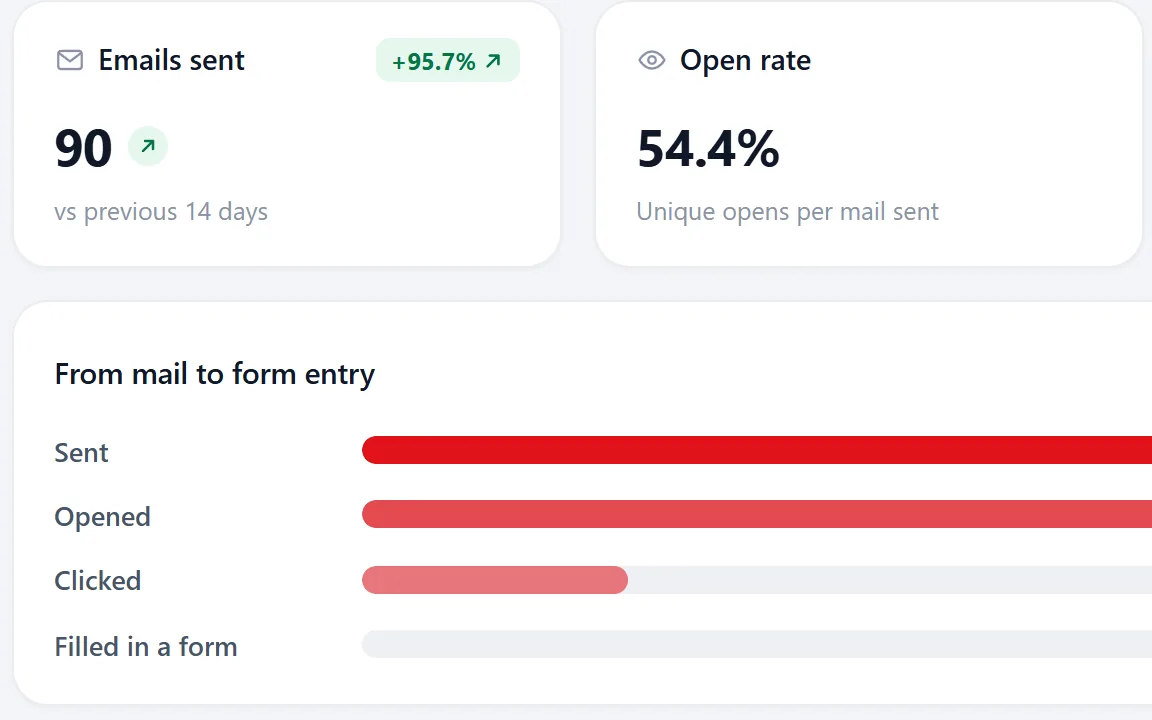
See what the region campaign brought in, from opened and clicked to a filled in form. Every form entry lands as a contact. Set statuses and tag the region as covered this quarter.
Tracking coverage: spreadsheet versus Riftjaw
Most suppliers start with a sheet. Here is what changes.
| Task | Riftjaw | Shared spreadsheet |
|---|---|---|
| See which regions are still open | Yes | Partly |
| Flag duplicates across lists | Yes | No |
| History of every mail per retailer | Yes | No |
| Send a campaign to one region | Yes | No |
| Export everything as CSV | Yes | Yes |
Partly: possible with filters and discipline, but nobody sees it at a glance.
What suppliers use most
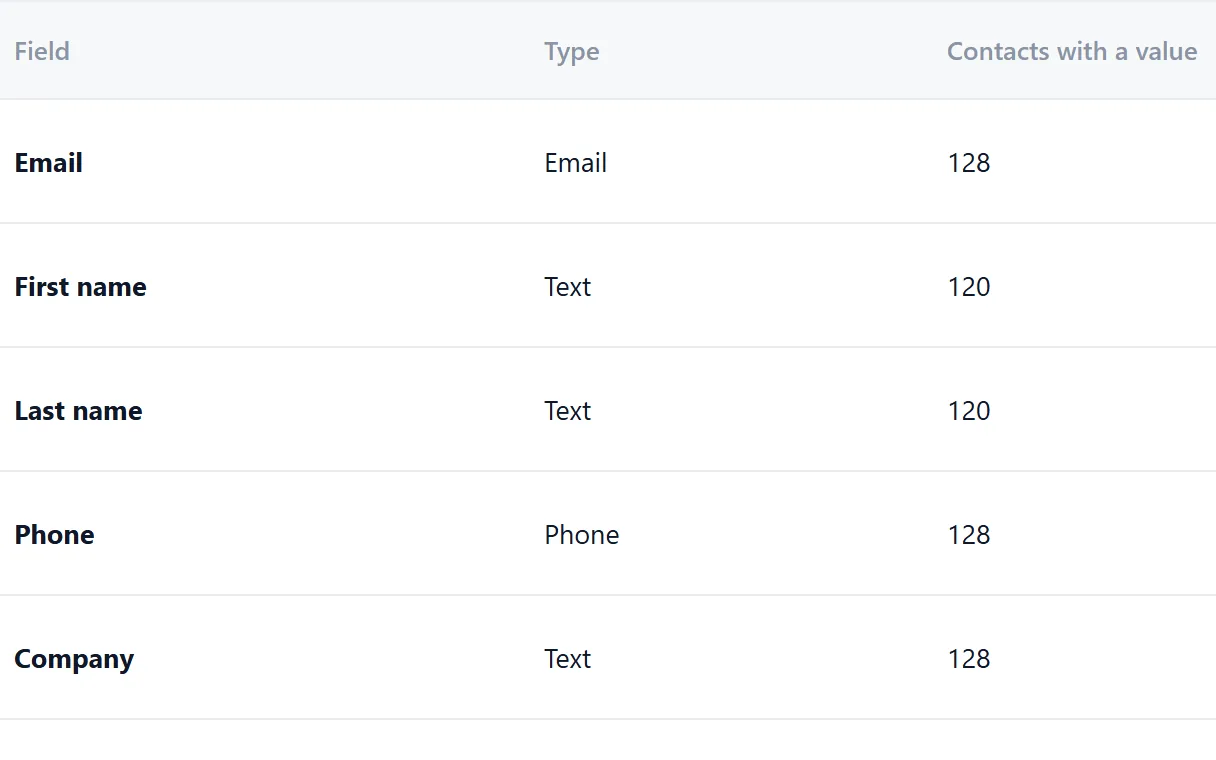
Your own fields
Every field with a count of how many retailers have a value. Add your own next to them, like Region, Channel or Store size.
Read more
Paste and collect
Copy a directory or trade association page, paste it in and get a row per retailer.
Read more
Campaigns
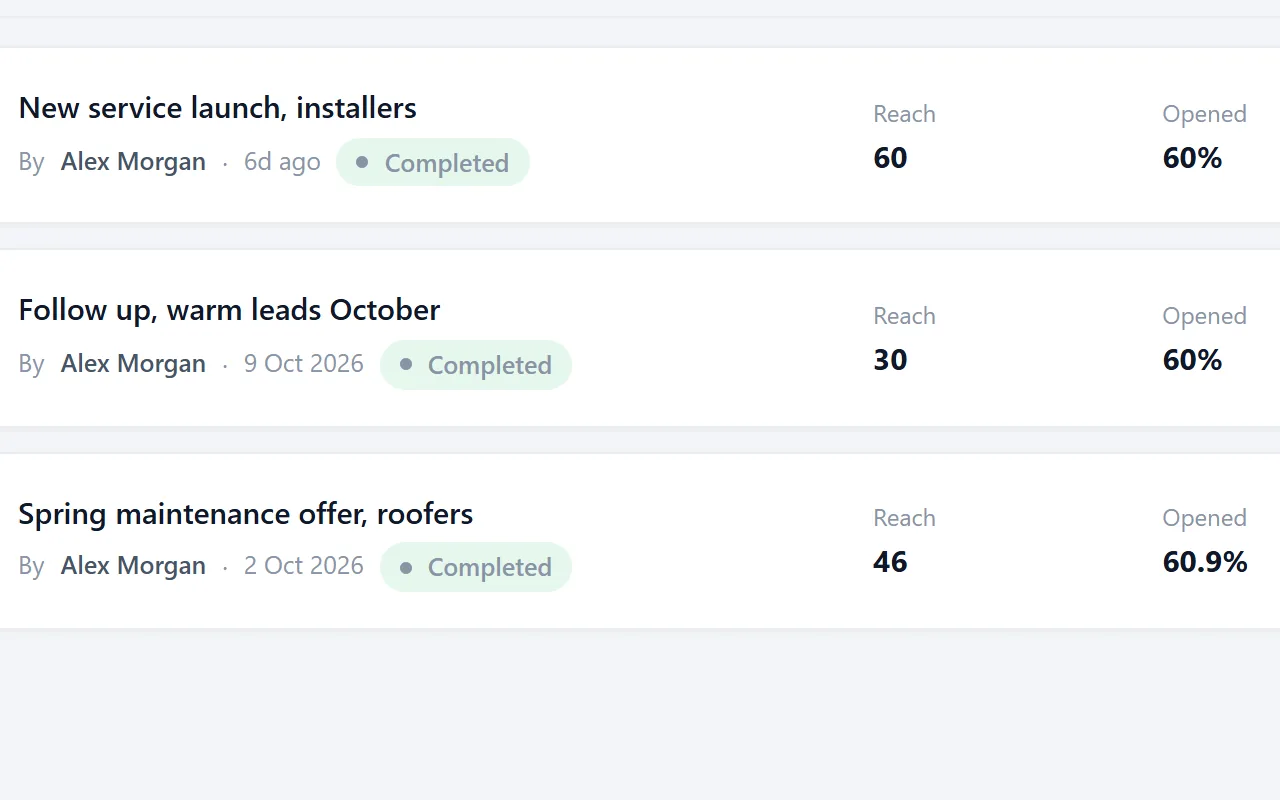
One email per region, with delivered, opened and clicked for every retailer.
Read more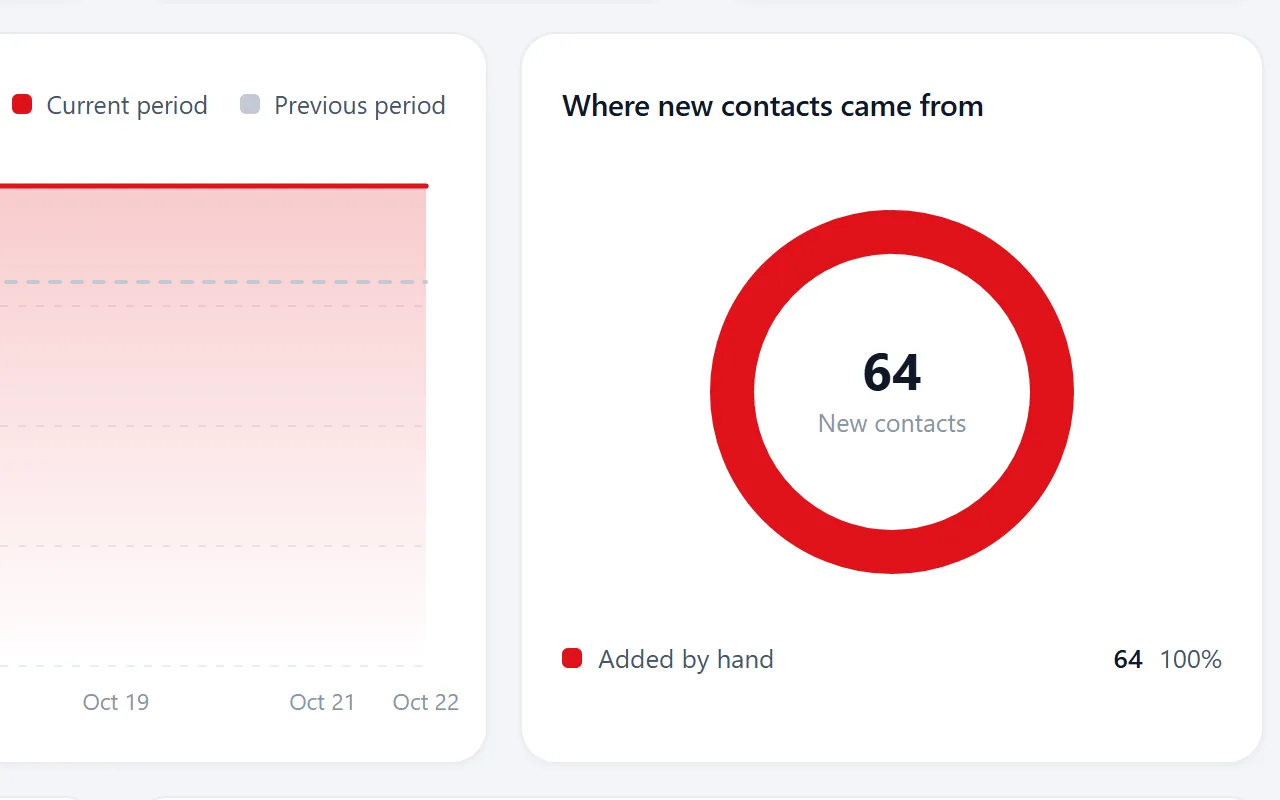
Lead growth
New contacts per day, where they came from and every import with its rows.
Read morePro is where most suppliers land
Pro gives you several lead files, bigger campaigns and your own SMTP provider for €24 per month. Start on Free to test one region first. See the plans on the pricing page. Your competitors are working the same retailers; the sooner you know which ones you covered, the sooner you find the gaps.
Lead lists for wholesale suppliers by industry
Show all 60Show fewer
Questions people ask
Region is a field you fill in and filter on, and a segment per region shows its count. The status on every contact shows what is still New.
Trade associations, business directories, trade fair exhibitor lists and scraper exports. Our guide on collecting from public listings walks through it.
Yes. Build a form with fields from your lead file, link it from a button in the campaign email and the entry lands on the retailer's record.
Files with tens of thousands of rows import fine. They are processed in batches, so a large market list is not a problem.
No. Campaigns are email only.
Also worth reading
Agencies
Separate workspaces, no per-seat bill, and campaigns you can run under your own name.
Read more Service businesses
Turn a list of businesses nearby into a file you keep working, year after year.
Read more Freelancers
Build your own list instead of renting a database by the credit.
Read more Sales teams
Keep the companies you found, feed any sender you already use and stop losing work to churn.
Read moreStart with one region
Create a free account, import the retailers of one region and see what is still open.
No credit card · cancel any time · your data stays yours