Looking for a Hunter alternative
What Riftjaw does differently, in plain terms, so you can judge it yourself.
Last checked 30 September 2026
Finding a person or reaching a company
According to their public website at the time of writing, Hunter is known for finding and verifying professional email addresses. You search a domain or a name, get likely addresses with a confidence indication, and verify them. Usage is credit based.
That is the right tool when you need the address of one named person at a company. A lot of B2B outreach to small companies works differently. The owner of a local plumbing firm reads info@ himself. A shop replies from hello@. You do not need the name of a head of procurement, you need a working inbox at two thousand companies whose websites you already have.
Is your list full of websites and empty in the email column? Do you look up the same kind of info@ address again and again, one credit at a time? Then a different approach may save you time.
Every website becomes an address while you import
In Riftjaw you tick the prefixes you want, like info@, hello@, sales@, office@ or contact@, and add your own. During import the domain is taken from each website, www. is stripped and the addresses are built. An email column in your file always wins.
- Works on the whole file at once
- No credits, on any plan
- Clearly a guess based on common patterns, not a verified address

Riftjaw and Hunter on the details
Hunter finds and checks addresses. Riftjaw builds a database around them. Here is where each one is stronger.
| Riftjaw | Hunter | |
|---|---|---|
| Find the address of a named person | No | Yes |
| Verify whether an address exists | No | Yes |
| Confidence indication per address | No | Yes |
| Browser extension for looking up a domain | No | Yes |
| Role addresses from a domain for a whole file | Yes, while importing | Bulk tools, see their site |
| Cost per address | None, flat plan | Credit based, see their pricing page |
| Lead files with your own fields and tags | Yes | See their site |
| Email campaigns | Yes | Yes |
| Forms that write back to the contact | Yes | See their site |
| Each account on its own private server | Yes | See their security page |
Based on the public website of Hunter as checked on 30 September 2026. Check their site for current features and limits. Hunter is a trademark of its owner. There is no affiliation between Riftjaw and Hunter, and Hunter does not endorse or sponsor Riftjaw. Found a mistake? Let us know.
When Hunter is the better choice
You need a specific person
Reaching the marketing lead at a company of 200 people usually needs a personal address. Finding and checking that is what Hunter is built for.
You must keep bounces very low
Verified addresses bounce less than guessed ones. If your sending setup cannot take bounces, verify before you send. Riftjaw does not verify.
When Riftjaw fits better

Small companies with one inbox
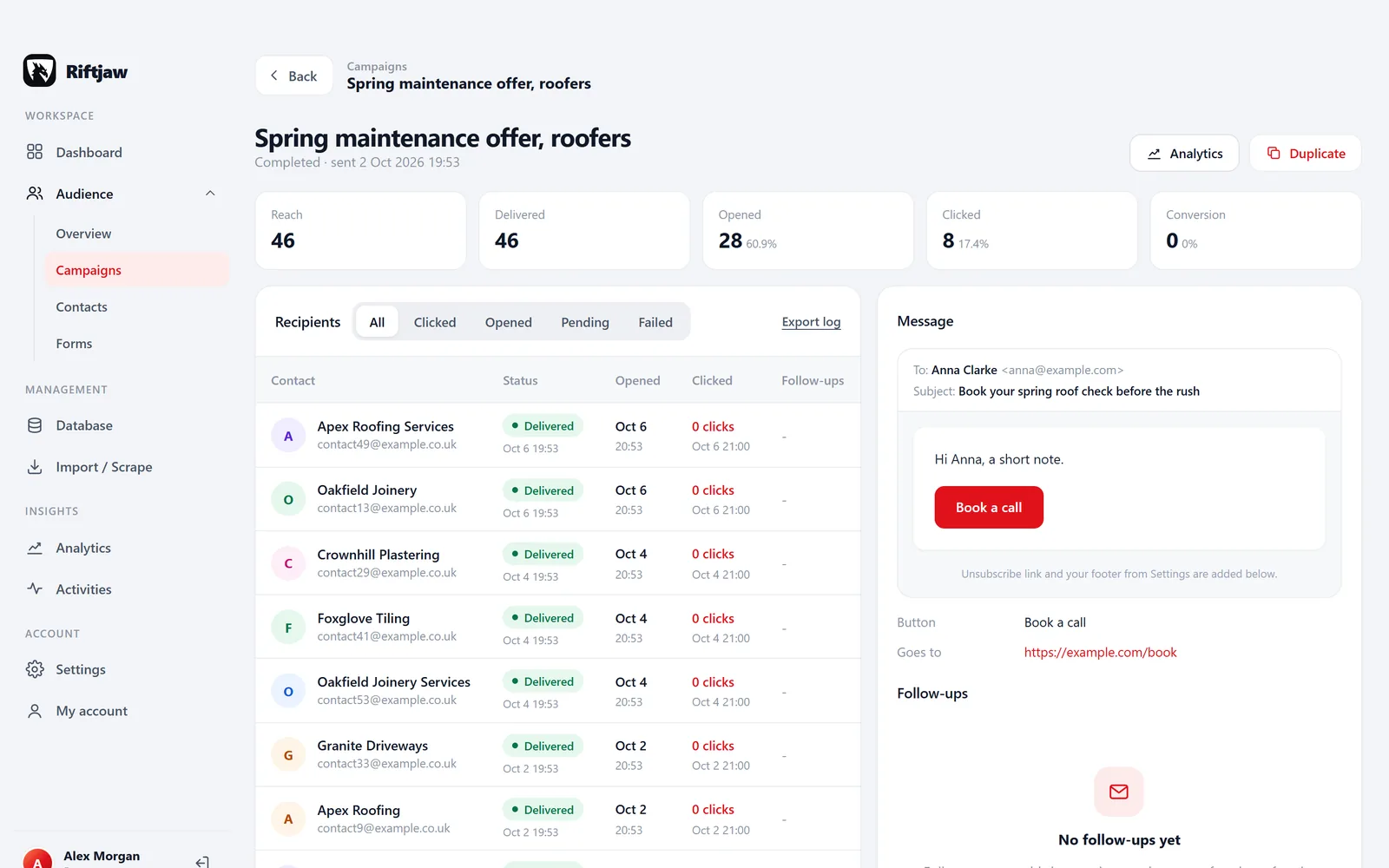
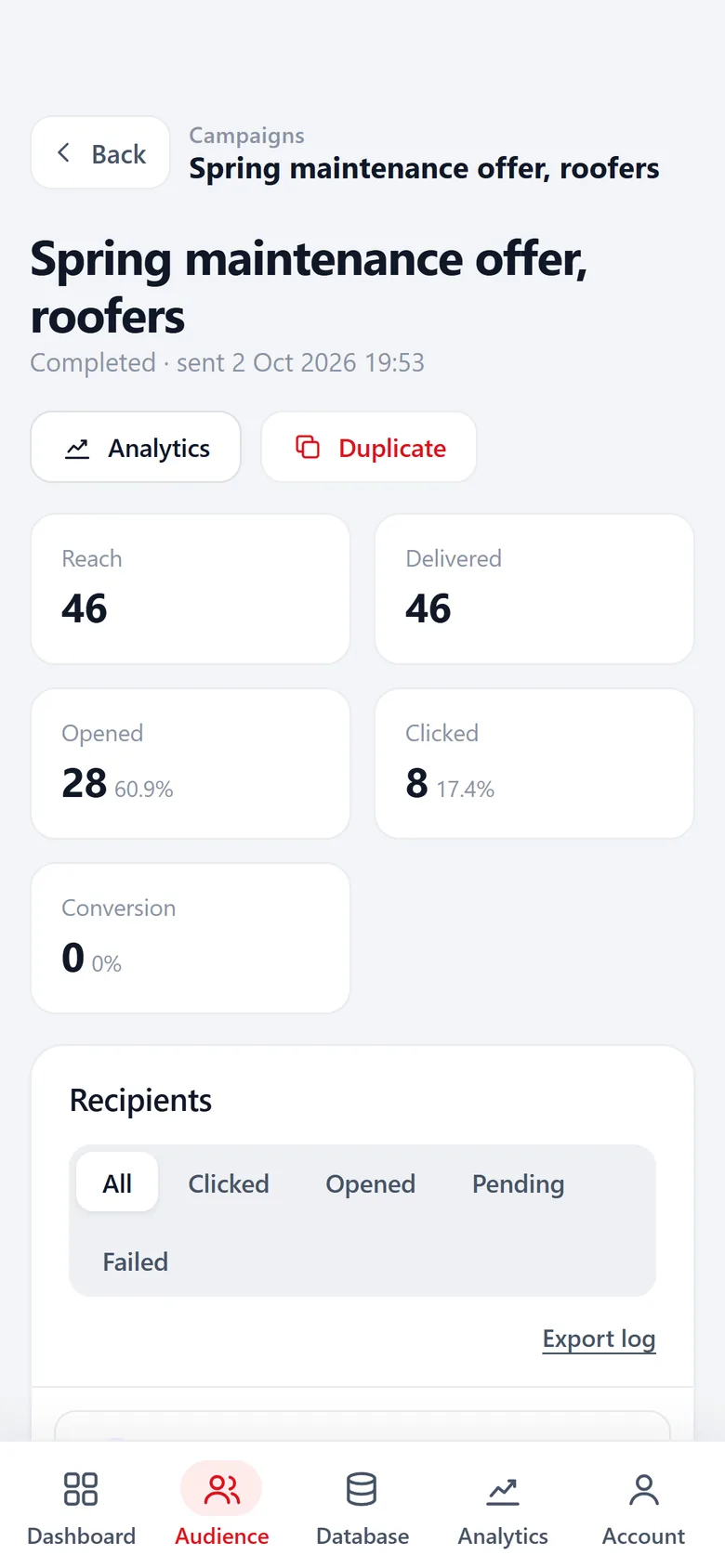
For shops, trades and local offices, a role address like info@ often reaches the person who decides. Every click on the button in your mail shows up in Activities.
Read more
You want the addresses kept
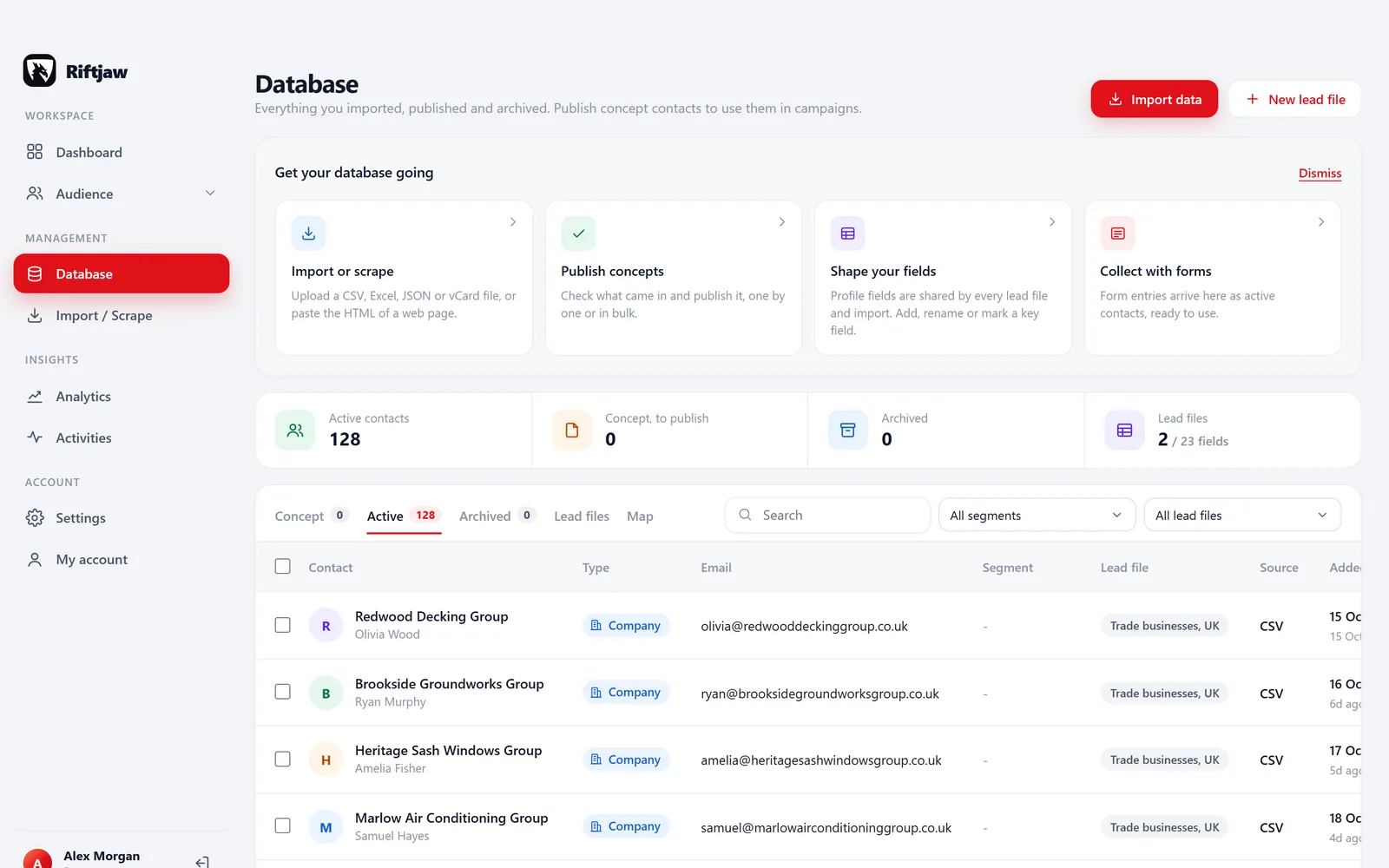
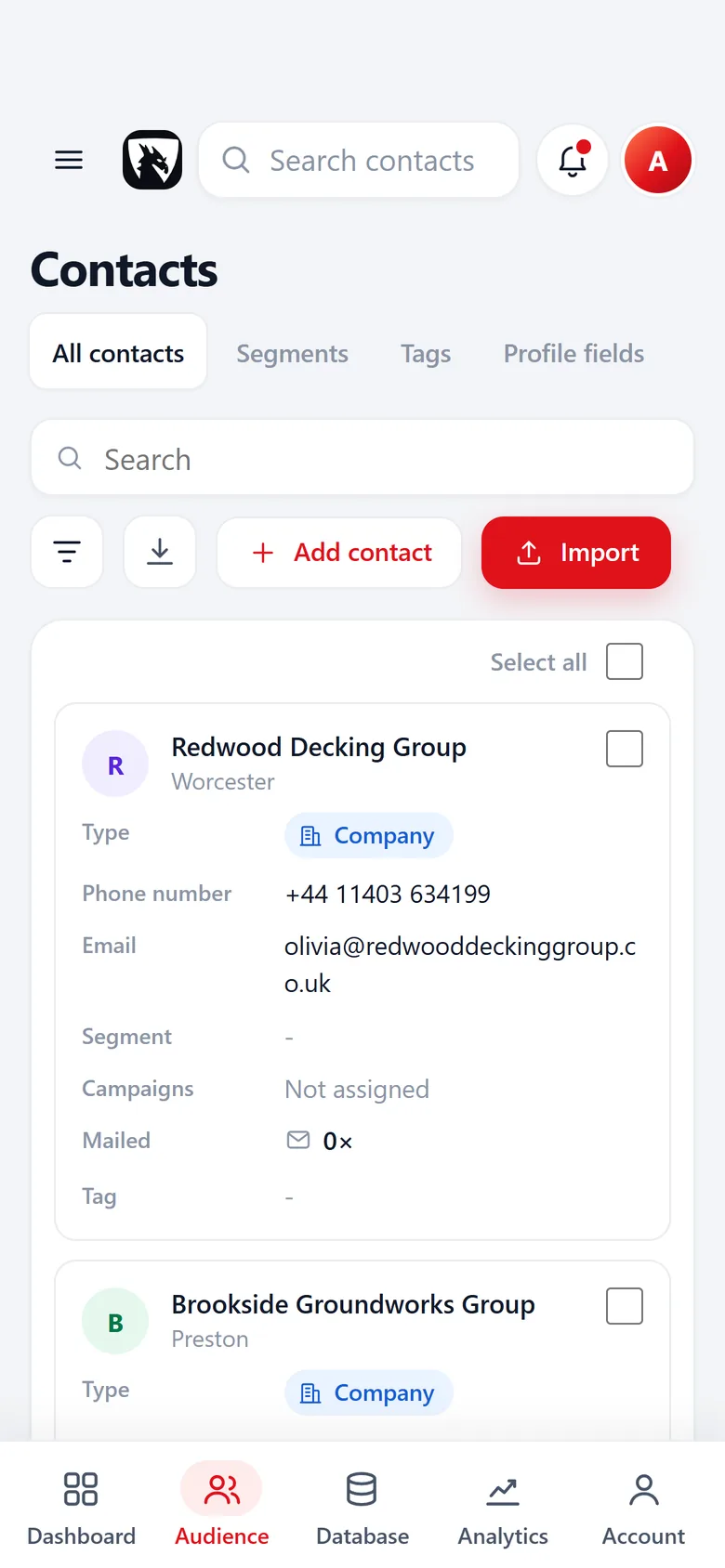
Addresses end up on a record with status, tags, notes and the history of every mail sent to it.
Read more
You want to send to a segment
Pick a segment, narrow it by status or tag and send a campaign in small batches.
Read moreBringing your Hunter results over
Export from Hunter, import into Riftjaw
Export the leads you saved in Hunter as CSV, with the verification column if there is one. In Riftjaw you give every column a profile field and pick the segment the contacts go into. Existing addresses are kept; derived addresses only fill empty rows.
How import works
Tag by verification status
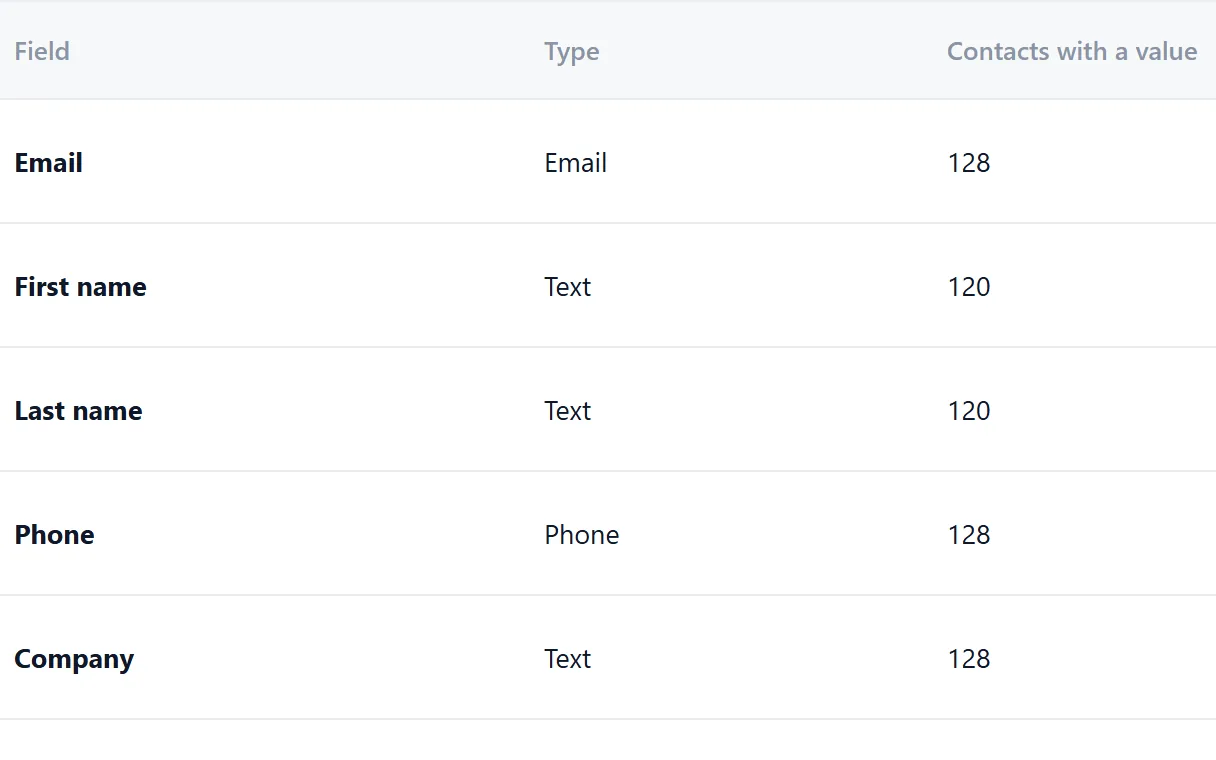
Turn the verification column into a field or tag, then save a filter of verified addresses only. The field list shows how many contacts have a value in each field.
Send to the verified ones first
Pick the segment, narrow it to the verified tag and send a test to yourself. Start with the addresses you trust most, then widen the audience once the results look right.
How campaigns work
Questions people ask
Some will be, some will not. They follow common patterns like info@domain and are not verified. Read our guide on using them carefully.
No. If you want verification, run your export through a verification service and import the result back. The key field makes sure no duplicates appear.
Tick the common ones such as info@, hello@, sales@, support@, office@ and contact@, and add any prefix of your own.
Then that address is used. A derived address never overwrites an email column.
Yes. Find personal addresses where you need them, bring them in with the rest of your list and work everything from one database.
Also worth reading

Product
Collect companies, fill in what is missing, organise them into segments and reach them, without leaving the dashboard.
Read more How it works
Import, enrich, organise, reach. Four steps you repeat every week on a database that keeps getting better.
Read more
Changelog
Every release, what it fixed and what it added.
Read more Features
The parts that turn a list of company names into a database you can actually work.
Read more Who it is for
The same database, used in a different way depending on who is behind it.
Read more
Guides
How to collect, enrich and reach companies without breaking anything.
Read moreFill the empty email column
Import a list of websites, tick your prefixes and see the addresses appear. Free to start.
No credit card · cancel any time · your data stays yours