A database per client
Separate workspaces, no per-seat bill, and campaigns you can run under your own name.
- A separate workspace and lead file per client
- Unlimited users, so no per seat bill
- Hand the data over as CSV whenever a client asks
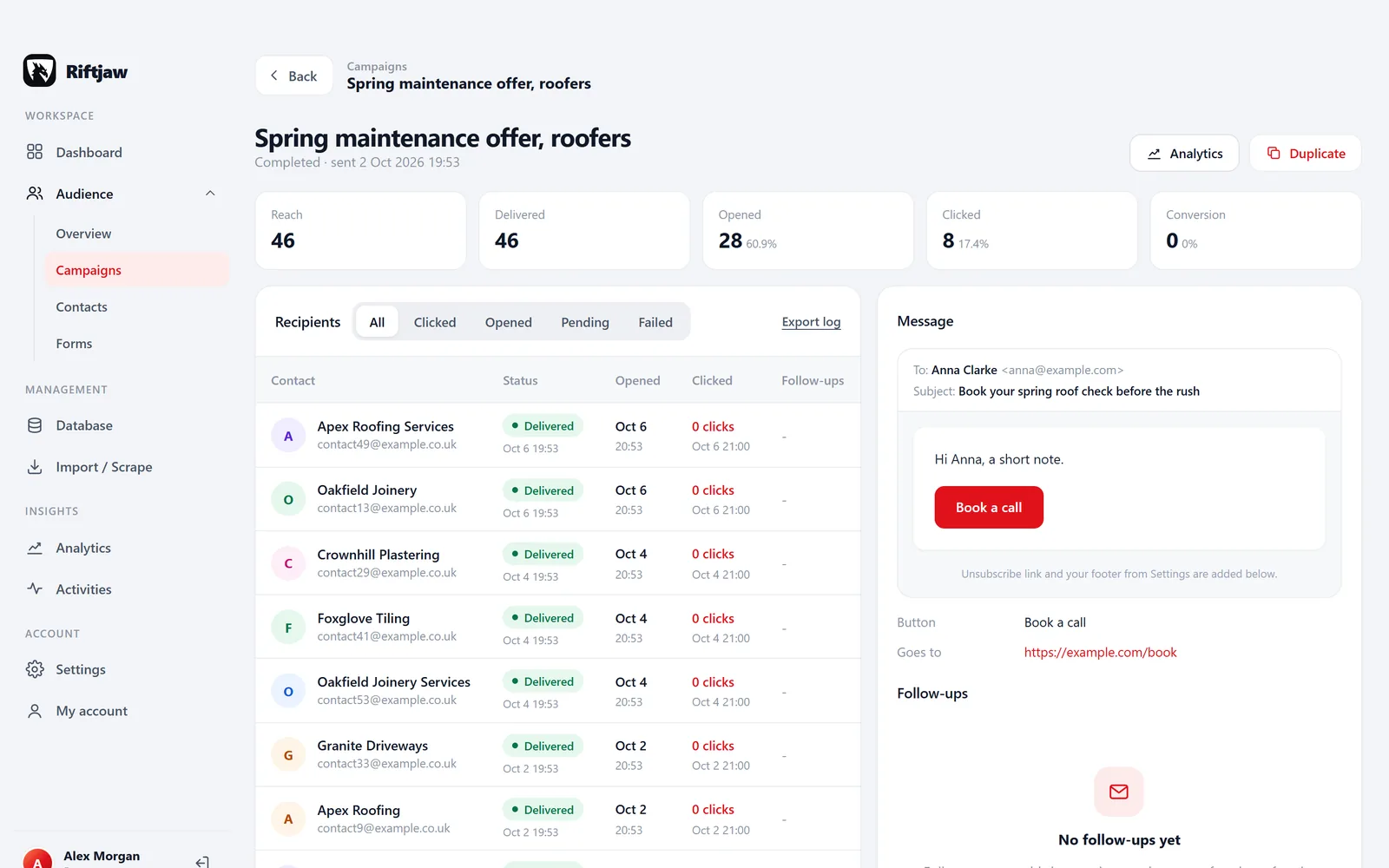
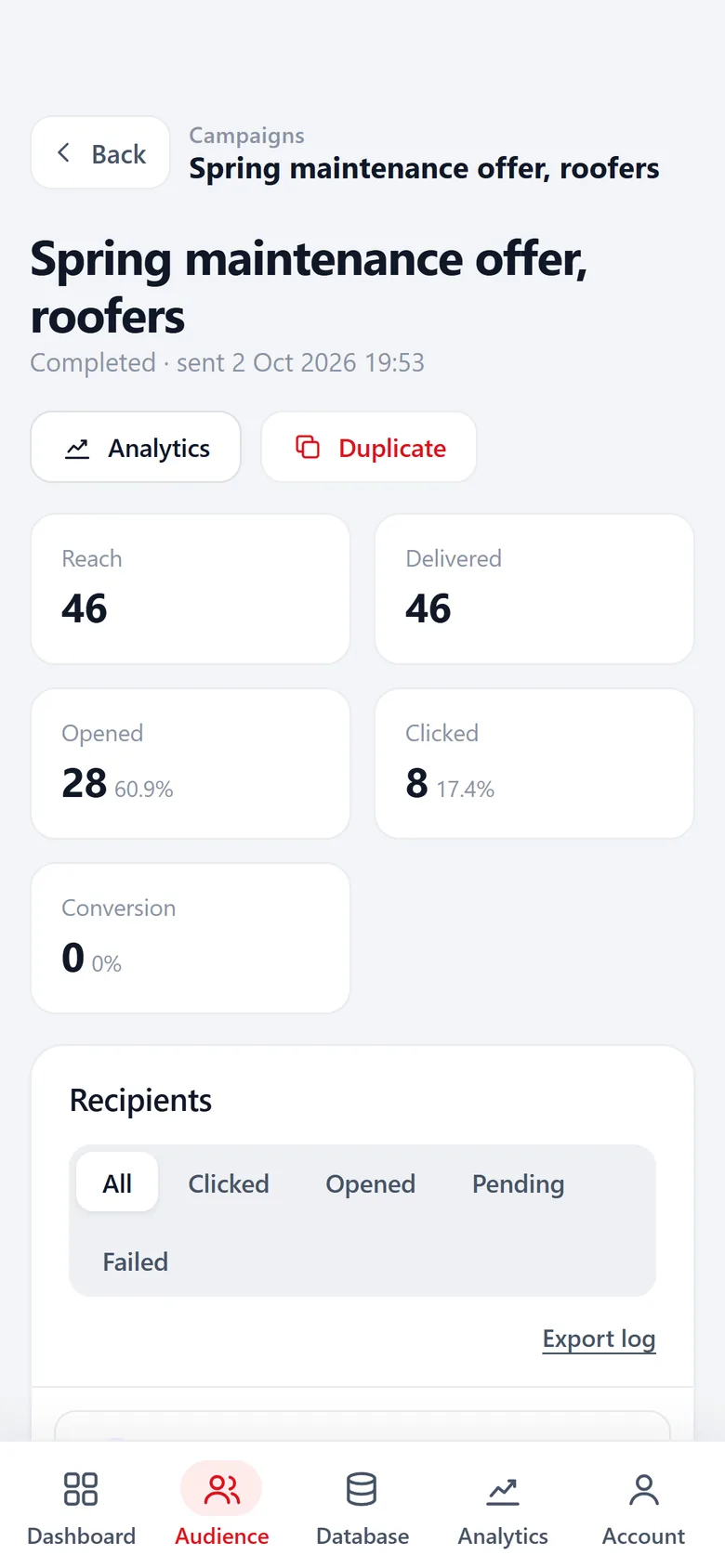
What running prospecting for clients usually looks like
Most agencies we talk to describe the same week. Too many tools, too many logins and data nobody can find.
Client lists live in shared folders as final_v3.xlsx, and two clients end up in one sheet.
Every client gets a separate workspace. Nothing from your dental client shows up in the roofing client's segments.
Every new account manager means another seat on another invoice.
Users are unlimited on every plan, the client included.
A client leaves and asks for "their data", spread over three tools.
You export their contacts, form entries and original files as CSV in one go.
Credits run out halfway through a campaign you already billed.
There are no credits. Importing, deriving emails from domains and sending cost nothing per record.
One client, one workspace, one clean file
On the Agency plan each client gets a separate workspace. Inside it you build lead files and segments the way that client thinks: Dentists Leeds, Trade fair March, Old CRM export. Fields, tags and segments stay inside that workspace.
The Agency plan is 79 per month, or 711 per year, with no per seat or per record fees. Prospecting only for your own agency for now? Start on Pro and move up when the first client signs.
- Rename or describe a lead file so the next colleague knows what it is
- Tags you choose, like warm, cold or already called
- Source and date kept on every record

A week with Riftjaw at an agency
The same routine, repeated per client, without copying files between tools.
Import the new lists
A client sends a spreadsheet, you add a scraper export. Both go into that client's lead file. Duplicates against what is already there are flagged before anything is saved.

Fill the gaps
Rows with a website but no email get addresses derived from the domain with the prefixes you tick, like info@ and sales@. An existing email column always wins.

Build the segment
Select the dentists you want to reach and add them in bulk to a segment such as Dentists Leeds. The segment shows how many contacts it holds.

Send the campaign
Write once with {first_name|there} and {company}, send a test, then let it go out in small batches under the client's sender name.

Report back
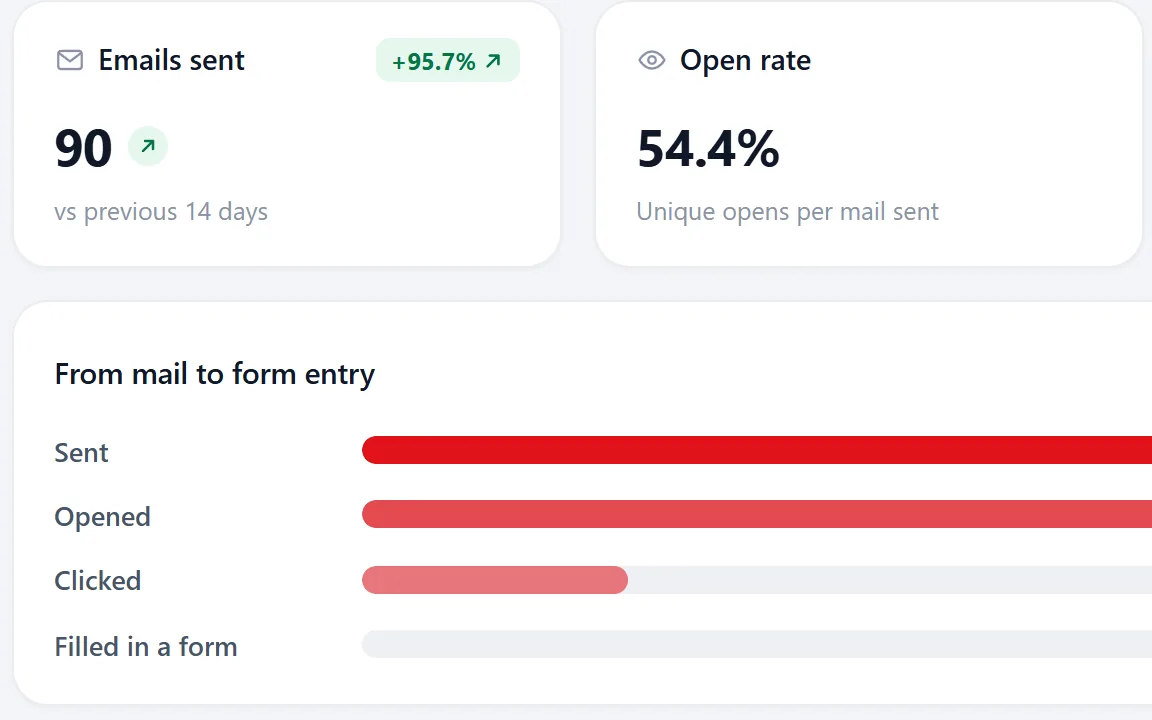
Open analytics for sent, opened, clicked and form entries per campaign. Export the contacts who clicked, or the ones you set to Replied, as CSV for the client meeting.
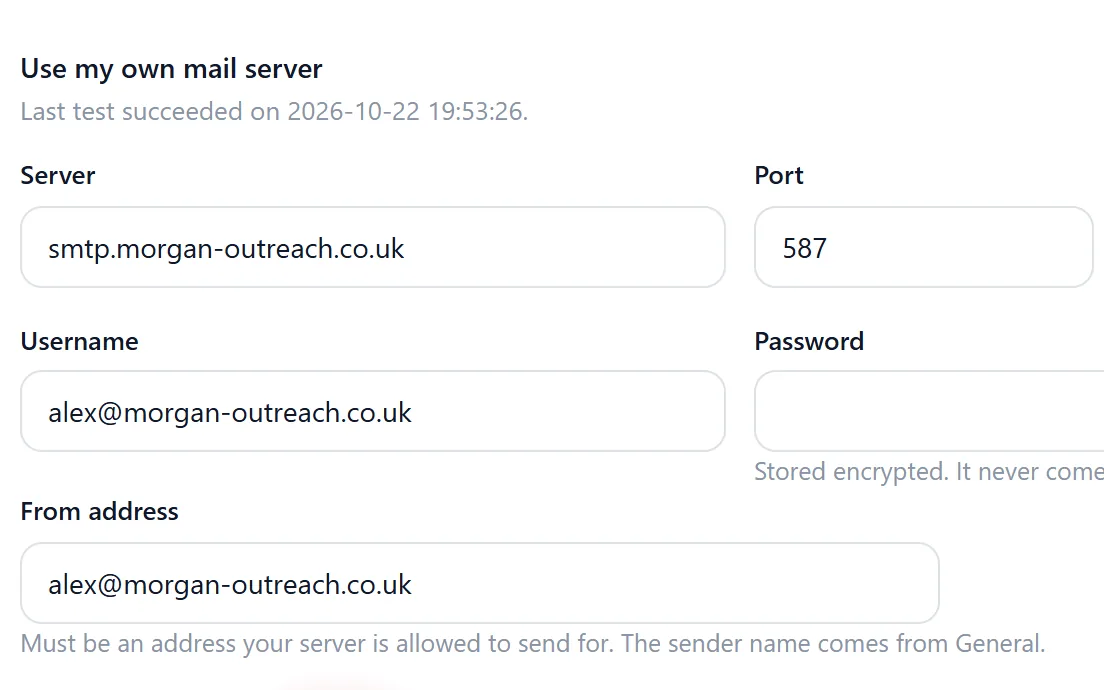
Send under the client's name or yours
Campaigns go out from a domain you control, over your own mail server, such as Google Workspace, Microsoft 365 or Mailgun. Sender name, reply-to and footer come from settings, so the mail reads as coming from the client or from your agency.
Riftjaw does not connect to an inbox, so replies land in the mailbox you send from. Set the contact to Replied and the follow-ups stop.
- Up to 5 follow-ups, to everyone, to who did not open or to who did not click
- Replied, Customer and Unsubscribed contacts never get a follow-up
- A test mail to yourself before anything goes out
What agencies open most

Paste and collect
Copy a directory or maps page a client cares about and turn it into rows. Riftjaw does not crawl the web.
Read more
Profile fields
Add the fields a client cares about, like Industry or City. Each one shows up in the database and in every import.
Read more
Activities
Every click on the button in a campaign mail, with the contact and the campaign, ready for the client report.
Read more
Export
Every import keeps its original file. Hand it over with the contacts as CSV when a client asks.
Read moreLead lists for marketing agencies by industry
Show all 60Show fewer
Questions people ask
Users are unlimited, so you can invite a client contact to the account. Decide per client whether that makes sense for how you work.
Yes. Sender name, reply-to and footer are set in settings, so the mail reads as coming from the client or from your agency, whichever you choose.
Export their contacts, form entries and original import files as CSV, hand them over and delete the lead file. Nothing is locked in.
No. Riftjaw is not a data vendor. You bring the lists; Riftjaw keeps them organised, fills in missing emails from domains and lets you reach them.
No. Campaigns are email only. If a client needs other channels, export a segment and feed it to the tool you use for that.
Also worth reading
Service businesses
Turn a list of businesses nearby into a file you keep working, year after year.
Read more
Freelancers
Build your own list instead of renting a database by the credit.
Read more Sales teams
Keep the companies you found, feed any sender you already use and stop losing work to churn.
Read more Wholesale and suppliers
Work through an industry region by region and track exactly which part you already did.
Read moreSet up your first client workspace
Start free, import one client list and see how it feels to have every client in its own place.
No credit card · cancel any time · your data stays yours