From a raw list to customers
Import, enrich, organise, reach. Four steps you repeat every week on a database that keeps getting better.
Free plan, no credit card. Your first list can be in the database in minutes.
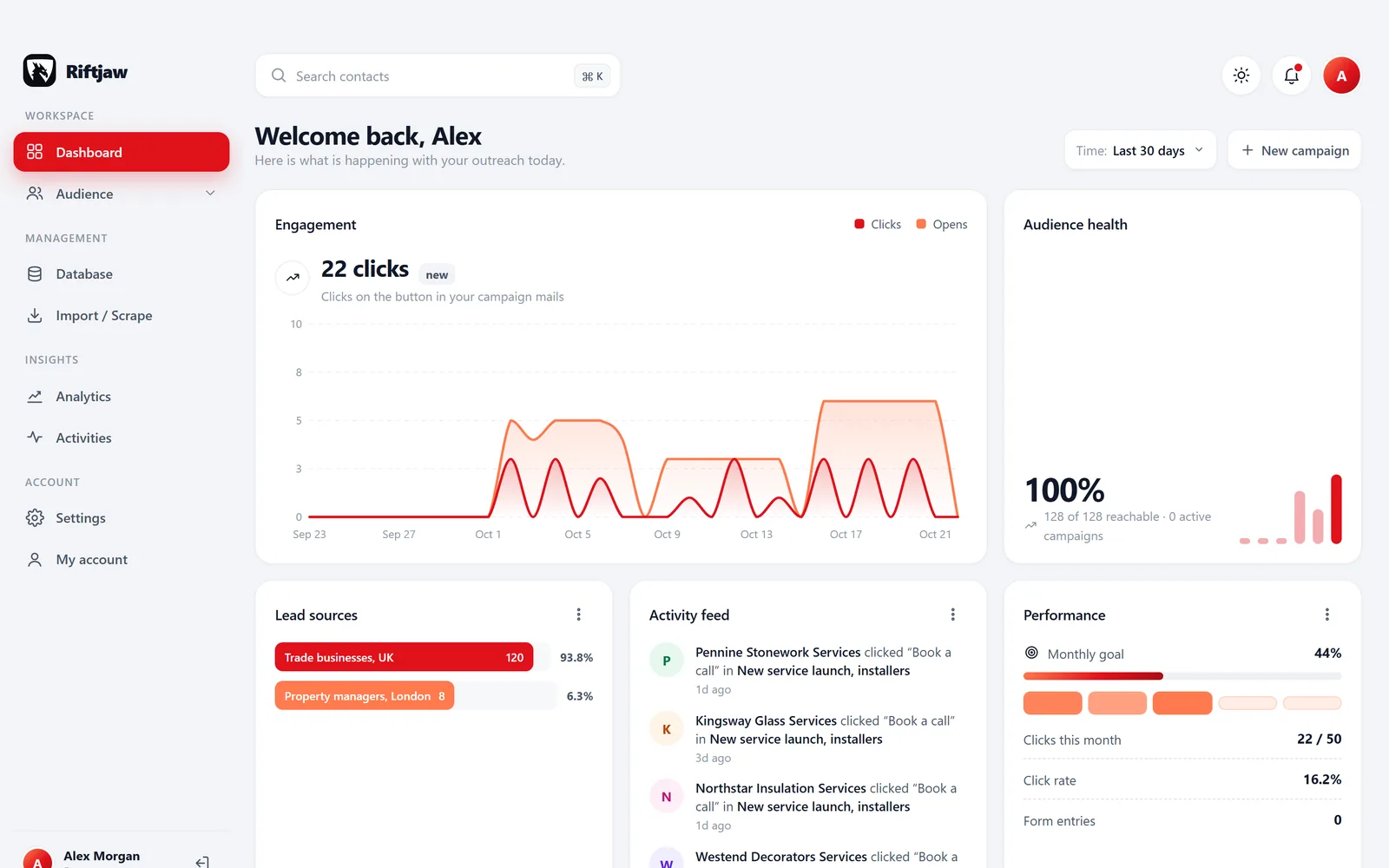
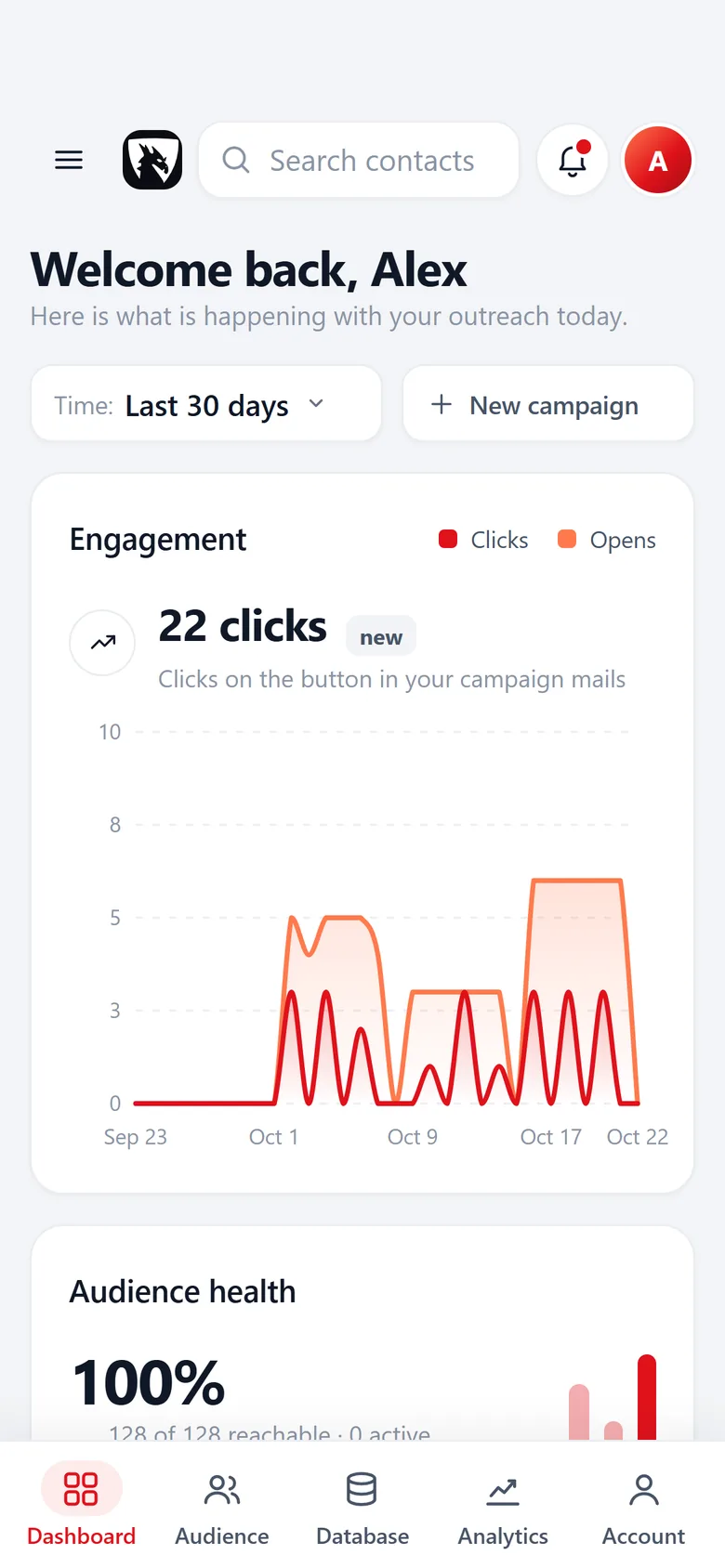
A routine, not a one-off project
Finding customers yourself is not hard because the work is complex. It is hard because it is scattered. A list sits in one file, the emails in another, and the notes about who you already called live in your head.
Riftjaw turns that into one loop you run every week. Each round, the database gets a little more complete and a little more useful. Below is the loop, step by step, and exactly which part is yours and which part is ours.
- One database instead of five files
- Status and history on every contact
- Each round builds on the last one
The first time, in five steps
Plan for an hour the first time. After that, a round takes a fraction of it.
Create a lead file
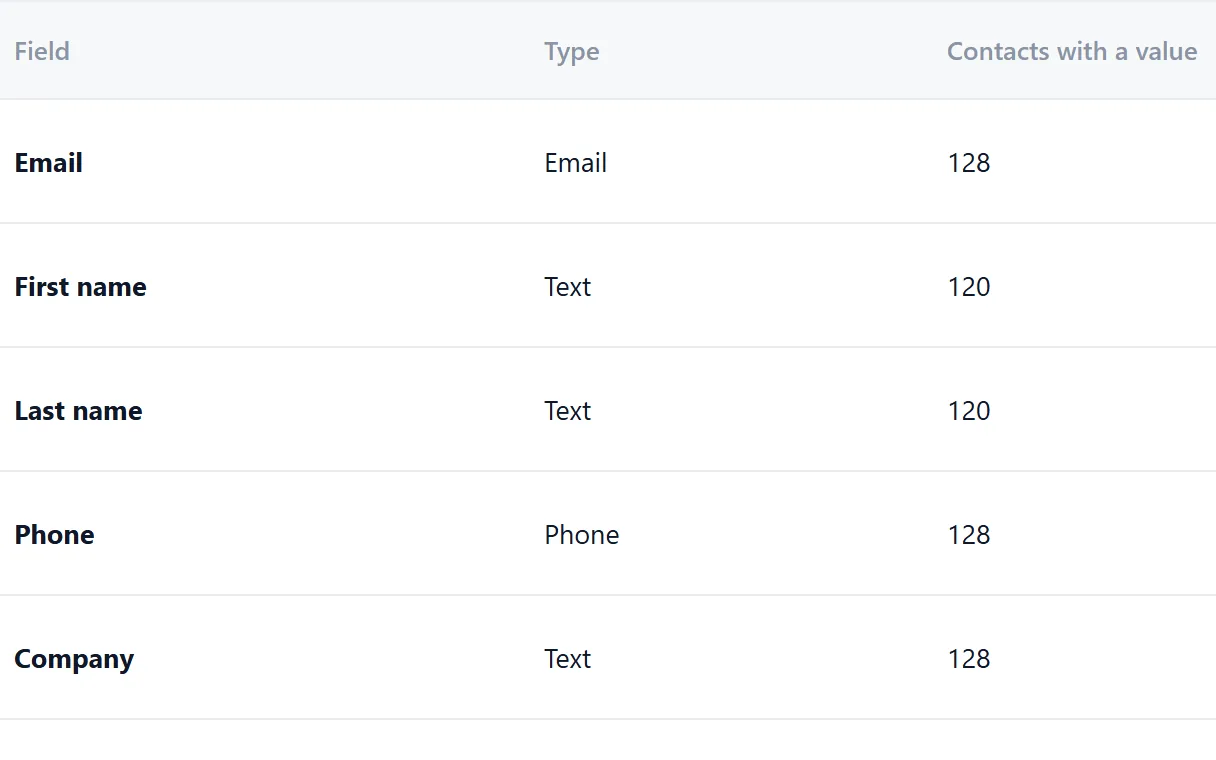
Give it a name you will recognise, like Roofers East or Wholesale 2026. Add the fields you care about, such as fleet size or last visit.
- Text, number, date, website and note fields
- Mark a key field to catch duplicates
Import a list and fill in emails
Drop in a CSV or Excel file from any source, pick the segment it goes into and give every column a field. Rows with a website but no email can get an address from the prefixes you tick, like info@ and hello@. See email from domain.
- Skip a column on purpose or make a new field
- Duplicates on your key field are flagged
- Nothing is imported until every column has a choice

Publish the records
Imported rows start as concepts. Look them over, then publish them one by one or in bulk. Until then, you can delete the whole import in one go.
- Concepts are never mailed
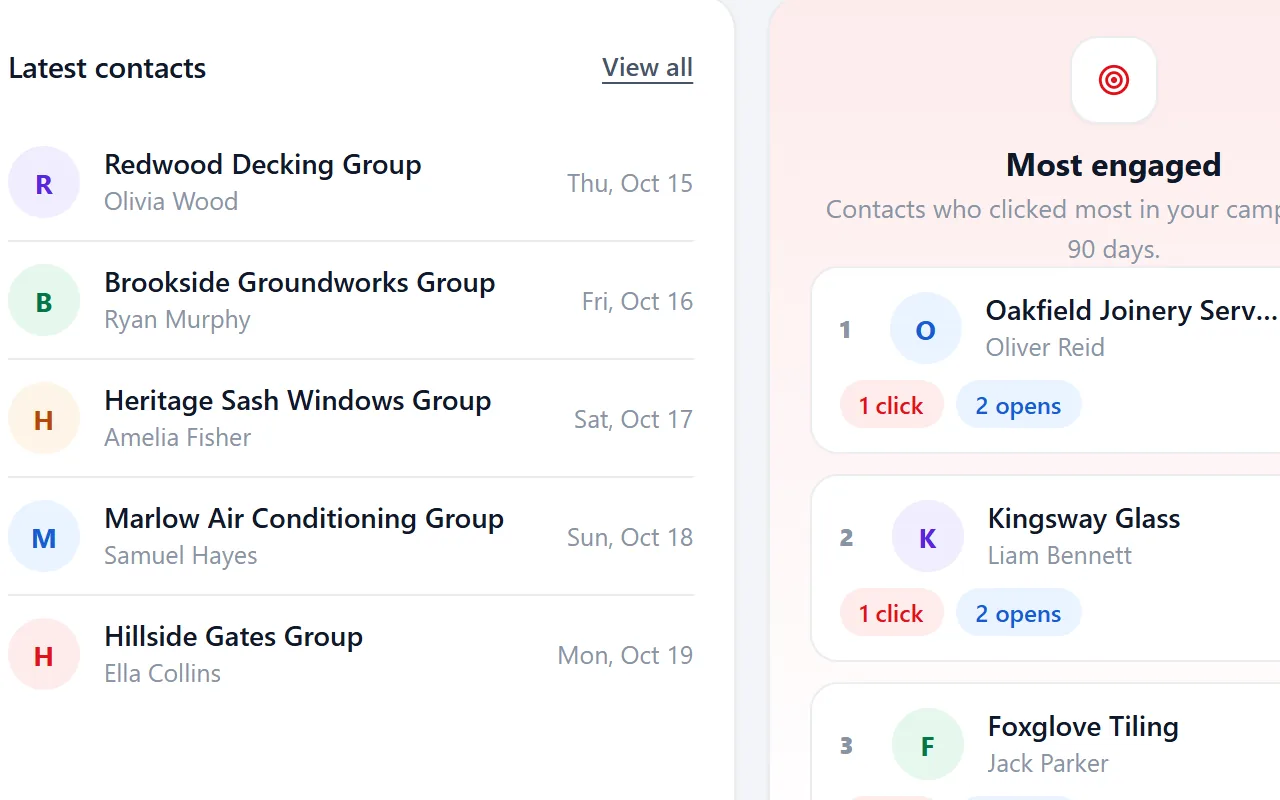
- Published contacts are active and ready to use

Check the segment
The import went into a segment you chose or created on the spot, such as Roofers East. Add or remove contacts in bulk when you need to.
- The number of contacts sits next to every segment
- Saved filters on your fields work as an audience too

Send a campaign
Write once with placeholders, send yourself a test, then send to the segment in small batches.
- Up to 5 follow-ups
- Only active contacts are mailed
- Unsubscribed contacts are skipped

What you do, and what Riftjaw does
You make the decisions. Riftjaw does the repetitive part and keeps the records straight.
| Stage | Riftjaw does | You do |
|---|---|---|
| Collect | Reads CSV and Excel, suggests column matches, flags duplicates | Find the list or paste the page, confirm the matches |
| Enrich | Strips the domain and builds addresses from your prefixes | Choose the prefixes and decide if a guess is good enough |
| Organise | Stores source and date, keeps history, updates segment counts | Set status, add tags and notes after a call |
| Reach | Fills placeholders, sends in small batches, sends the follow-ups on the days you chose, tracks opens and clicks | Write the email and any follow-ups, pick the segment |
| Stop | Skips unsubscribed contacts on every send, automatically | Nothing. It is not something you can forget |
| Export | Builds a CSV of everything or of one segment | Click export when you need it |
Riftjaw does not crawl the web, does not sell contact data and does not send SMS.
Then every week, in three steps
Once the database exists, a round is short. Add a little, update what happened, send to the next segment.

Add one new list or page
Import one new list or paste one new page. Duplicates against what you already have are caught.
Read more
Update status and tags
After a reply or a call, you set the status. Replied takes a contact out of the follow-ups. Tag the warm ones and the ones you already called.
Read more
Send to a segment
Pick the segment for the next campaign, narrow it by status or tag, and see per contact who opened and who clicked.
Read moreWhere this loop usually breaks
You mail a company twice because it was on two lists.
Duplicates are checked on your key field on every import, against the whole lead file.
Someone asked to be left alone and got another mail anyway.
Unsubscribed contacts are skipped by every campaign. You do not have to remember.
You cannot tell a real address from a guess.
Addresses built from the domain can get the tag Guessed email, so you check them first or leave them out.
The person who kept the list leaves, and the list leaves with them.
The database lives in your account, with the history on each record.
Every week you wait is a week of work you redo later
The lists you collect this month are worth more when they sit next to last month's. Start the file now, even with one list, and let it grow.
Questions people ask
A few minutes for the file itself. Checking the columns and duplicates takes as long as you want to spend on it.
Campaigns go through the mail setup of your account. On Pro you can use your own SMTP provider. See pricing.
Yes. You can import and export without ever sending a campaign, or use Riftjaw only as a record of who you called.
Yes. There is no limit on users and no fee per seat.
Cancel any time and export everything as CSV first, including the original import files.
Also worth reading

Product
Collect companies, fill in what is missing, organise them into segments and reach them, without leaving the dashboard.
Read more Changelog
Every release, what it fixed and what it added.
Read more
Features
The parts that turn a list of company names into a database you can actually work.
Read more Who it is for
The same database, used in a different way depending on who is behind it.
Read more Guides
How to collect, enrich and reach companies without breaking anything.
Read more
Blog
Notes on prospecting, data and doing it without renting a database.
Read moreRun the loop once this week
One list, one segment, one small campaign. You will know within a day if it fits how you work.
No credit card · cancel any time · your data stays yours