Guides
How to collect, enrich and reach companies without breaking anything.
New to this? Start with the full walkthrough
Build a lead database you own is the step by step version: who belongs in it, which fields to record, a key field against duplicates, statuses and tags, and a weekly routine that keeps the list worth something.
It points to the other guides at the moment you need them, so you can read it first and pick up the rest when you reach that step.
- Describe who belongs in it in one sentence
- Record the source and date of every company
- Use the website domain as the key field
- Keep statuses few: New, Contacted, Replied, Customer
Or pick the guide for the step you are on
Each guide is written for someone who finds customers themselves. No theory for its own sake: what to do, in what order, and what to watch out for.

Collect from public listings
Collect. Where usable company data sits in the open, and how to get it into a database without a mess.
Read more
Derive email from a domain
Enrich. What a domain can honestly tell you about an address, what it is worth and where it stops.
Read more
GDPR and cold email
Stay compliant. Legitimate interest, the balancing test, source and date per record, and stopping the moment someone objects.
Read more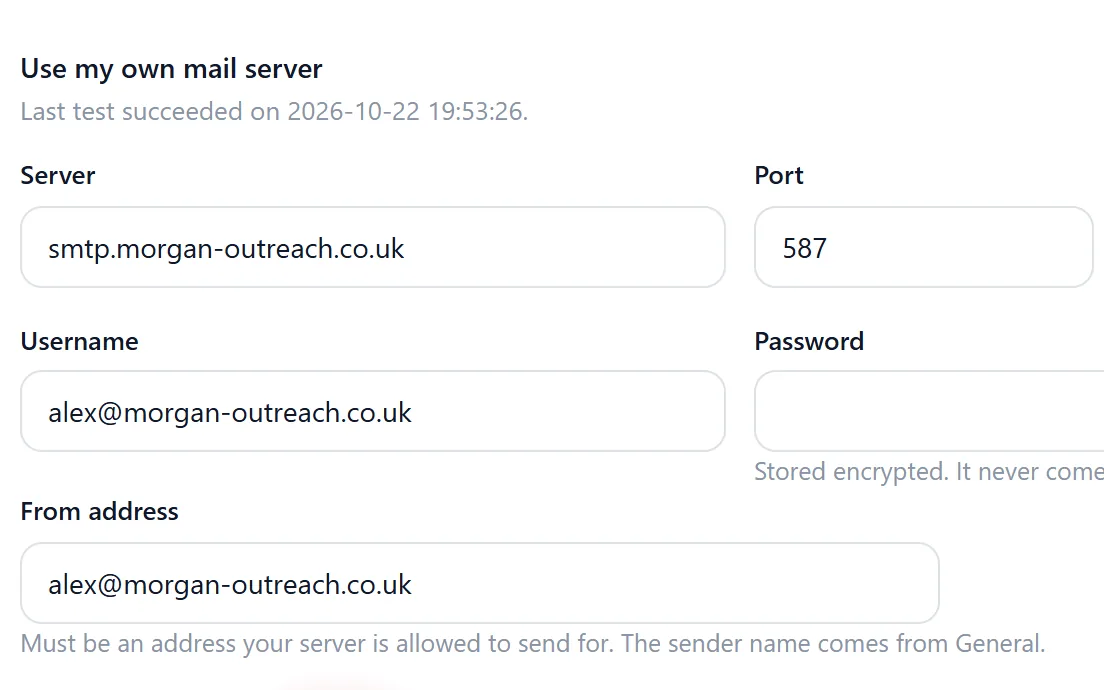
Deliverability and SMTP
Reach. Your own sending provider, SPF, DKIM and DMARC, small batches and bounce handling.
Read moreWhy these guides exist
Most advice on prospecting assumes you rent a contact database and pay per credit. That works until the subscription stops and the data goes with it. These guides take the other route: you collect companies from sources you can see, you keep them in a database that is yours, and you reach them carefully enough that your domain keeps its reputation.
The order matters. A list collected without a source and date is hard to defend later. Addresses guessed from a domain and sent in one big blast will bounce and hurt every mail after it. A database without statuses turns into a second messy spreadsheet within a month. Every guide covers one of those points, so the next list you build is one you can keep using.

The features these guides refer to
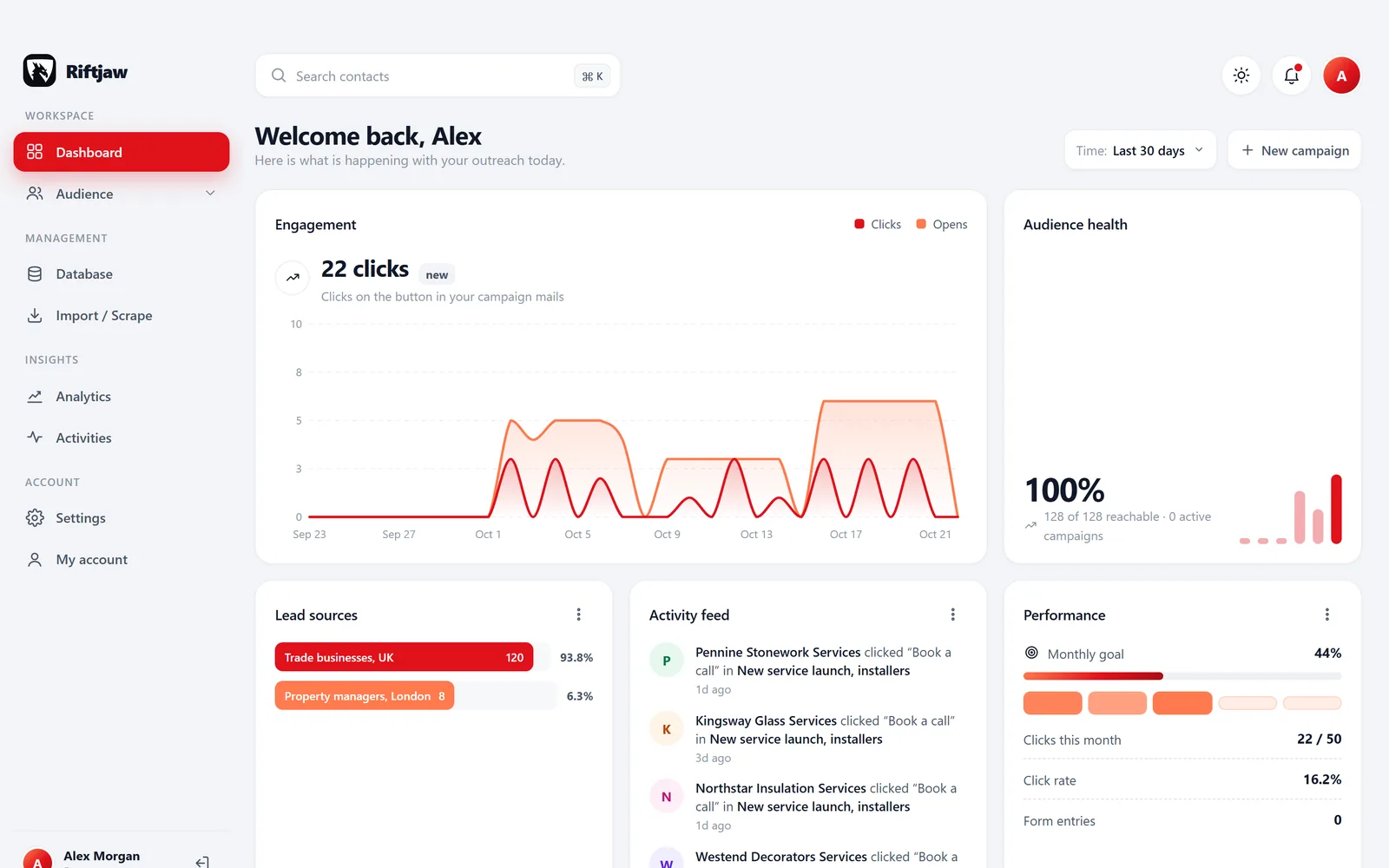
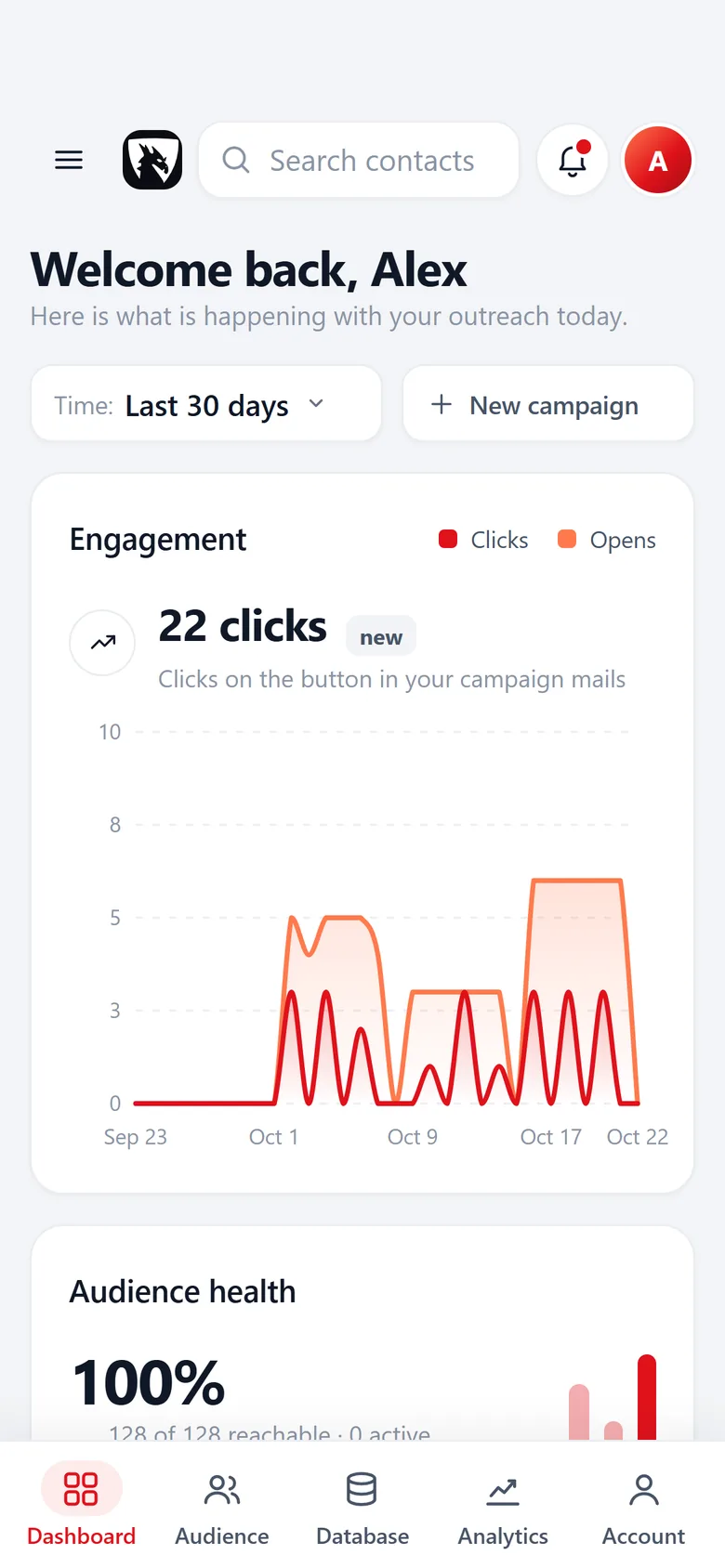
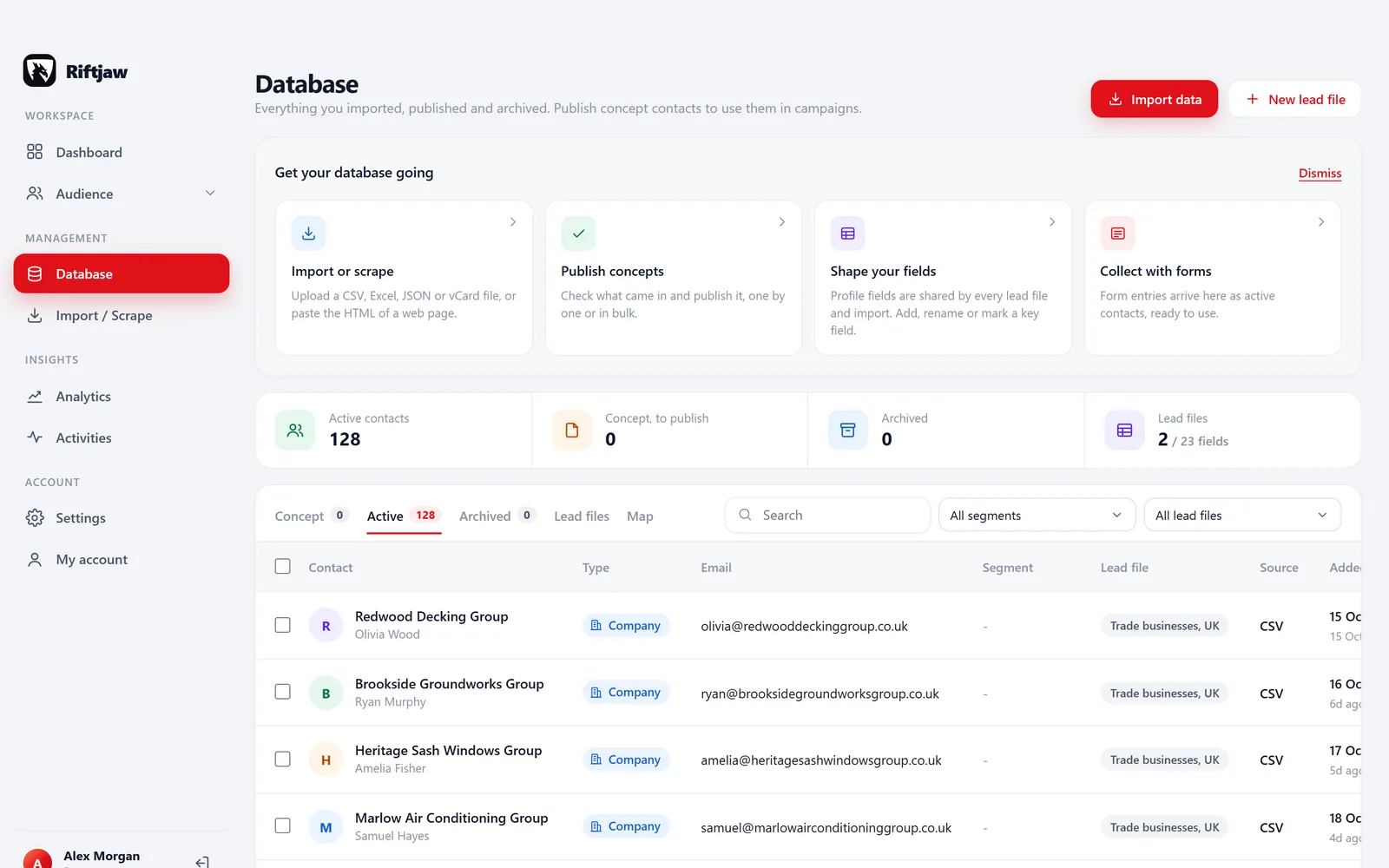
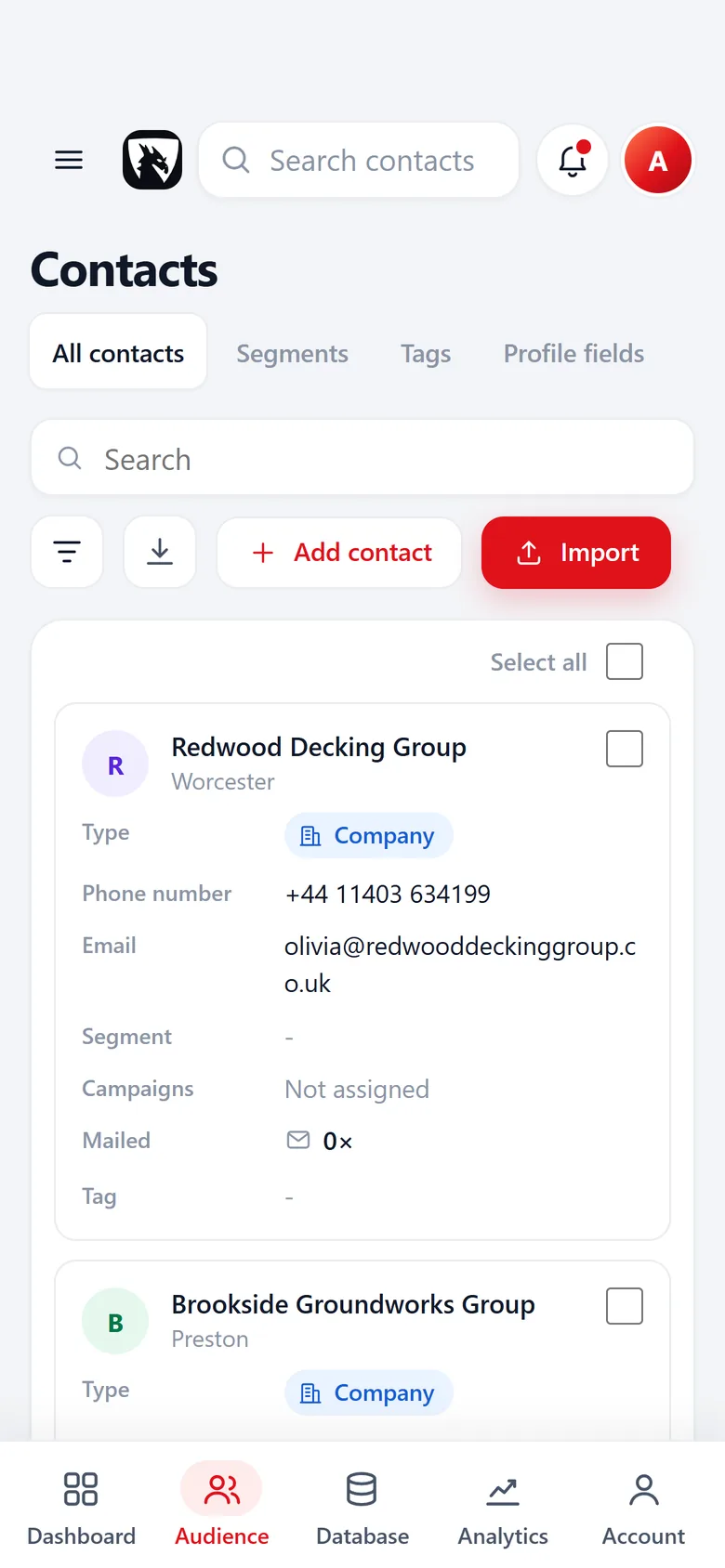
Reading a guide and want to see how it works in the dashboard? These are the screens they mention, each with its own feature page.
Paste and collect
Paste the HTML of a page you have open, pick the repeating blocks and switch on the columns you need. The rows go straight to the import, like any CSV or Excel file.
How paste and collect works
Your own fields
Each contact has the fields you choose, such as website, city or industry, and you see how many contacts have a value. No email column in a file? Derive role addresses like info@ and sales@ from the website while importing, without credits.
How email from domain works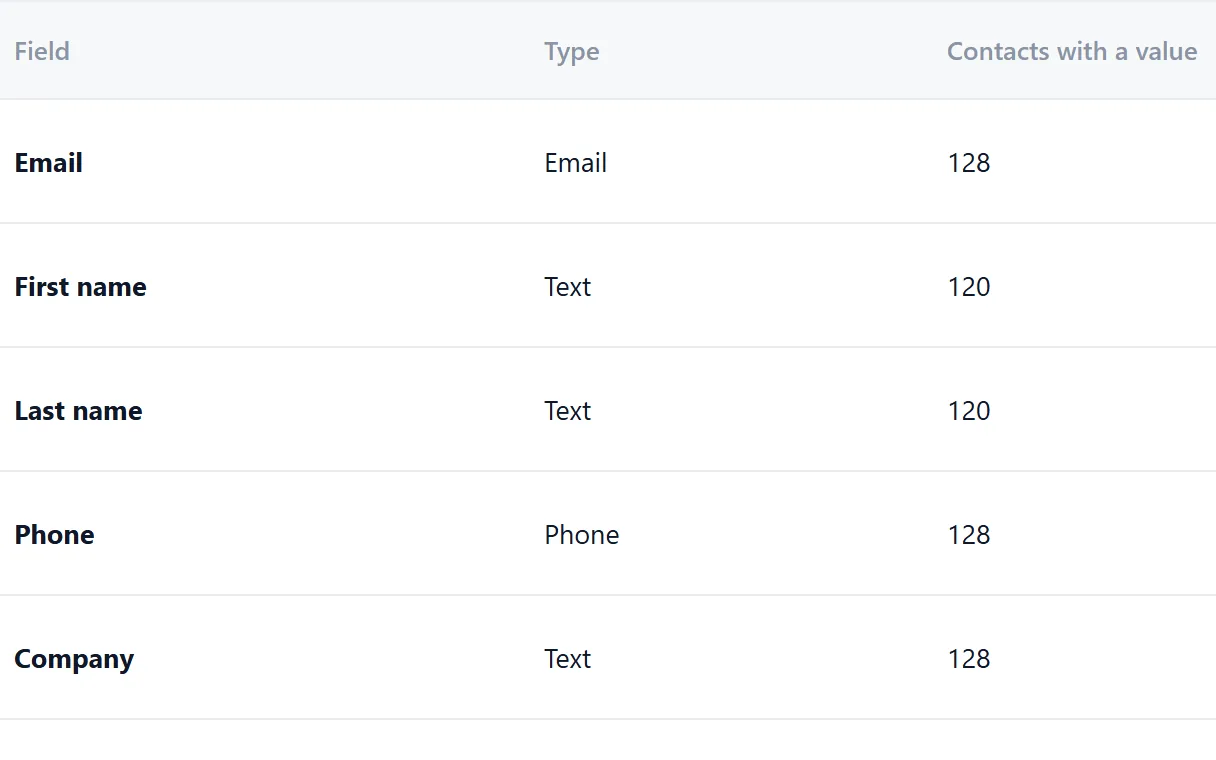
Named segments
Named groups like Roofers and builders, North, each with a contact count. Every import goes into one, and saved filters sit next to them.
How segments work
Campaigns
Write once with placeholders, pick the segment to reach and send from your own domain over your own SMTP. Up to 5 follow-ups go to all, to not opened or to not clicked.
How campaigns work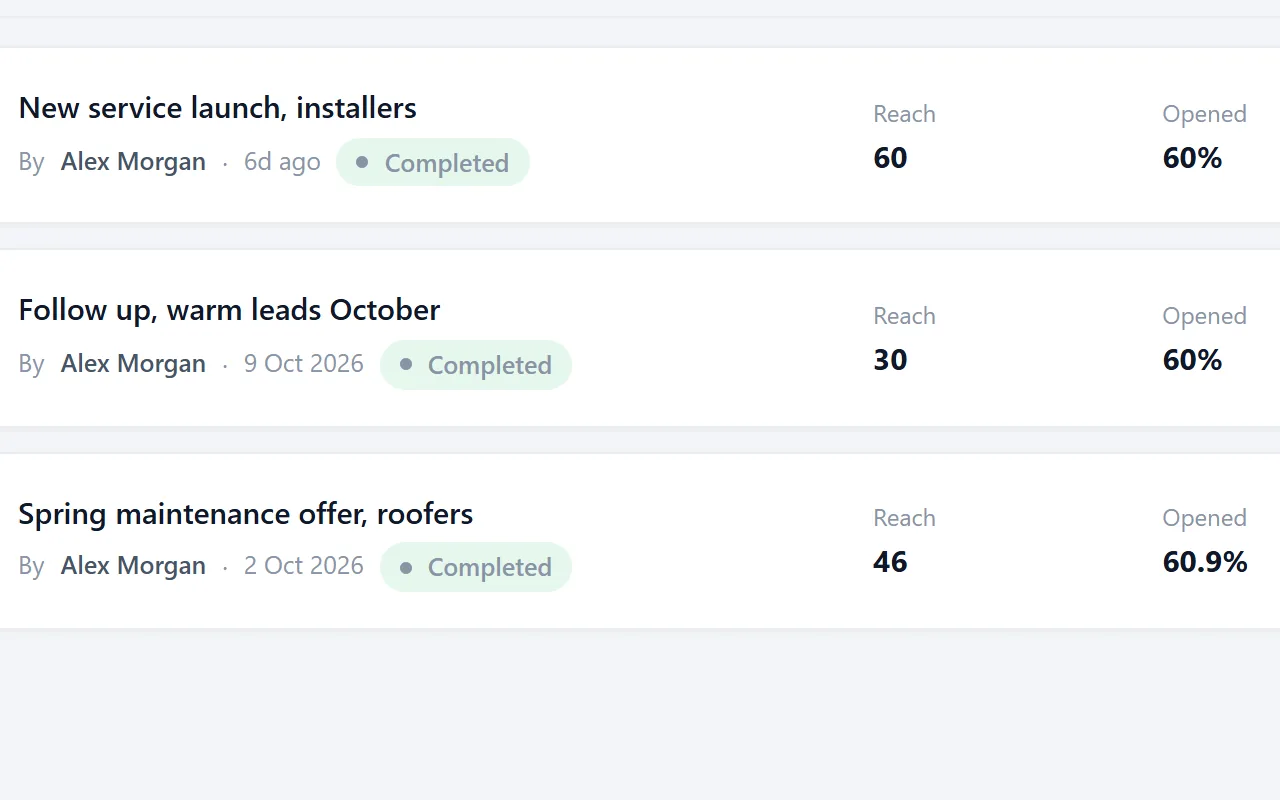

Questions people ask
Freelancers, agencies, sales teams and service businesses that find their own B2B customers. If you work from lists of companies and want to reach them by email, they apply to you.
No. The steps work with any setup. Where a guide mentions Riftjaw, it shows how the dashboard handles that step, so you can judge whether it saves you time.
No. It explains how legitimate interest and the balancing test are commonly applied to B2B email. For your own situation, check with a privacy professional. Our GDPR page explains what Riftjaw itself stores.
When something changes that affects the advice, such as new mailbox provider rules. Each guide shows the date it was last updated at the top.
The knowledge base covers the dashboard step by step, from your first import to your first campaign.
Put the guides into practice
Create a free account, import your first list and build a database you keep, instead of one you rent.
No credit card · cancel any time · your data stays yours