Reach a segment, not a list
Write once with placeholders, send in small batches, and watch the status move on its own.
- Placeholders with a fallback for every blank
- Small batches, pause and resume
- Unsubscribed contacts skipped every time
From segment to sent
A campaign is a first mail to one segment, with up to 5 follow-ups if you want them. No flow charts to wire up.
Pick the segment
A campaign asks which segment to reach first. A saved filter can be the audience too. You see the count before you start.

Write once, then send yourself a test
Use placeholders like {first_name|there} and {company|your team}. The part after the bar is the fallback when a field is empty.
Send yourself a test and see exactly what a real record will get. Only active contacts are mailed, and anyone who unsubscribed is skipped.

Send in small batches, follow up on time
Start now or schedule it. Riftjaw sends from the server in small batches of 10, also when your browser is closed. Pause when you want, resume when you are ready.
Add up to 5 follow-ups, each a set number of days after the first mail: to everyone, only to those who did not open or only to those who did not click. Replied, Customer and unsubscribed contacts never get one.

Follow the results
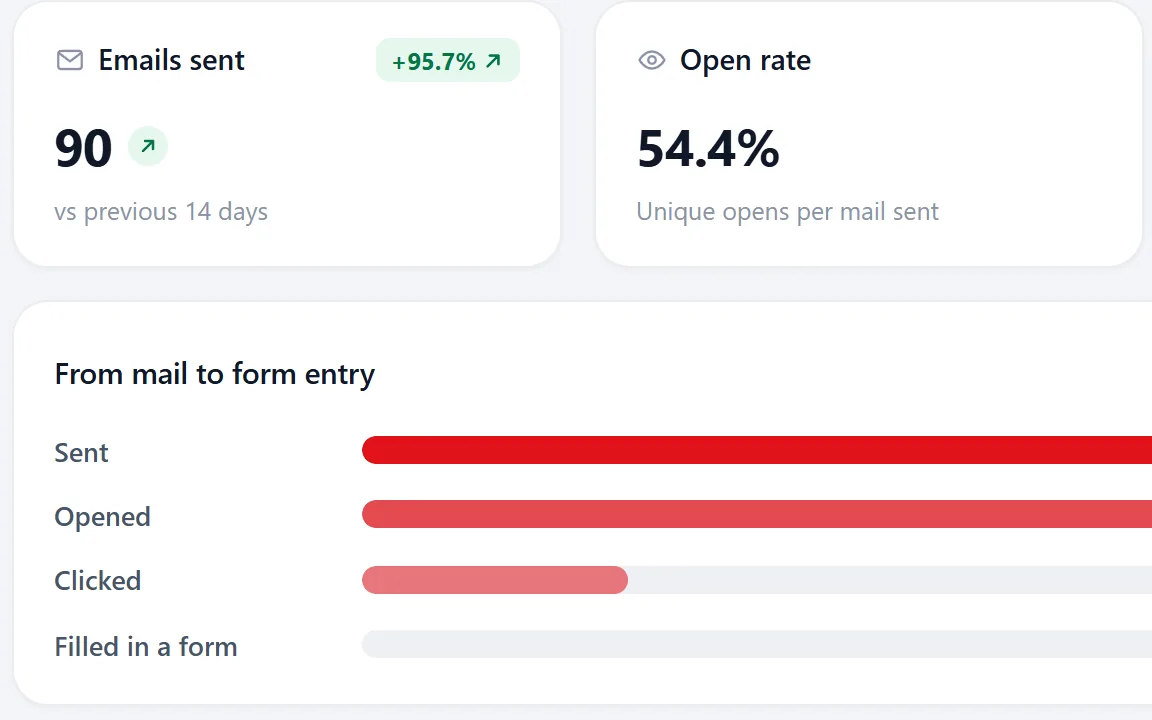
Opens and clicks land on each record. Activities lists every click with the contact, the date, the page they went to and the campaign.
Analytics puts the totals per campaign side by side, so you see which mail worked.

Placeholders that never show a blank
Personal mail is not about using a first name. It is about the email not looking like it went to five hundred people. The company name, the city, the thing you noticed on their site.
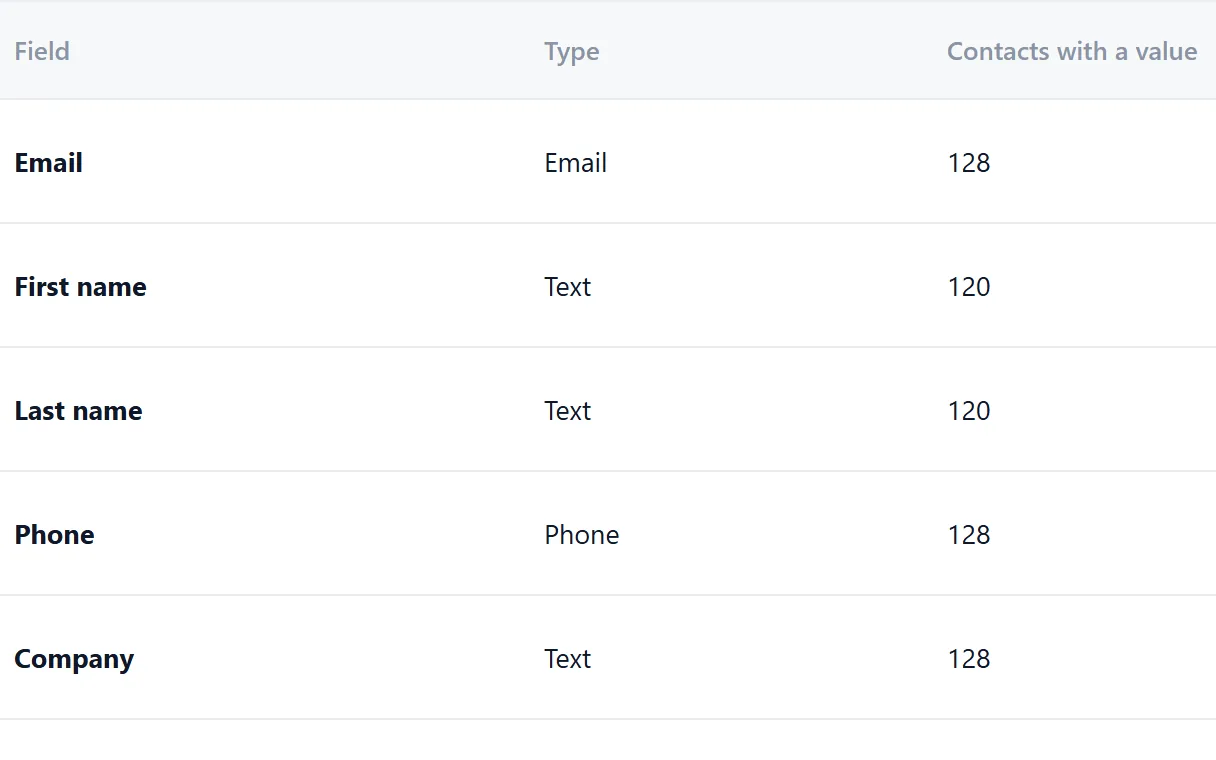
Every placeholder can carry a fallback, so no mail starts with "Hi ,". If a record has no first name, {first_name|there} becomes "there" instead of an awkward empty space. Every profile field can be a placeholder, including the ones you added yourself.
- {company}, {city} or any field of the lead file
- A fallback for every placeholder
- Test send before anything goes out
Gentle by design
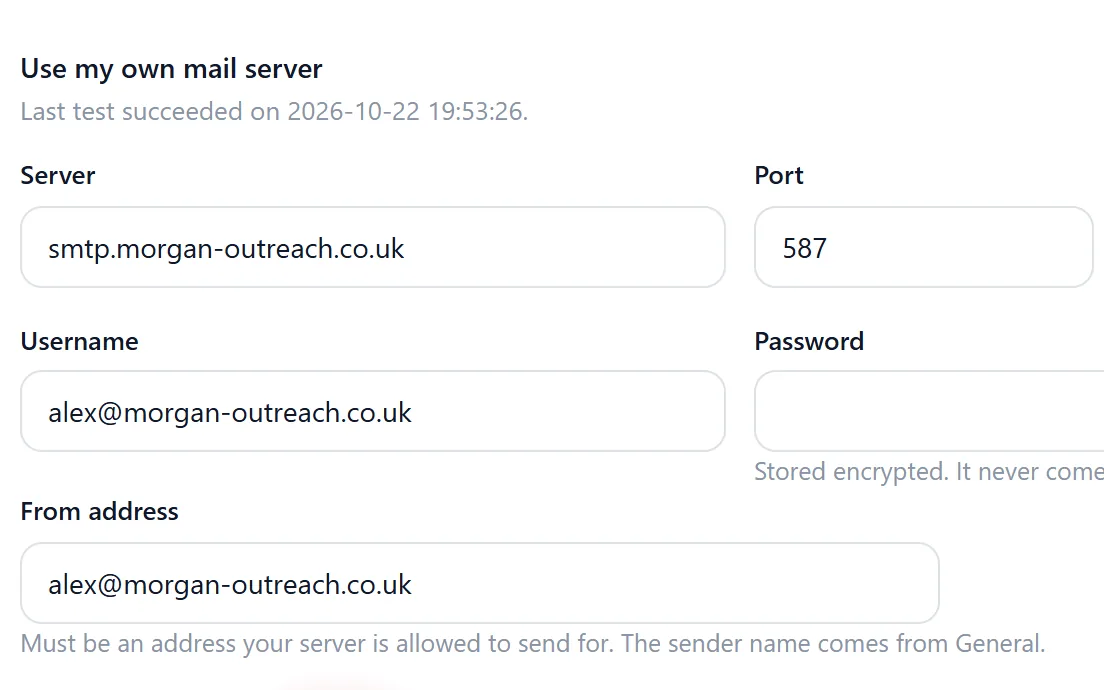
Cold email works when it looks and behaves like a person writing. Connect your own mail server in Settings and campaigns go out from your own domain over SMTP, with the sender name, reply-to and footer you set.
Mails leave in batches of 10, not in one burst that gets a domain flagged. Anyone who unsubscribes is marked on their record and skipped by every campaign after that.
- Batches of 10, with pause and resume
- Unsubscribed contacts skipped automatically
- Opens and clicks tracked per record and per campaign
Email only, on purpose
Riftjaw sends email. It does not send SMS, it does not automate LinkedIn and it is not a newsletter suite for fifty thousand addresses. That is a choice. Doing one channel properly, with your own data and your own sender, beats doing five channels badly.
If you need another channel for a segment, export it and use the tool you prefer. The history of what you sent from Riftjaw stays on the records.
- Replies arrive in your own mailbox, Riftjaw does not read them
- Set a contact to Replied and its follow-ups stop
- Export any segment as CSV for another channel

Questions people ask
No. Campaigns are email only.
Yes. Next to the first mail, a campaign can have up to 5 follow-ups. Each one goes out the number of days after the first mail that you choose, to everyone who got the first mail, only to those who did not open it or only to those who did not click the button. Contacts with status Replied or Customer, who unsubscribed or who are no longer active never get a follow-up, and each follow-up reaches a person at most once.
No. Riftjaw does not connect to your inbox and does not read replies. Replies arrive in your own mailbox. Set the contact to Replied and it gets no further follow-ups.
In small batches of 10, so a large segment takes a while. That is deliberate.
Sending goes through the mail setup of your account. On Pro you can use your own SMTP provider. See pricing.
The unsubscribe is stored on their record, and every campaign skips them after that.
Yes. A button in the mail can open a Riftjaw form, and the entry lands on the contact.
It depends on where you and the recipient are. Read the GDPR and cold email guide; it is not legal advice.
Also worth reading

Import lists
CSV and Excel land in your database with the columns matched and the duplicates already filtered out.
Read more
Email from domain
No email in the file? Derive it from the domain, for every row, without a credit meter running.
Read more Fields and segments
Add your own fields, group contacts into named segments and save the filters you use every week.
Read more Database and records
Profiles, notes, status and the full history of everything you sent, in one place.
Read more
Paste and collect
Paste a page, pick the blocks you need and send them straight into your database.
Read more
Export
Export everything to CSV whenever you want, including on the day you leave.
Read moreSend your first small campaign
Pick a segment of twenty companies, write one good mail and see who replies this week.
No credit card · cancel any time · your data stays yours