Own the pipeline data
Keep the companies you found, feed any sender you already use and stop losing work to churn.
- Unlimited users, no per seat bill
- Every record exportable as CSV
- Segments you can use here or in any sender
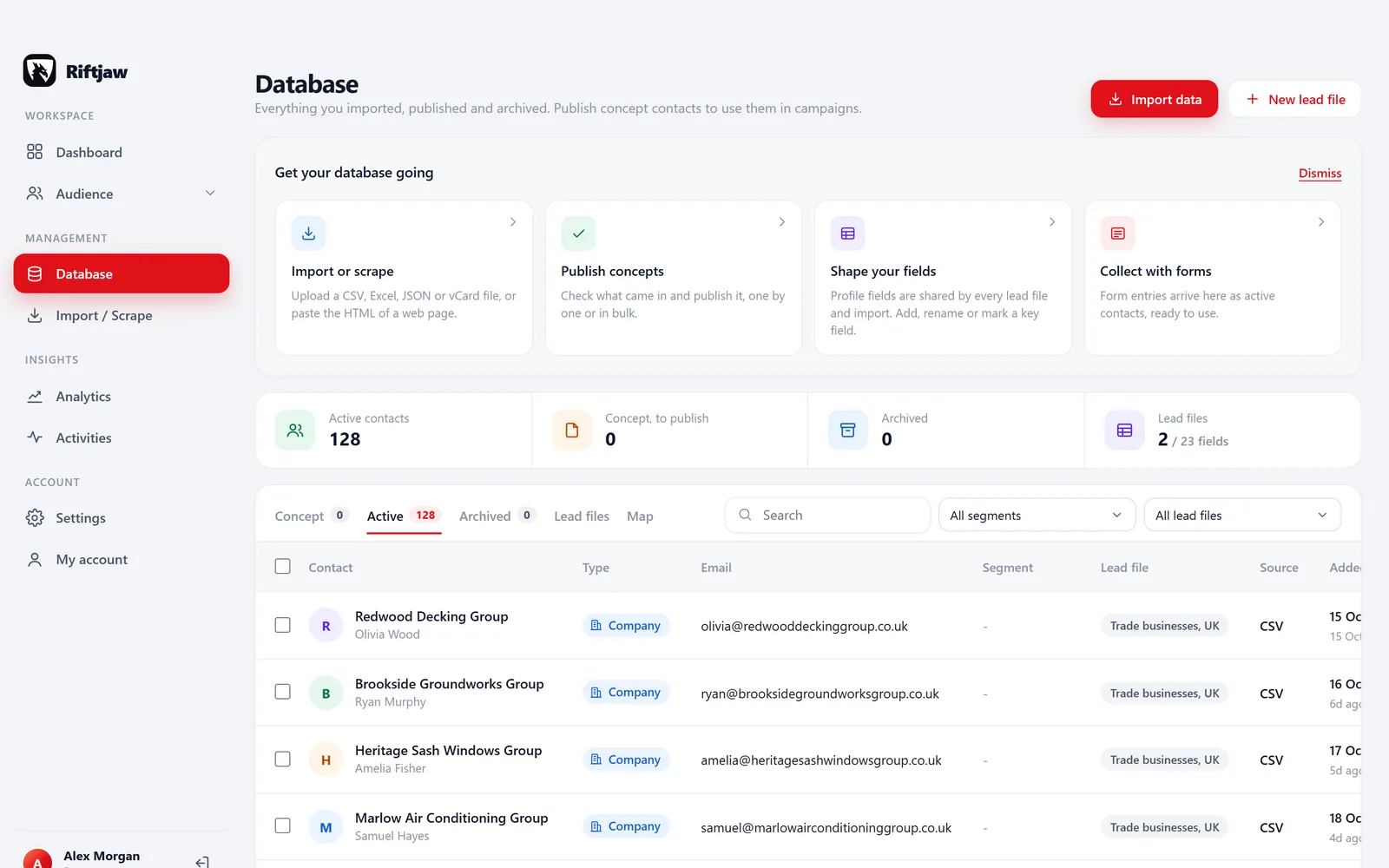
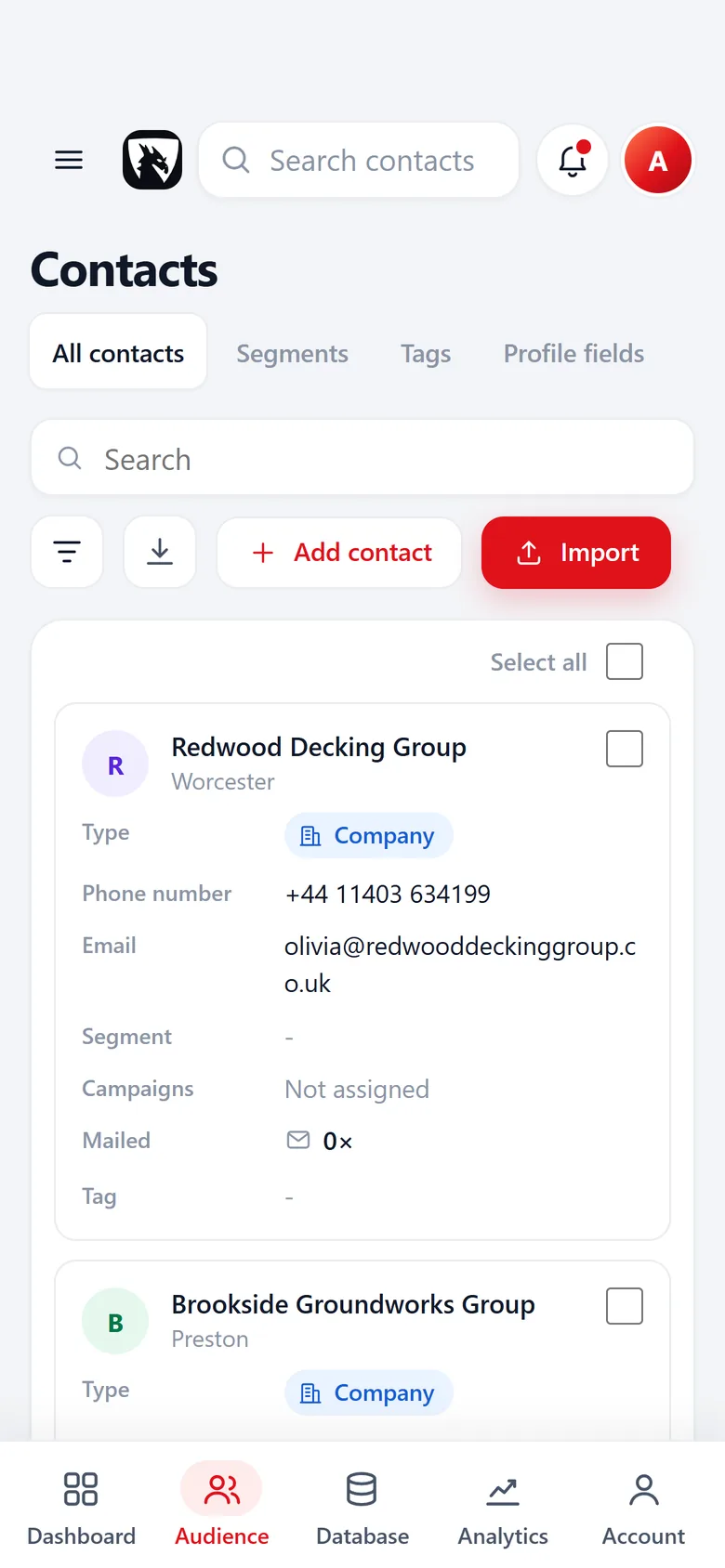
The companies your team finds should stay with the team
A sales team spends real hours finding companies. Someone scrapes a directory, someone else cleans a trade fair list, a third person keeps notes on who picked up the phone. Then a rep leaves, a tool subscription ends or the data vendor changes its terms, and that work goes with it.
Riftjaw is where that work lands and stays. Every account runs on its own private server with its own database, and every record keeps its own history. When you want it somewhere else, it goes out as CSV.
- Lead file and date added on every record
- Four statuses: New, Contacted, Replied, Customer
- Every campaign mail, open and click on the record

Where pipeline data leaks away
Each rep keeps a private spreadsheet, so nobody sees the whole picture.
One database, one record per company, with status and notes everyone can read.
Adding a new hire means another seat on every tool.
Users are unlimited. Onboard a new rep without asking finance first.
Your sending tool holds the contact list, and switching it means rebuilding everything.
Keep the list in Riftjaw. Export a segment as CSV and feed it to any sender you already use, or send from here.
The same company gets mailed by two reps in the same week.
Duplicates are flagged on import, and the record shows every mail already sent to that company.
A week with Riftjaw in a sales team
One shared routine instead of eight private ones.
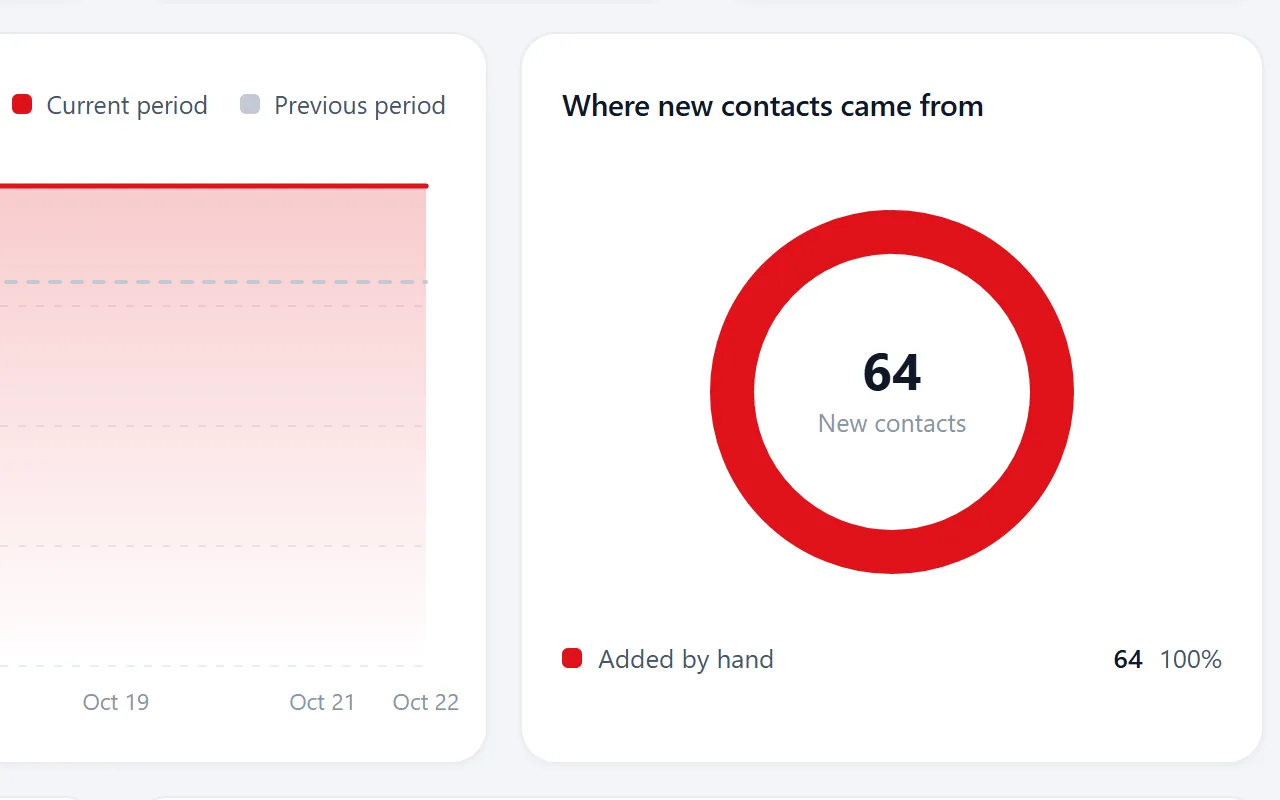
Monday: the lead meeting
Open analytics. See how many contacts came in and where they came from, then switch to campaign results for sent, opened and clicked.
Monday afternoon: new lists in
Each rep imports what they collected into a segment. Columns are matched to your fields, and duplicates against the database are flagged before anything is saved.
How import works
Tuesday: split the work
Make a segment per rep, region or industry and add contacts to it in bulk. Each segment shows how many contacts it holds.
How segments work
Midweek: reach out
Send from Riftjaw with placeholders and small batches, or export the segment as CSV for the sender your team already uses.

Friday: clean up
Set statuses, add notes and tag the ones to call next week. The activities feed shows every click on a campaign button, with the contact and the campaign.

Use Riftjaw as the source, send from wherever you like
Some teams send everything from Riftjaw. Others already have a sending tool they like. Both work. The point is that the list of companies, with its history and statuses, lives in a database you own, not inside the tool you might replace next year.
- Export all contacts, a filtered view or a single segment
- Form entries and original import files export too
- Unsubscribed contacts are skipped automatically when you send from Riftjaw

What sales teams use most
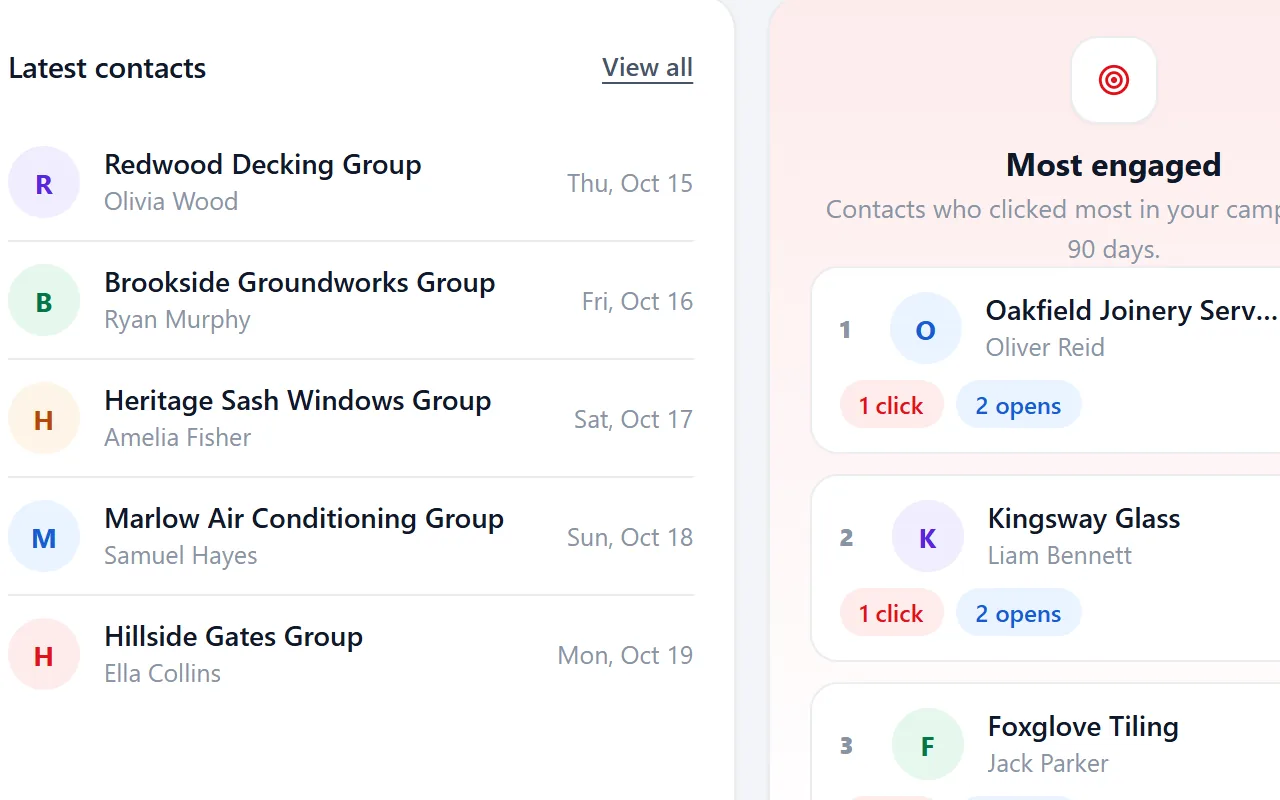
Who to call
The most engaged people and companies of the last 90 days, ranked by clicks and opens.
Read more
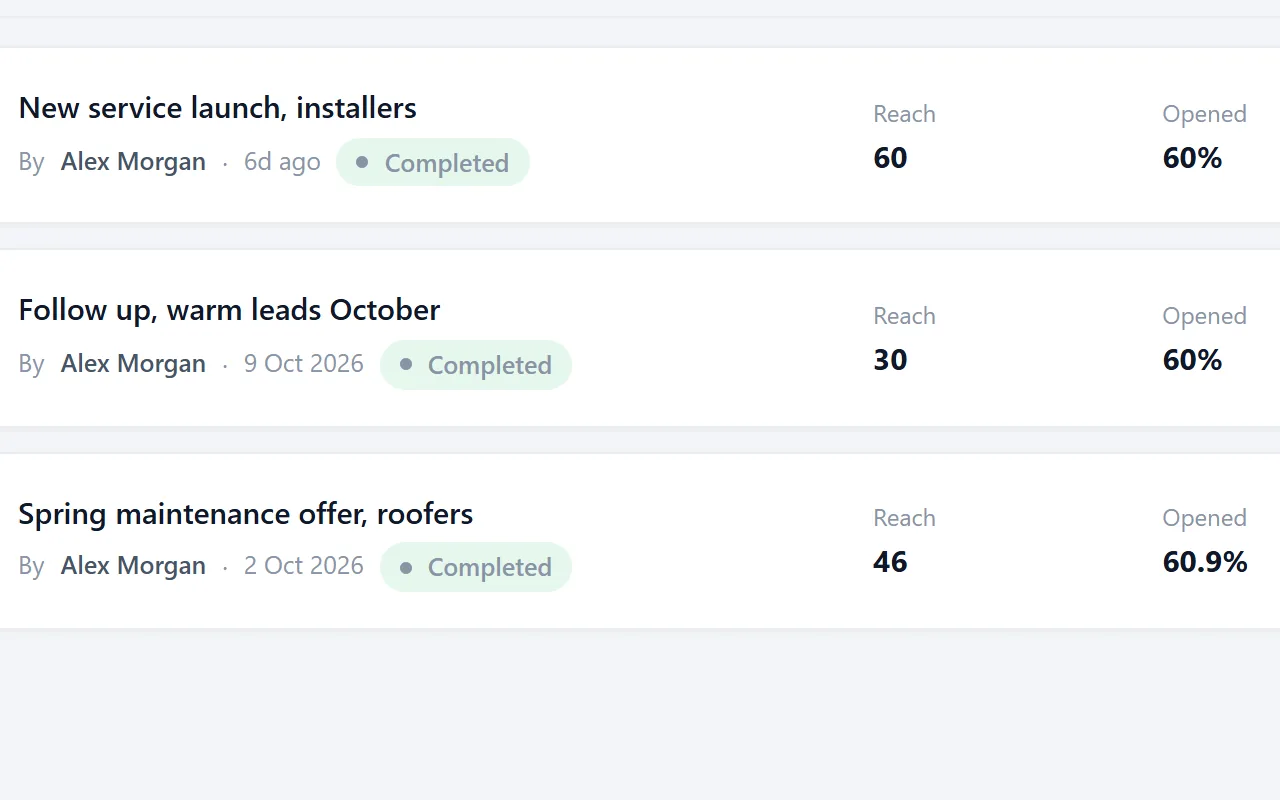
Campaign results
Delivered, opened and clicked for every contact, next to the mail that went out.
Read more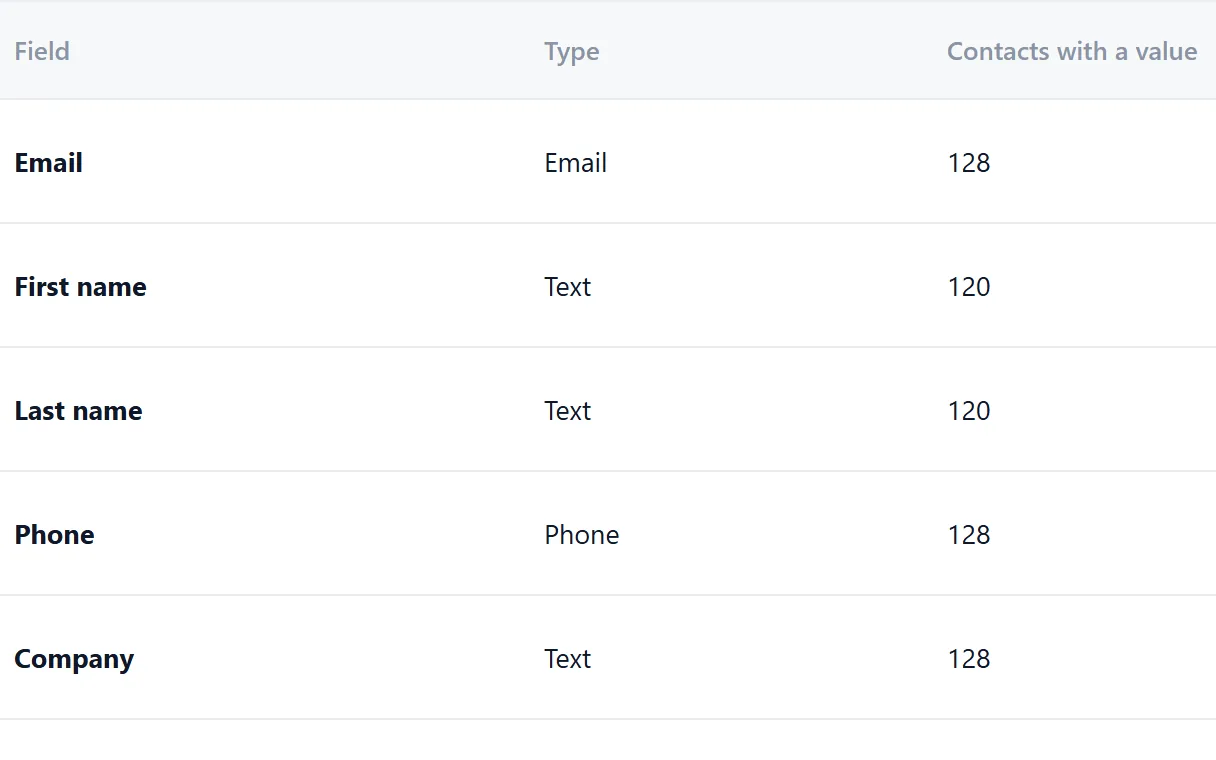
Shared fields
Fields the whole team fills the same way. Every import maps its columns to them.
Read moreWhich plan fits a sales team
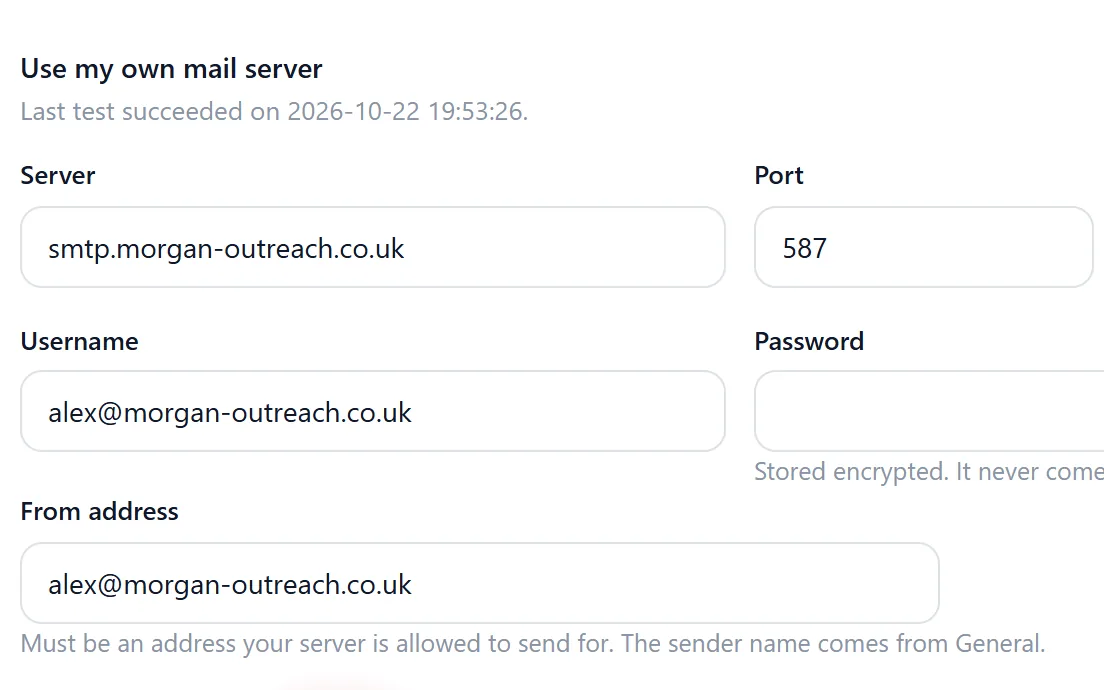
Most teams run on Pro: €24 per month or €216 per year, with unlimited users, several lead files and your own SMTP provider for sending.
If you sell through separate business units that should not see each other's data, the Agency plan gives each one its own workspace. Every week the data stays in private spreadsheets is a week of work that can walk out the door.
- No credits and no per seat fees on any plan
- Unlimited users on every account
- Campaigns from your own domain over your own SMTP
Lead lists for sales teams by industry
Show all 60Show fewer
Questions people ask
No. Every account can have as many users as you need, and the price does not change with the team size.
Yes. Build segments in Riftjaw and export them as CSV for any sender. Or use Riftjaw's own campaigns; you can mix both.
Every account runs on its own private server with its own database. Read more on the security page.
Yes. Export it as CSV or Excel, map the columns to fields and let Riftjaw flag duplicates against what is already there.
No. Riftjaw is not a data vendor. The records are the ones your team collects, which is exactly why they are yours.
Also worth reading
Agencies
Separate workspaces, no per-seat bill, and campaigns you can run under your own name.
Read more
Service businesses
Turn a list of businesses nearby into a file you keep working, year after year.
Read more Freelancers
Build your own list instead of renting a database by the credit.
Read more Wholesale and suppliers
Work through an industry region by region and track exactly which part you already did.
Read moreGive the team one database
Start free, invite the whole team and import the lists that are now spread over private spreadsheets.
No credit card · cancel any time · your data stays yours