Architect leads for marketing agencies
Build your own list of architects, fill in missing emails and offer your marketing, advertising and growth services to them in small, personal batches.
- Public sources for architects
- Fields that fit the industry
- No credits, no rented data
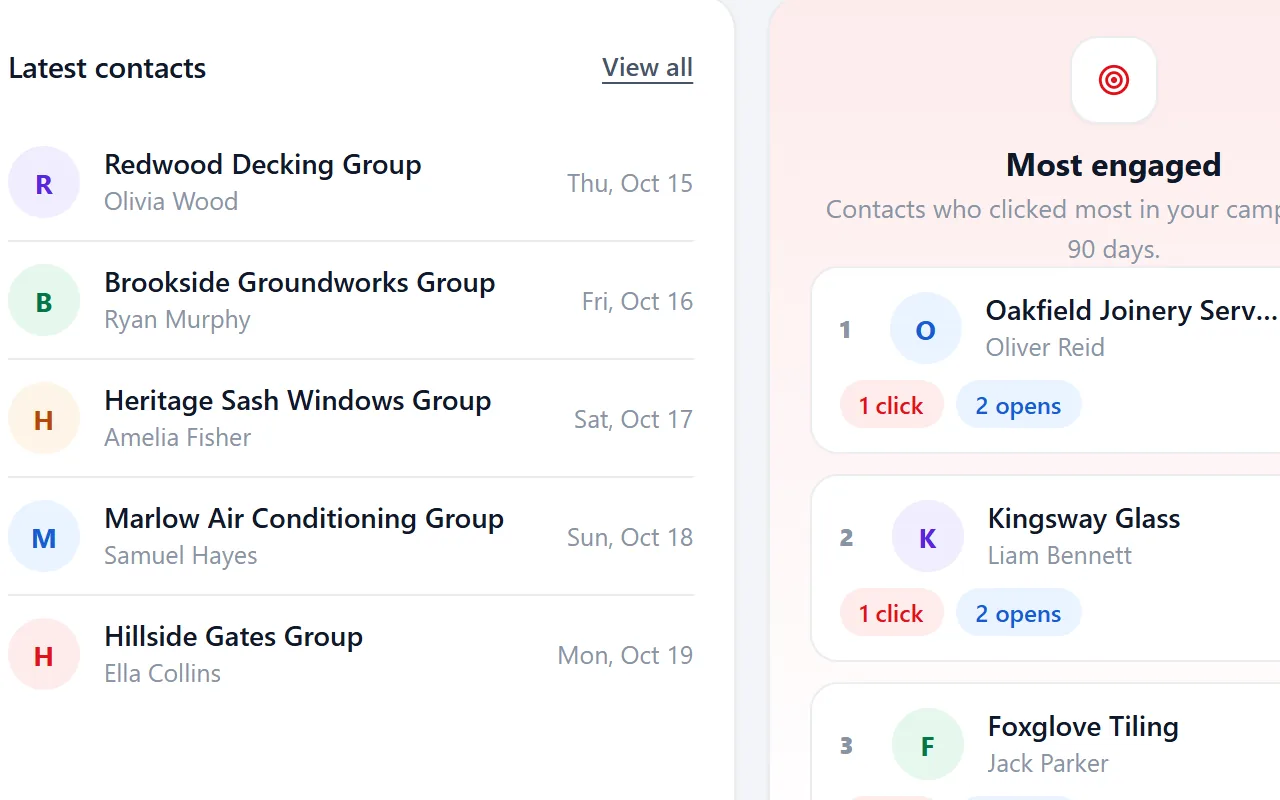
Selling marketing, advertising and growth services to architects
Architecture practices are often small studios led by one or two directors, with larger firms organised by sector. They specify materials and products on projects, so suppliers want to be known to them long before a build starts.
Most marketing agencies win clients through referrals, a few directories and the odd cold email sent from a spreadsheet. A lead database of your own lets you build a list per niche and region, see who you already contacted and follow up without losing track.
The architects that need marketing, advertising and growth services are listed publicly. What most marketing agencies lack is a list they own, with the right fields, that shows who was already contacted.
What marketing agencies run into with architects
Prospect lists for each niche end up in separate spreadsheets that nobody keeps up to date.
Import every list into one lead database, split it with segments per niche or region and keep one status per company.
Local businesses often show a website but no email address.
Email from domain derives role addresses such as info@ and hello@ from the website, with no credits to spend.
Architects receive many supplier mails and ignore generic ones.
Placeholders and segments per sector let you send a relevant message instead of one blast.
Small studios often have only a studio@ address.
Add studio@ as your own prefix in email from domain.
A week of prospecting in Riftjaw
Monday: collect
Export a batch of architects from public listings and import it. Duplicates are skipped.

Tuesday: fill in
Derive missing emails with info@, studio@, hello@ and office@ and tag the records that look like a fit.

Wednesday: reach
Send one mail about your marketing, advertising and growth services to the new segment, in small batches.

Friday: follow up
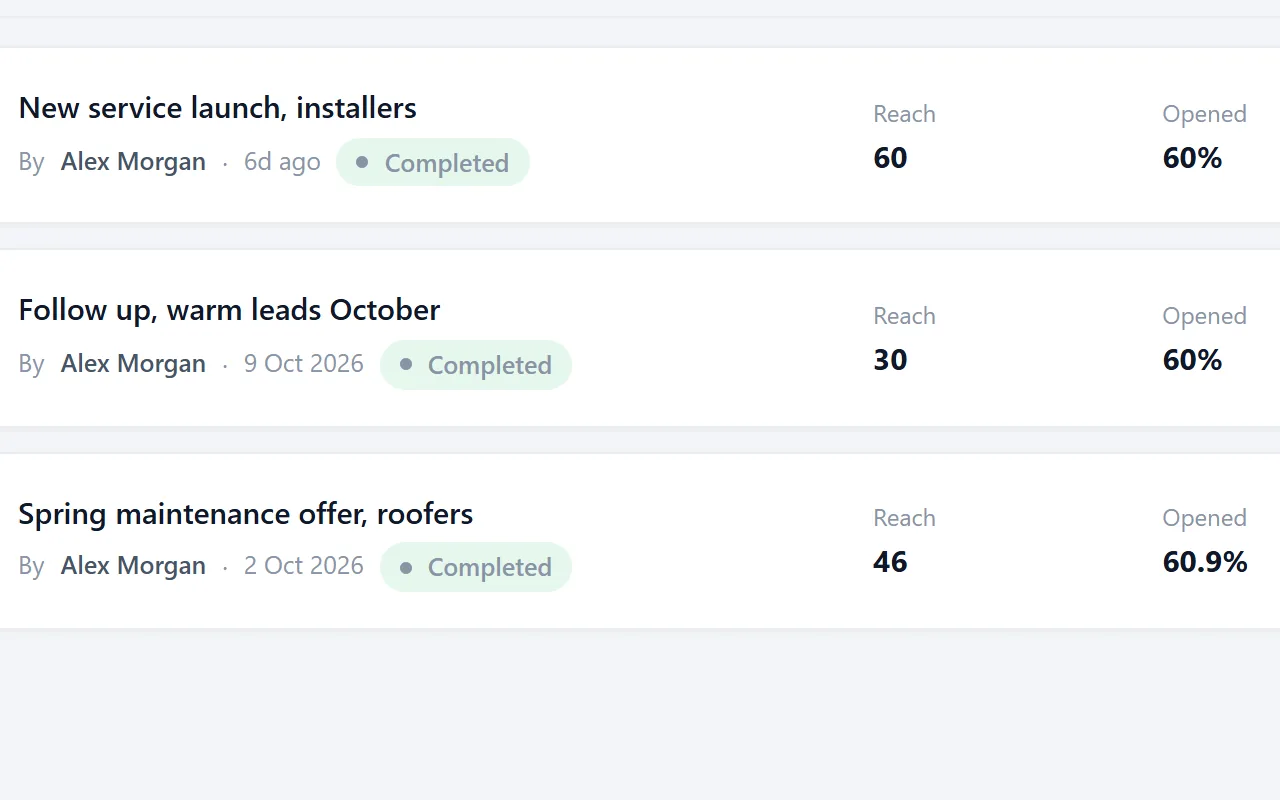
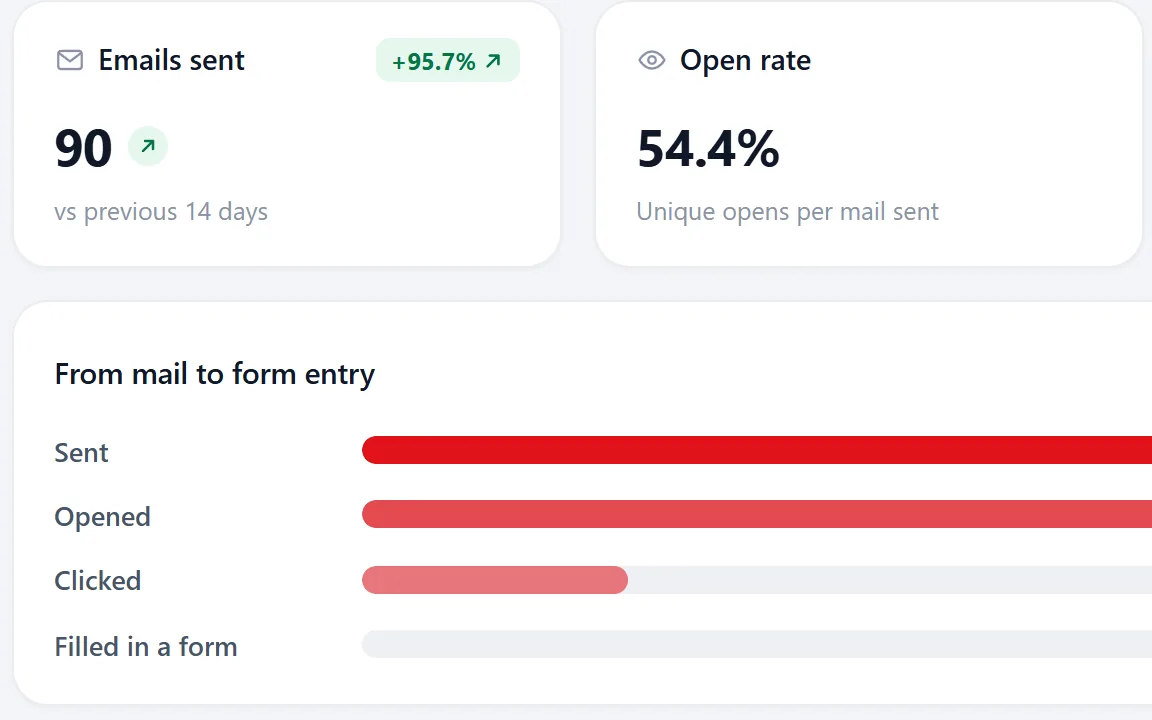
Opens and clicks show up on each record. Set the ones who answered to Replied or Customer, so the follow-ups of the campaign skip them.

Angles that work with architects
Pick one angle per campaign and write it once, with placeholders like {company|your team} for the details.
- Refer to a recent project and suggest how your product fits similar work.
- Offer technical data, samples or a short learning session, which architects value.
- Keep visuals and specifications easy to find, because architects decide on detail.

Fields worth recording for architects
Any column in your import can become a field. These are the ones worth keeping for architects.
| Field | Why it helps |
|---|---|
| Company name | The key field. Duplicates are checked on it or on the website. |
| Website | Needed to derive an email when the export has none. |
| Sectors | Residential, commercial or public work each specify different products. |
| Architects | Studio size shows project scale. |
| Software | The design package they use matters for any software offer or file exchange. |
| Recent project | A named project gives you a concrete, relevant opening. |
| Director | The person who approves suppliers and specifications. |
Questions people ask
Add a field or tags for sectors such as residential or commercial. Save a filter per sector and write a campaign for each.
Public planning records often name the agent or architect. You collect those names yourself, save them as a CSV and import them. Riftjaw does not crawl those sites for you.
If your file has an email column, that wins. If it only has websites, tick the prefixes you want, such as info@, studio@, hello@ and office@, and Riftjaw derives addresses from each domain. Derived addresses are good guesses, not verified, so start with small batches.
Yes. The Free plan runs the whole pipeline on one list with small campaigns, and you do not need a credit card. Move to Pro when you want more lists, segments and bigger campaigns.
Build the list in a city



Other markets for marketing agencies
 Security company leads for marketing agenciesGuarding, alarms, CCTV and access controlCarpenter leads for marketing agenciesSite carpenters and workshop joiners
 Wholesaler leads for marketing agenciesBulk buyers who sell on to the trade
 IT support company leads for marketing agenciesManaged service providers for small firms
Build a database you own
Create your account, import your first list and see it turn into records you can work.
No credit card · cancel any time · your data stays yours