Client lists mixed together
Is one client's prospect list mixed up with another's? Here is how to stop it.

Is one client's prospect list mixed up with another's?
Agencies that prospect for several clients often keep everything in one place. Lists, statuses and campaigns for different clients get tangled.
The wrong message can reach the wrong prospect under the wrong name. Reporting per client becomes guesswork.
A separate workspace per client.
Riftjaw lets you keep lead files and segments apart per client. On the Agency plan every client gets a separate workspace. Each workspace has its own lists, campaigns and results.
See the feature
How to fix it in Riftjaw
- Create a workspace. Set up one workspace per client on the Agency plan.
- Import their lists. Bring each client's prospects into their own workspace.
- Report per client. Use campaign results within each workspace for clear reporting.

What else you get
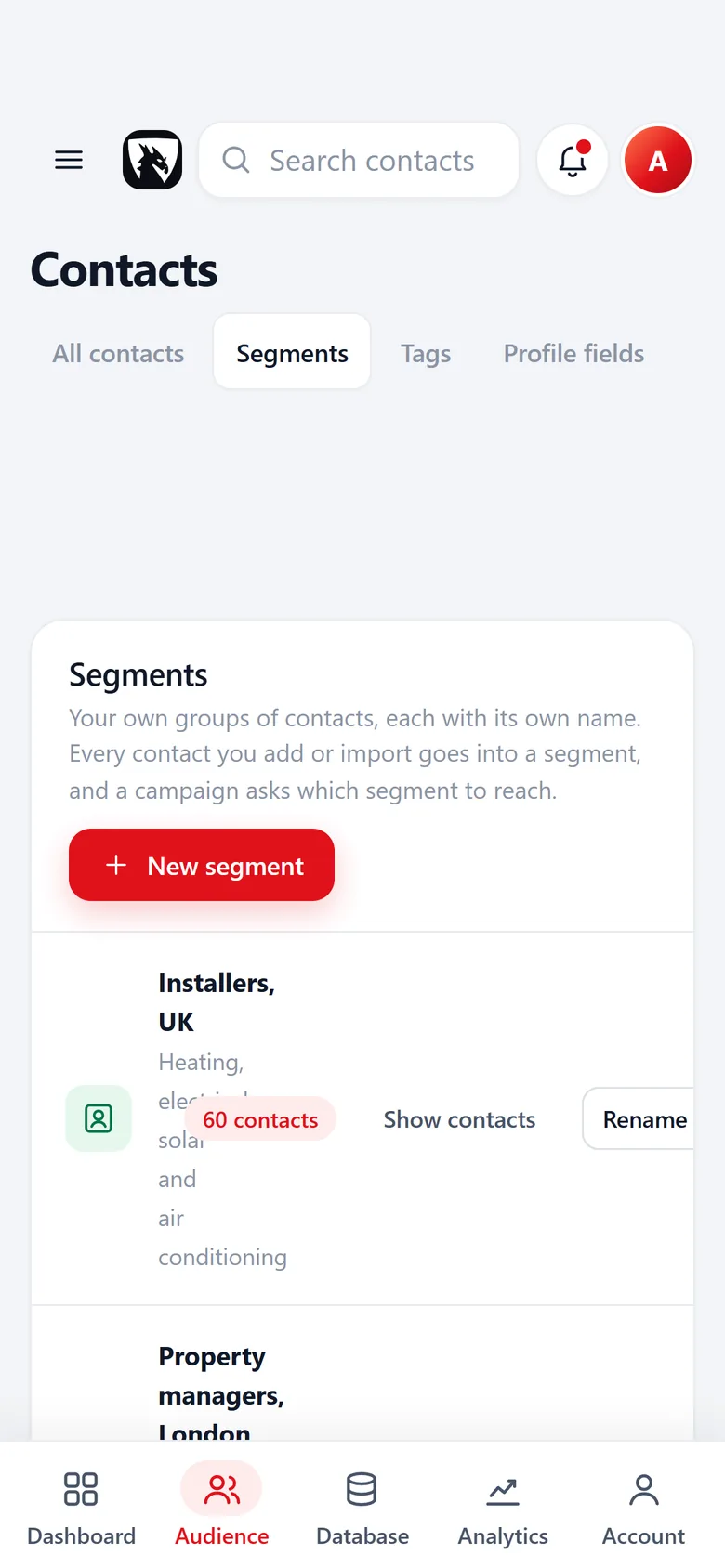
Named segments
Every import goes into a segment you name, with a contact count, ready to pick as a campaign audience.
Read more
Gentle batches
Campaigns go out in small batches with placeholders, a test send and an automatic skip for unsubscribes.
Read more
Your own private server
Your list of companies lives in a database that belongs to your account alone, not in a shared pool.
Read moreThis problem in your industry
Related problems
 Lost the original fileCould you find the file your current list came from?Generic mass emailsWould you reply to the email you are about to send?
 Unsubscribes mailed againWhat if someone who asked to be left alone gets your next campaign?Renting shared dataHow many competitors bought the same list you did?
Questions people ask
Most people import their first file and see the result in the same session. The Free plan is enough to try it on one list.
No. Import from whatever you use today and export again whenever you want. Riftjaw is the database in the middle.
Your account runs on its own private server with its own database. Nobody else works in it, and it exports as CSV at any time. See security.
Build a database you own
Create your account, import your first list and see it turn into records you can work.
No credit card · cancel any time · your data stays yours