Cold email lands in spam
Is your last campaign sitting in spam folders right now? Here is how to stop it.

Is your last campaign sitting in spam folders right now?
Sending a large blast from a fresh domain is a quick way to end up in spam. Many tools push volume first and leave you to deal with the consequences.
Emails that land in spam are never read, and a damaged sender reputation also hurts your normal mail. Recovering takes time.
Small batches instead of big blasts.
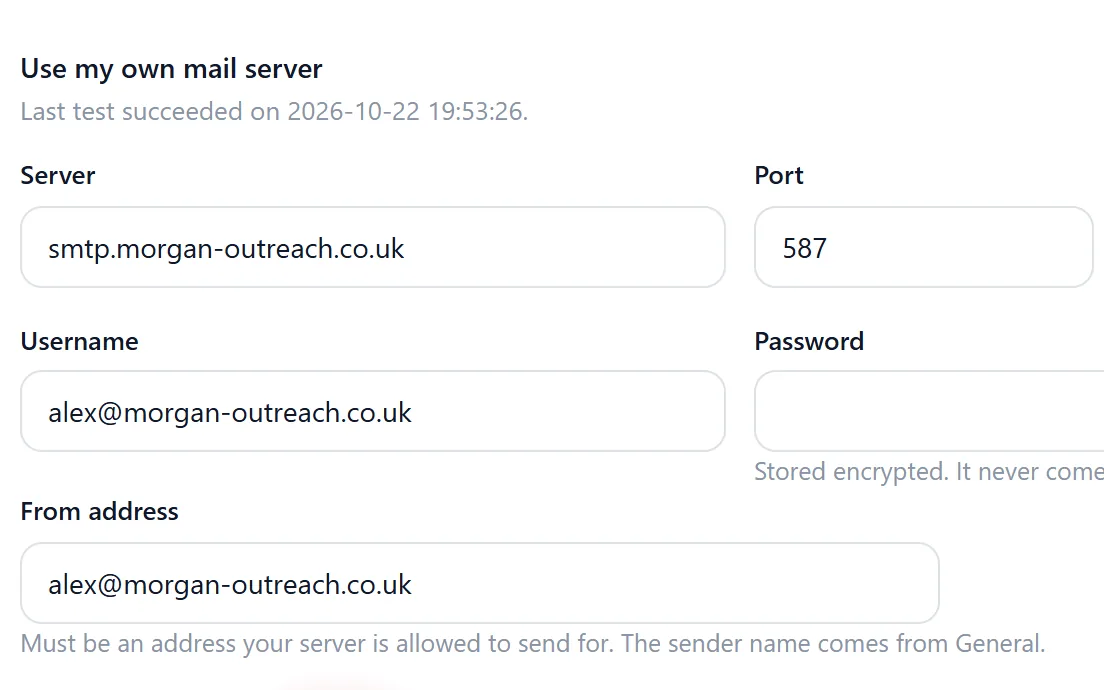
Riftjaw sends campaigns in small batches, so volume stays gentle. You send a test to yourself first and can pause and resume at any moment. Sending goes through the mail setup of your account, and unsubscribed contacts are skipped automatically.
See the feature
How to fix it in Riftjaw
- Send a test. Check how the email looks in your own inbox before anyone else sees it.
- Start small. Pick a focused segment and let the campaign go out in small batches.
- Watch and adjust. Follow the send log and pause if something looks wrong.
What else you get

Emails from the website
No email in the export? Tick info@, hello@ or your own prefixes and addresses are derived from the domain.
Read more
Named segments
Every import goes into a segment you name, with a contact count, ready to pick as a campaign audience.
Read more
Your own private server
Your list of companies lives in a database that belongs to your account alone, not in a shared pool.
Read moreThis problem in your industry
Related problems
 Data locked in a toolWhat happens to your leads the day you cancel?Too many separate toolsHow many subscriptions does it take to send one cold email?Team works in separate listsDoes your colleague know you already called that company?
 No follow upHow many prospects opened your email and never heard from you again?
Questions people ask
Most people import their first file and see the result in the same session. The Free plan is enough to try it on one list.
No. Import from whatever you use today and export again whenever you want. Riftjaw is the database in the middle.
Your account runs on its own private server with its own database. Nobody else works in it, and it exports as CSV at any time. See security.
Build a database you own
Create your account, import your first list and see it turn into records you can work.
No credit card · cancel any time · your data stays yours