Cold email lands in spam when you sell to IT support companies
Is your last campaign sitting in spam folders right now? Here is how people who sell to IT support companies fix it.

Is your last campaign sitting in spam folders right now?
Sending a large blast from a fresh domain is a quick way to end up in spam. Many tools push volume first and leave you to deal with the consequences.
It hits harder when you sell to IT support companies. IT support companies and managed service providers look after networks, devices and security for other businesses. Owners are technical and commercial at once, and they buy distribution, tools and services that they can resell or that make their engineers more productive.
Emails that land in spam are never read, and a damaged sender reputation also hurts your normal mail. Recovering takes time.
Small batches instead of big blasts.
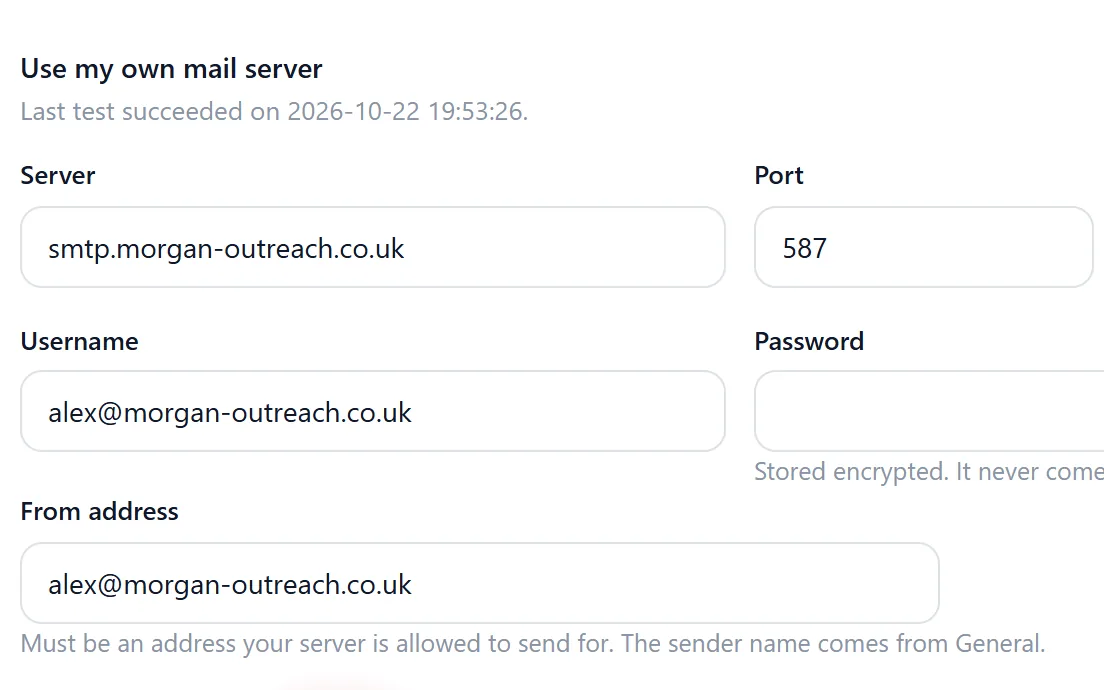
Riftjaw sends campaigns in small batches, so volume stays gentle. You send a test to yourself first and can pause and resume at any moment. Sending goes through the mail setup of your account, and unsubscribed contacts are skipped automatically.
- Fields that fit IT support companies, such as services
- Email prefixes that fit, like info@, sales@, support@ and hello@
- Status, tags and a segment on every record

The fix, step by step
- Send a test. Check how the email looks in your own inbox before anyone else sees it.
- Start small. Pick a focused segment and let the campaign go out in small batches.
- Watch and adjust. Follow the send log and pause if something looks wrong.
Other walls when prospecting IT support companies
Support@ addresses go straight into a ticket system.
Leave support@ unticked in email from domain for this list and use info@ and sales@ instead.
Many IT firms describe themselves in the same words, so a list is hard to qualify.
Record services and vendor partnerships in fields and save filters on them.
Partner deals involve several conversations.
Statuses, notes and email history show where each deal stands.
Fields worth recording for IT support companies
Record these and you can split the list later, write sharper mails and see who fits your offer.
| Field | Why it helps |
|---|---|
| Company name | The key field. Duplicates are checked on it or on the website. |
| Website | Needed to derive an email when the export has none. |
| Services | Support, cloud, security or telecom focus changes what they resell. |
| Engineers | Team size shows capacity and licence volume. |
| Vendor partnerships | Existing partner badges show which platforms they back. |
| Client sectors | A healthcare or legal focus needs specific tools. |
| Managing director | The person who signs partner agreements. |
Questions people ask
Usually not, since those often feed a ticket system. In email from domain you choose which prefixes to use, so pick info@, sales@ or your own.
You can save those listings yourself and paste the HTML into paste and collect to turn them into rows, then import. Riftjaw does not crawl those sites.
If your file has an email column, that wins. If it only has websites, tick the prefixes you want, such as info@, sales@, support@ and hello@, and Riftjaw derives addresses from each domain. Derived addresses are good guesses, not verified, so start with small batches.
Yes. The Free plan runs the whole pipeline on one list with small campaigns, and you do not need a credit card. Move to Pro when you want more lists, segments and bigger campaigns.
Build the list in a city
 IT Support Companies in WellingtonNew Zealand
 IT Support Companies in SeattleWashington, United States
 IT Support Companies in MelbourneVictoria, Australia
 IT Support Companies in DublinCounty Dublin, Ireland
 IT Support Companies in PhoenixArizona, United States
 IT Support Companies in PhiladelphiaPennsylvania, United States
Build a database you own
Create your account, import your first list and see it turn into records you can work.
No credit card · cancel any time · your data stays yours