Copying from directory pages
Are you still copying company names from a web page one by one? Here is how to stop it.

Are you still copying company names from a web page one by one?
A directory or member list shows exactly the companies you want, but there is no export button. Copying every name, website and phone number by hand takes forever.
Useful lists stay on the page because turning them into rows is too much work. Manual copying also introduces errors.
Paste a page, get rows.
With paste and collect you paste the HTML of a page you opened yourself into Riftjaw. You pick the repeating blocks, turn them into rows and send them to import. Riftjaw does not crawl the web; you supply the page.
See the feature
The fix, step by step
- Paste the HTML. Copy the source of the page you opened and paste it in.
- Pick the blocks. Select the repeating block that holds one company.
- Send to import. Turn the blocks into rows and map them like any other file.

What else you get

Everything exports
Every record, field and tag goes back out as CSV whenever you want, including the day you leave.
Read more
No credits, ever
Import, derive and export as much as your plan allows without a meter running per row or per email.
Read more
Your own private server
Your list of companies lives in a database that belongs to your account alone, not in a shared pool.
Read moreThis problem in your industry
Related problems
 Cannot target a nicheCan you pull up only the dentists in one region in a few clicks?Messy scraper exportsDoes your scraper export have columns called field1, field2 and field3?
 Data locked in a toolWhat happens to your leads the day you cancel?
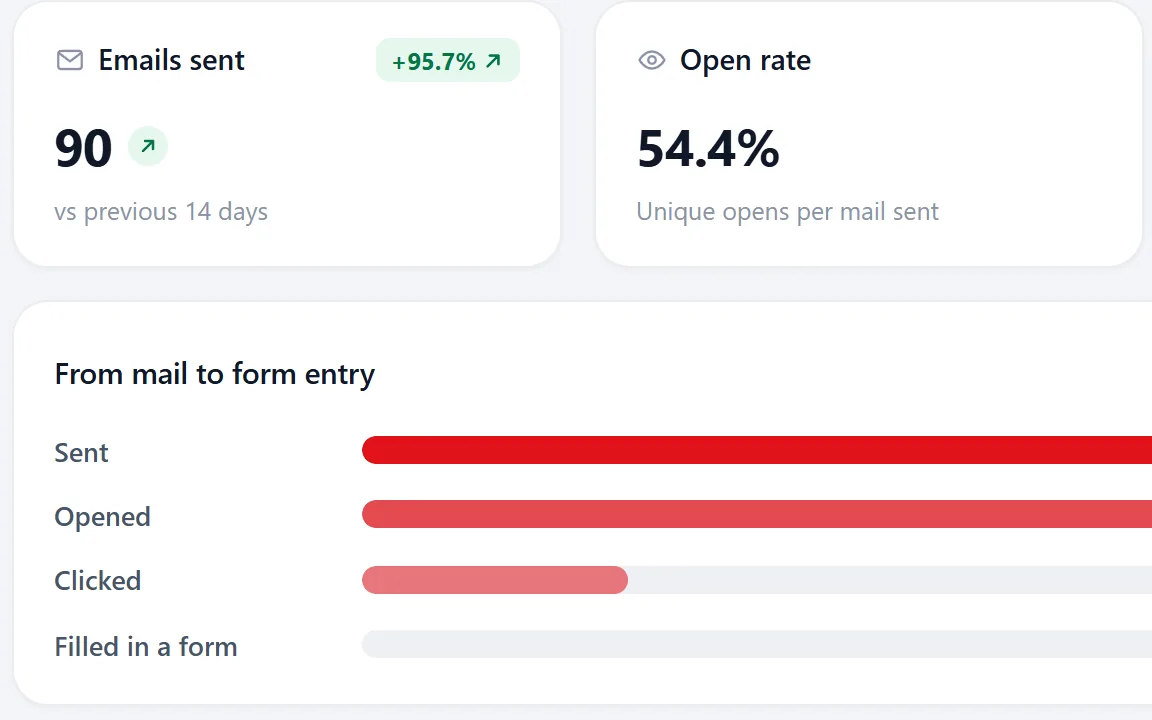 No idea what worksDo you know which of your last campaigns actually got clicks?
Questions people ask
Most people import their first file and see the result in the same session. The Free plan is enough to try it on one list.
No. Import from whatever you use today and export again whenever you want. Riftjaw is the database in the middle.
Your account runs on its own private server with its own database. Nobody else works in it, and it exports as CSV at any time. See security.
Build a database you own
Create your account, import your first list and see it turn into records you can work.
No credit card · cancel any time · your data stays yours