Team works in separate lists when you sell to locksmiths
Does your colleague know you already called that company? Here is how people who sell to locksmiths fix it.
Does your colleague know you already called that company?
Each person on the team keeps a private list or sheet. Nobody sees the full picture of who was contacted and what they said.
It hits harder when you sell to locksmiths. Most locksmiths are sole traders or very small teams who work from a van and take many urgent calls. Being found fast online matters a great deal to them, and they buy locks, tools and security products from a small group of trusted suppliers.
Two people approach the same company and prospects notice. Knowledge walks out the door when someone leaves.
One shared database, unlimited users.
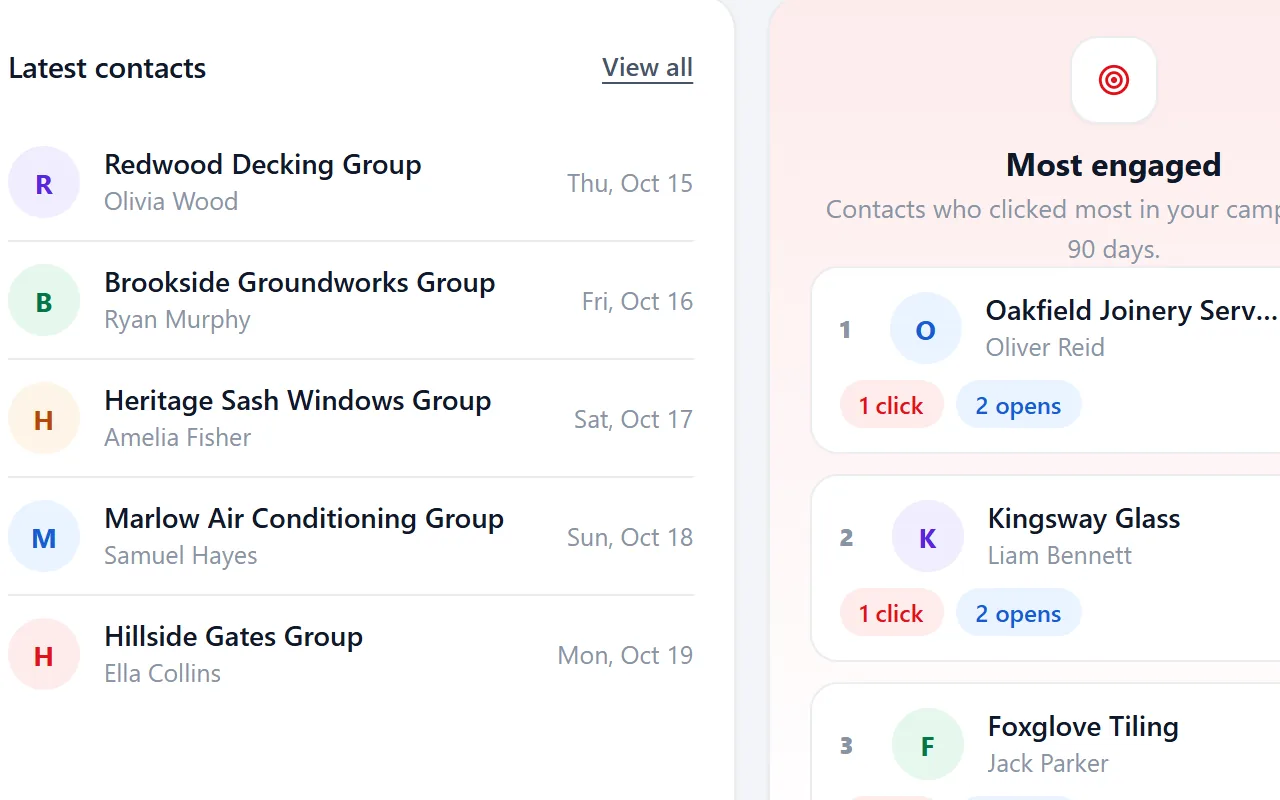
Riftjaw gives the team one shared lead database with unlimited users on an account. Everyone sees the same statuses, notes and mail history. The activities feed shows what happened recently.
- Fields that fit locksmiths, such as emergency service
- Email prefixes that fit, like info@, enquiries@ and hello@
- Status, tags and a segment on every record

Fixing it in Riftjaw
- Bring the lists together. Import each team member's list into the shared database.
- Invite the team. Add colleagues to the account at no extra cost per user.
- Work from one status. Update statuses and notes so everyone sees the latest step.

Other walls when prospecting locksmiths
Locksmith directories are full of call centres posing as local firms.
Tag records you have checked as genuine and archive the rest, so campaigns only reach real local businesses.
Auto locksmiths and door locksmiths need different messages.
A field for Auto locksmith lets you save two filters and send each its own campaign.
Many locksmiths never answer email from unknown senders.
Keep phone numbers in the same record, tag contacts once you have called, and follow up by mail only where it makes sense.
Fields worth recording for locksmiths
Record these and you can split the list later, write sharper mails and see who fits your offer.
| Field | Why it helps |
|---|---|
| Company name | The key field. Duplicates are checked on it or on the website. |
| Website | Needed to derive an email when the export has none. |
| Emergency service | Round the clock locksmiths care about call handling and phone costs. |
| Auto locksmith | Vehicle key work needs specialist tools and suppliers. |
| Safe work | Safe engineers are a small, specific audience. |
| Service area | Shows how far they travel for callouts. |
Questions people ask
Look for a real address, a named owner and a website with local detail. Record what you find in a tag or field and archive records that do not look genuine.
Yes. Import each CSV or Excel file into the same lead file; Riftjaw flags duplicates in the file and against records you already have.
If your file has an email column, that wins. If it only has websites, tick the prefixes you want, such as info@, enquiries@ and hello@, and Riftjaw derives addresses from each domain. Derived addresses are good guesses, not verified, so start with small batches.
Yes. The Free plan runs the whole pipeline on one list with small campaigns, and you do not need a credit card. Move to Pro when you want more lists, segments and bigger campaigns.






Build a database you own
Create your account, import your first list and see it turn into records you can work.
No credit card · cancel any time · your data stays yours