Generic mass emails when you sell to architects
Would you reply to the email you are about to send? Here is how people who sell to architects fix it.
Would you reply to the email you are about to send?
Emails that clearly went to everyone get ignored. Writing a personal email to every company is not realistic either.
It hits harder when you sell to architects. Architecture practices are often small studios led by one or two directors, with larger firms organised by sector. They specify materials and products on projects, so suppliers want to be known to them long before a build starts.
Low reply rates make outreach feel pointless. Prospects remember you as the company that sent a generic blast.
Personal emails without writing each one.
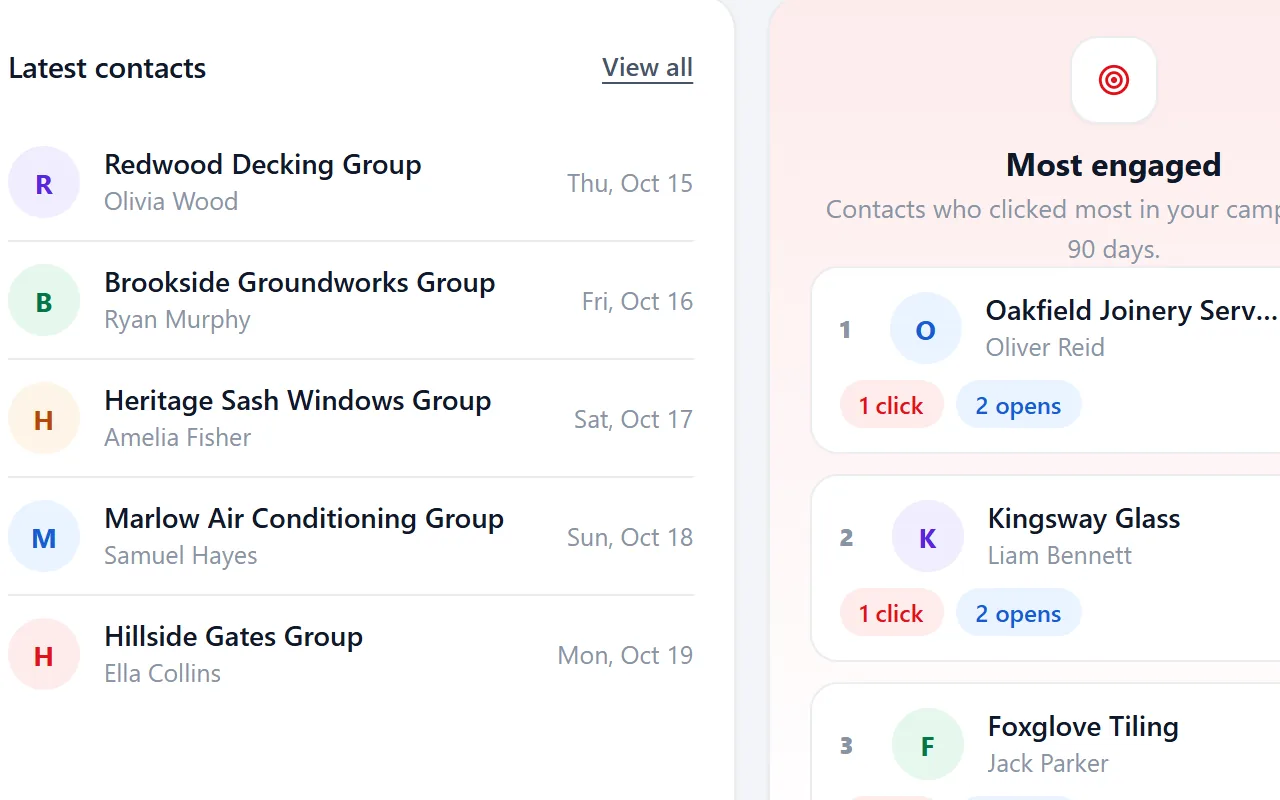
Riftjaw campaigns use placeholders such as {company} and {first_name|there} with a fallback when a field is empty. Your own fields, like a note on what you noticed about their website, can go into the email too. Each company gets a message that reads as written for them.
- Fields that fit architects, such as sectors
- Email prefixes that fit, like info@, studio@, hello@ and office@
- Status, tags and a segment on every record

The fix, step by step
- Add useful fields. Store details such as town, sector or a short observation per company.
- Write with placeholders. Insert those fields into the email with a fallback.
- Test the result. Send a test to yourself to see how a real email reads.
Other walls when prospecting architects
Architects receive many supplier mails and ignore generic ones.
Placeholders and segments per sector let you send a relevant message instead of one blast.
Small studios often have only a studio@ address.
Add studio@ as your own prefix in email from domain.
Specification takes months, so follow-ups get lost.
Tags and notes on each contact keep the thread, and you can filter on them months later.
Fields worth recording for architects
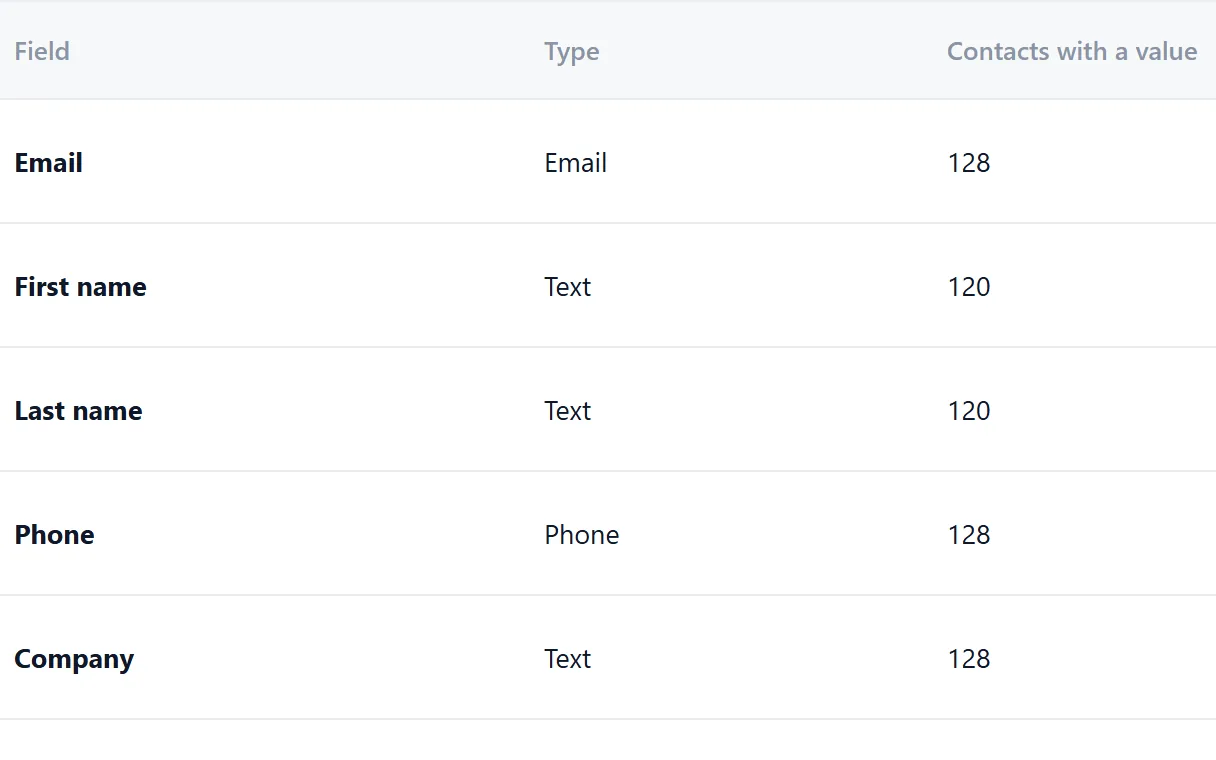
Record these and you can split the list later, write sharper mails and see who fits your offer.
| Field | Why it helps |
|---|---|
| Company name | The key field. Duplicates are checked on it or on the website. |
| Website | Needed to derive an email when the export has none. |
| Sectors | Residential, commercial or public work each specify different products. |
| Architects | Studio size shows project scale. |
| Software | The design package they use matters for any software offer or file exchange. |
| Recent project | A named project gives you a concrete, relevant opening. |
| Director | The person who approves suppliers and specifications. |
Questions people ask
Add a field or tags for sectors such as residential or commercial. Save a filter per sector and write a campaign for each.
Public planning records often name the agent or architect. You collect those names yourself, save them as a CSV and import them. Riftjaw does not crawl those sites for you.
If your file has an email column, that wins. If it only has websites, tick the prefixes you want, such as info@, studio@, hello@ and office@, and Riftjaw derives addresses from each domain. Derived addresses are good guesses, not verified, so start with small batches.
Yes. The Free plan runs the whole pipeline on one list with small campaigns, and you do not need a credit card. Move to Pro when you want more lists, segments and bigger campaigns.






Build a database you own
Create your account, import your first list and see it turn into records you can work.
No credit card · cancel any time · your data stays yours