Data locked in a tool when you sell to recruitment agencies
What happens to your leads the day you cancel? Here is how people who sell to recruitment agencies fix it.

What happens to your leads the day you cancel?
Some tools rent you access to contacts or make it hard to take your work with you. Your notes, statuses and lists stay behind when the subscription ends.
It hits harder when you sell to recruitment agencies. Recruitment agencies are sales driven businesses, from solo recruiters to firms with many desks per sector. Directors buy tools that help consultants fill roles faster, and they understand outbound selling better than most.
Every month you invest more work into a list you do not really own. Switching tools later means starting over.
Your data, exportable at any moment.
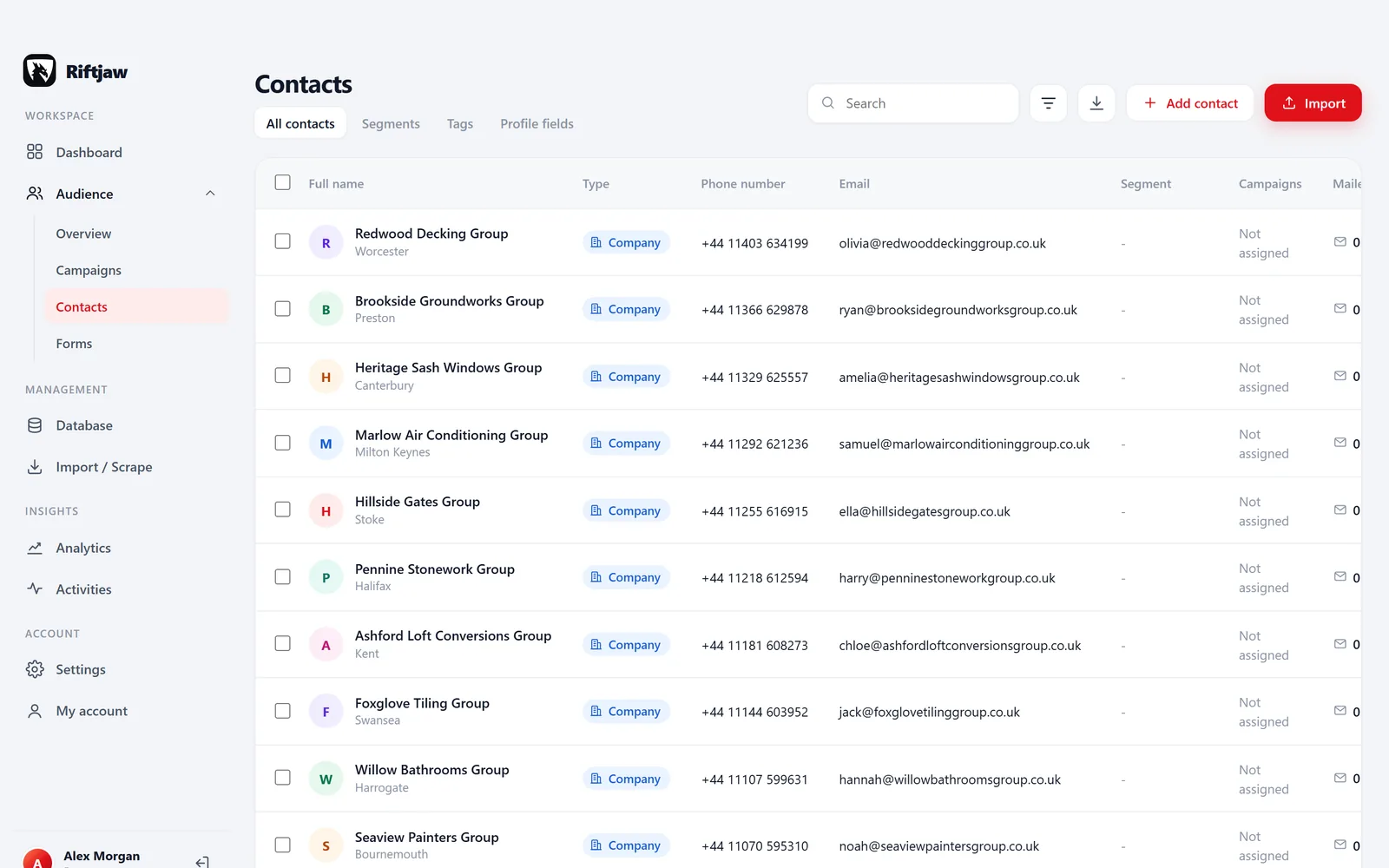
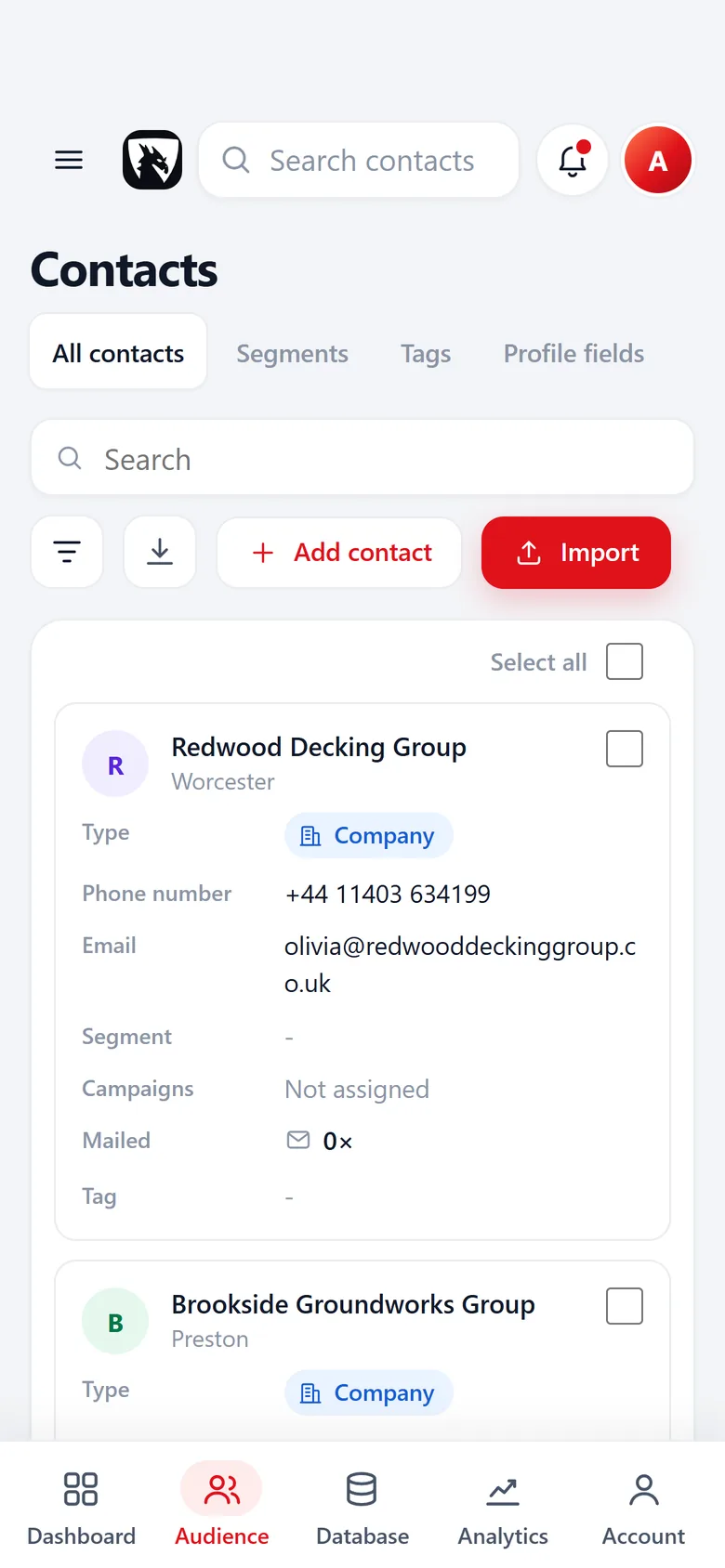
In Riftjaw you build your own lead database on your account's own server. You can export contacts to CSV at any time, all at once or per segment. Form entries and original import files come back out too, including on the day you leave.
- Fields that fit recruitment agencies, such as sectors
- Email prefixes that fit, like info@, jobs@, hello@ and careers@
- Status, tags and a segment on every record

How to fix it in Riftjaw
- Choose what to export. Pick all contacts, a filter or a segment.
- Export to CSV. Get a clean CSV that opens in any spreadsheet.
- Get the originals back. Retrieve the original import files and form entries as well.
Other walls when prospecting recruitment agencies
Jobs@ addresses fill up with candidate applications.
Tick info@ and hello@ as well and record which address brought a reply.
Agencies post many jobs, so the same agency appears again and again in scraped lists.
Duplicates are flagged on import against your key field, before anything is saved.
Sector recruiters need separate messages.
Tags per sector and one saved filter per tag keep every campaign relevant.
Fields worth recording for recruitment agencies
Any column in your import can become a field. These are the ones worth keeping for recruitment agencies.
| Field | Why it helps |
|---|---|
| Company name | The key field. Duplicates are checked on it or on the website. |
| Website | Needed to derive an email when the export has none. |
| Sectors | Tech, healthcare or industrial recruiters need different tools. |
| Consultants | The number of desks shows how many seats a tool could fill. |
| Permanent or temporary | Temp agencies need payroll and compliance support. |
| Recruitment software | Their current system matters for any switch. |
| Director | The person who signs off on tools and suppliers. |
Questions people ask
Choose the website or company name as the key field. Riftjaw flags duplicates in the file and against the database before you push the import.
Yes. Riftjaw is a general lead database. You can create separate lead files, or use the Agency plan with a workspace per client.
If your file has an email column, that wins. If it only has websites, tick the prefixes you want, such as info@, jobs@, hello@ and careers@, and Riftjaw derives addresses from each domain. Derived addresses are good guesses, not verified, so start with small batches.
Yes. The Free plan runs the whole pipeline on one list with small campaigns, and you do not need a credit card. Move to Pro when you want more lists, segments and bigger campaigns.
Build the list in a city
 Recruitment Agencies in DublinCounty Dublin, Ireland
 Recruitment Agencies in ManchesterGreater Manchester, United Kingdom
 Recruitment Agencies in SheffieldSouth Yorkshire, United Kingdom
 Recruitment Agencies in MiamiFlorida, United States
 Recruitment Agencies in LiverpoolMerseyside, United KingdomRecruitment Agencies in Los AngelesCalifornia, United States
Build a database you own
Create your account, import your first list and see it turn into records you can work.
No credit card · cancel any time · your data stays yours