Too many separate tools when you sell to dental practices
How many subscriptions does it take to send one cold email? Here is how people who sell to dental practices fix it.
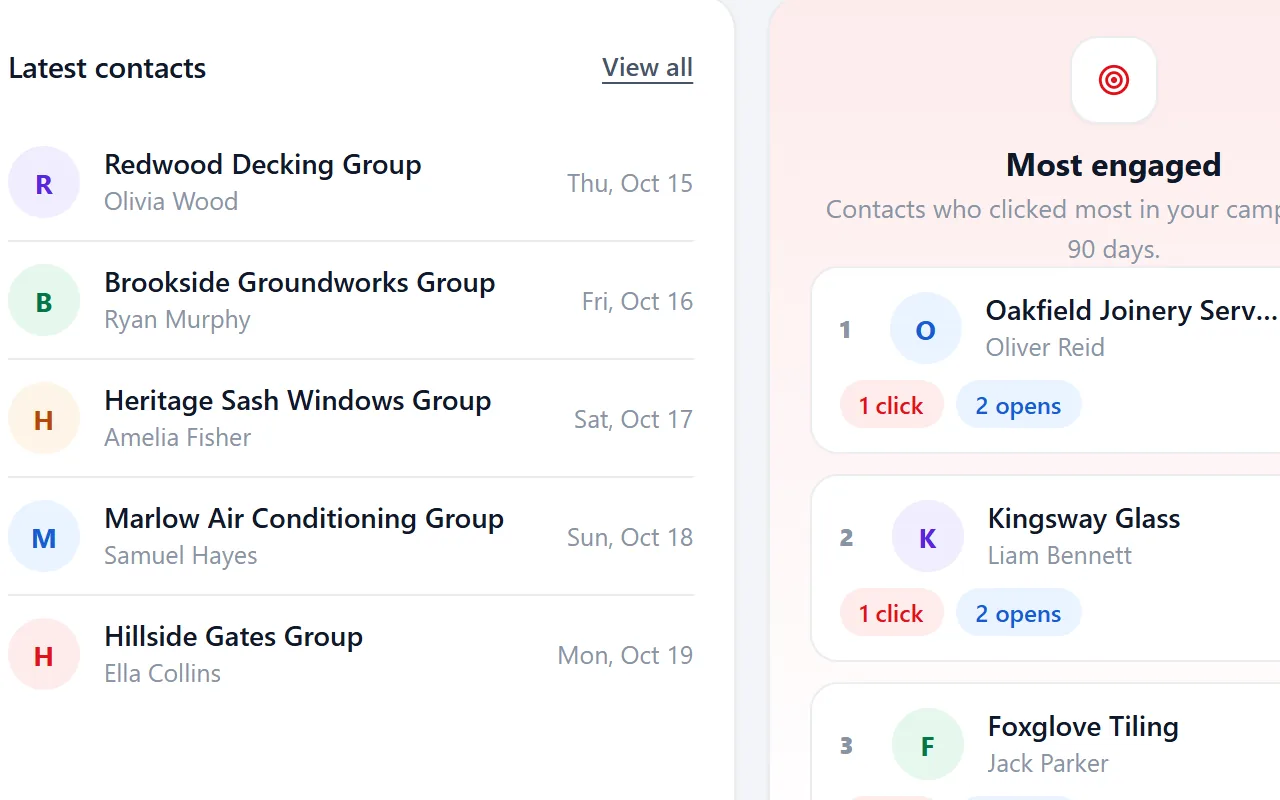
How many subscriptions does it take to send one cold email?
One tool for finding emails, one for the list, one for sending and one for tracking. Every tool is another login, another bill and another export between them.
It hits harder when you sell to dental practices. Dental practices range from single owner surgeries to groups with several sites and a central office. The principal dentist or a practice manager usually decides on suppliers, and they care about patient experience, compliance and keeping chairs busy.
The real cost of your prospecting is far higher than any single price tag. Data gets lost every time it moves between tools.
From list to campaign in one place.
Riftjaw covers the path from list to campaign in one dashboard. Import, email from domain, fields, statuses, segments, campaigns, forms and export all work on the same records. There are no credits on top of your plan.
- Fields that fit dental practices, such as practice manager
- Email prefixes that fit, like info@, reception@, enquiries@ and practice@
- Status, tags and a segment on every record

The fix, step by step
- Import once. Bring your list into Riftjaw instead of moving it between tools.
- Enrich and organise. Derive addresses, add fields and set statuses on the same records.
- Send and track. Run the campaign and see results on each contact.

Other walls when prospecting dental practices
Generic reception inboxes rarely reach the practice manager.
Store the manager's name in a field when you find it, and use email from domain for role addresses like practice@, marked as guesses.
Group practices appear once per site, so you contact the same group many times.
Add a Part of a group field and tag head office contacts to avoid repeated mails to the same business.
Health businesses are careful about unsolicited mail.
Every record keeps its source and date, unsubscribes are honoured automatically and you can export or delete data on request.
Fields worth recording for dental practices
Record these and you can split the list later, write sharper mails and see who fits your offer.
| Field | Why it helps |
|---|---|
| Company name | The key field. Duplicates are checked on it or on the website. |
| Website | Needed to derive an email when the export has none. |
| Practice manager | The manager often handles suppliers and software. |
| Private or public funded | Funding shapes budgets and priorities. |
| Treatments offered | Implants, orthodontics or cosmetic work each need their own suppliers. |
| Number of surgeries | A simple indicator of size. |
| Part of a group | Group practices often buy centrally. |
Questions people ask
For most supplier and software decisions, the practice manager or principal dentist. Record the role in a field so your campaigns reach the right people.
Yes. Add a field for it while reviewing records and save a filter on it, which you can then use as a campaign audience.
If your file has an email column, that wins. If it only has websites, tick the prefixes you want, such as info@, reception@, enquiries@ and practice@, and Riftjaw derives addresses from each domain. Derived addresses are good guesses, not verified, so start with small batches.
Yes. The Free plan runs the whole pipeline on one list with small campaigns, and you do not need a credit card. Move to Pro when you want more lists, segments and bigger campaigns.





Build a database you own
Create your account, import your first list and see it turn into records you can work.
No credit card · cancel any time · your data stays yours