Data locked in a tool when you sell to manufacturers
What happens to your leads the day you cancel? Here is how people who sell to manufacturers fix it.

What happens to your leads the day you cancel?
Some tools rent you access to contacts or make it hard to take your work with you. Your notes, statuses and lists stay behind when the subscription ends.
It hits harder when you sell to manufacturers. Manufacturers range from small workshops to large plants, and buying decisions involve owners, plant managers, engineers and purchasing. Sales cycles are longer, and suppliers win on reliability, technical fit and total cost.
Every month you invest more work into a list you do not really own. Switching tools later means starting over.
Your data, exportable at any moment.
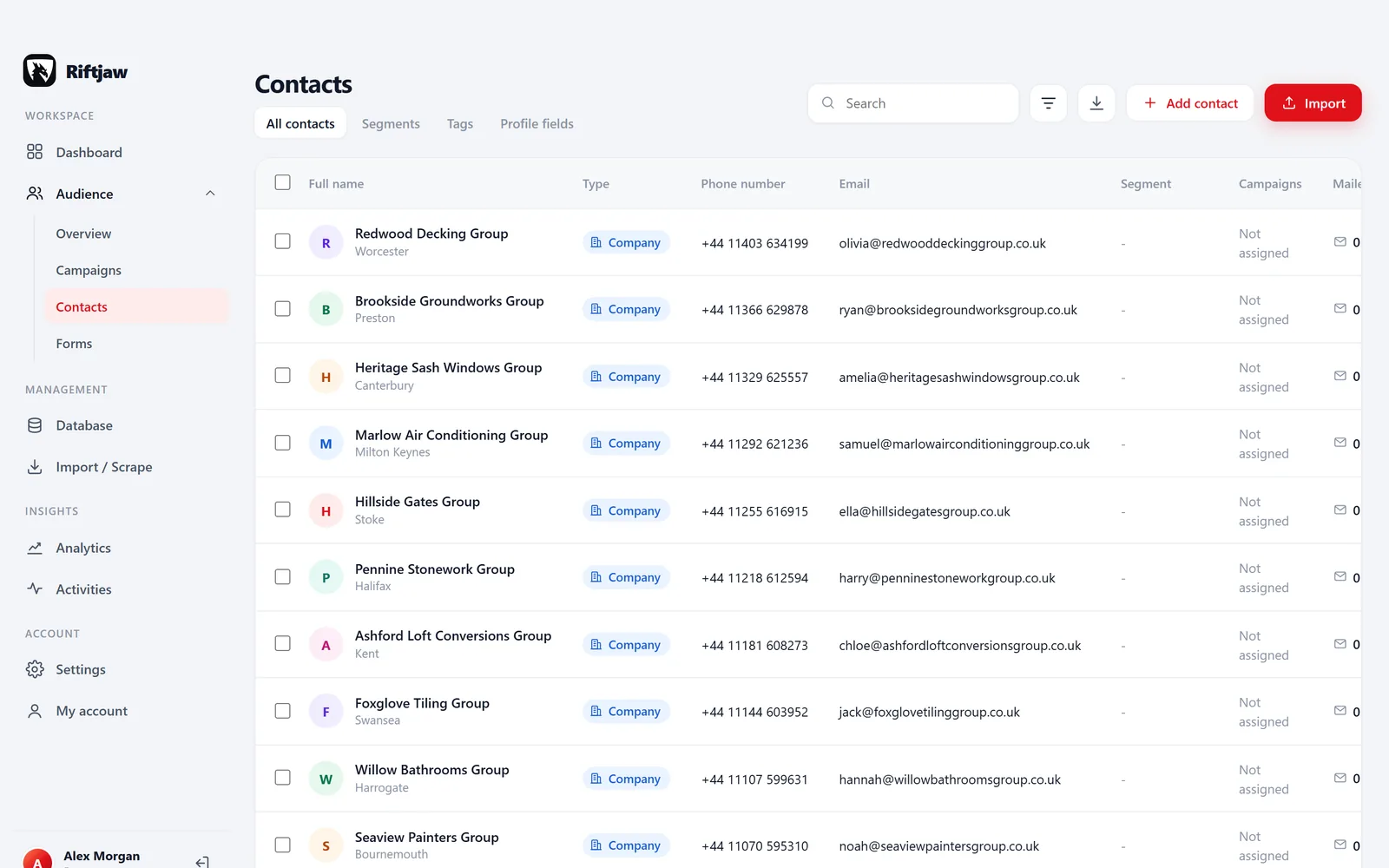
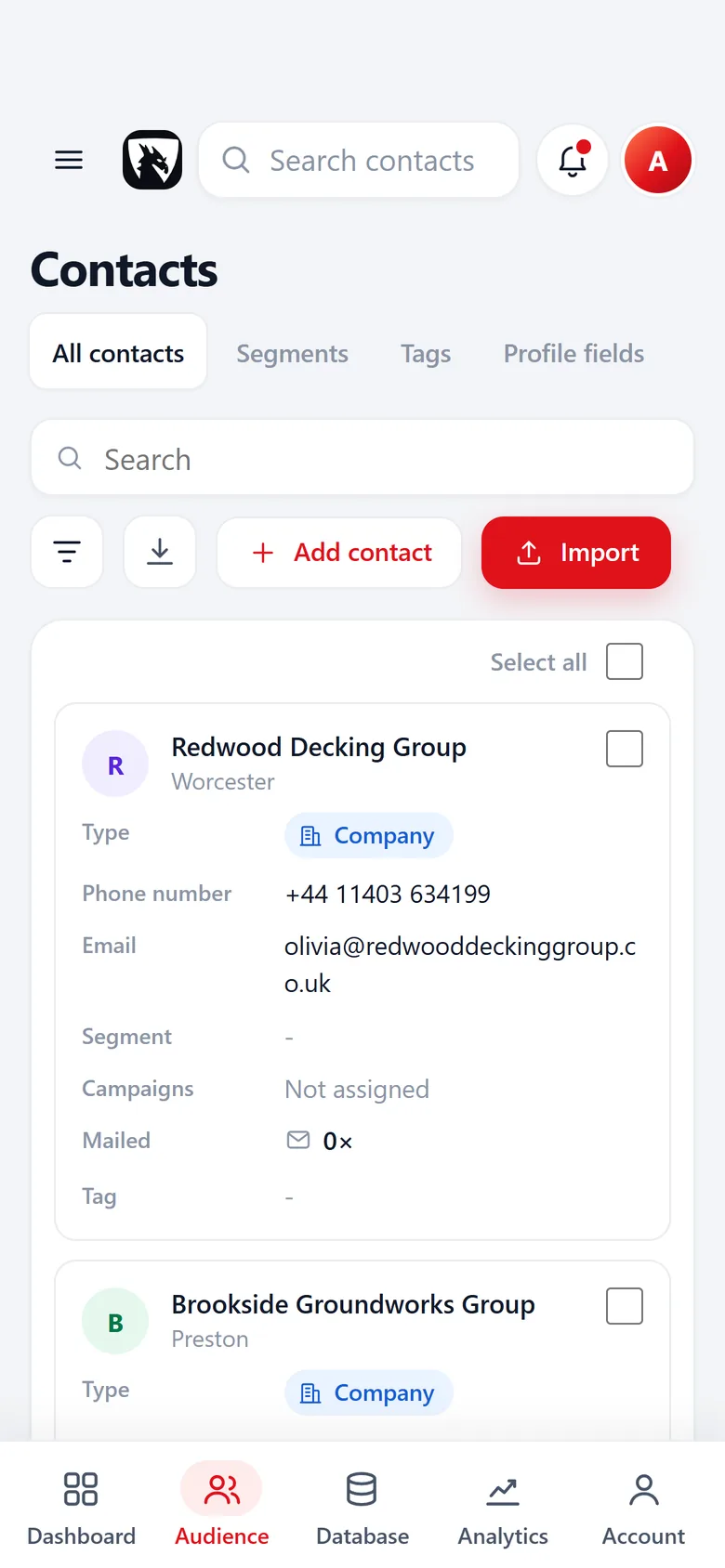
In Riftjaw you build your own lead database on your account's own server. You can export contacts to CSV at any time, all at once or per segment. Form entries and original import files come back out too, including on the day you leave.
- Fields that fit manufacturers, such as sector
- Email prefixes that fit, like info@, sales@, purchasing@ and enquiries@
- Status, tags and a segment on every record

How to fix it in Riftjaw
- Choose what to export. Pick all contacts, a filter or a segment.
- Export to CSV. Get a clean CSV that opens in any spreadsheet.
- Get the originals back. Retrieve the original import files and form entries as well.
Other walls when prospecting manufacturers
Manufacturer lists are broad and cover many unrelated sectors.
Record sector and processes in fields and send each campaign to a narrow segment.
The right buyer sits behind a generic address.
Add purchasing@ as your own prefix in email from domain alongside info@.
Deals take months with many touchpoints.
Contact history, notes and statuses keep the whole story in one place.
Fields worth recording for manufacturers
Record these and you can split the list later, write sharper mails and see who fits your offer.
| Field | Why it helps |
|---|---|
| Company name | The key field. Duplicates are checked on it or on the website. |
| Website | Needed to derive an email when the export has none. |
| Sector | Food, metal, plastics or electronics plants buy very different things. |
| Processes | Machining, moulding or assembly shape equipment needs. |
| Sites | Multi site manufacturers often have central purchasing. |
| Certifications | Quality standards they hold matter to suppliers. |
| Purchasing contact | The buyer or plant manager when you find them. |
Questions people ask
Add a sector field and fill it on import or from research. Then save a filter per sector and use it as the campaign audience.
Yes. Besides the standard prefixes you can add your own in email from domain. The results are likely addresses, not verified ones.
If your file has an email column, that wins. If it only has websites, tick the prefixes you want, such as info@, sales@, purchasing@ and enquiries@, and Riftjaw derives addresses from each domain. Derived addresses are good guesses, not verified, so start with small batches.
Yes. The Free plan runs the whole pipeline on one list with small campaigns, and you do not need a credit card. Move to Pro when you want more lists, segments and bigger campaigns.
Build the list in a city
 Manufacturers in SeattleWashington, United States
 Manufacturers in EdinburghCity of Edinburgh, United Kingdom
 Manufacturers in VancouverBritish Columbia, Canada
 Manufacturers in BirminghamWest Midlands, United Kingdom
 Manufacturers in HoustonTexas, United States
 Manufacturers in PhiladelphiaPennsylvania, United States
Build a database you own
Create your account, import your first list and see it turn into records you can work.
No credit card · cancel any time · your data stays yours