Find and reach dental practices in Queenstown
Build your own list of dental practices in Queenstown, fill in the missing emails and reach them in small batches. No credits, no rented data.
- Public sources for dental practices in Queenstown
- Missing emails derived from websites
- No credits, no rented data

Your own Queenstown list of dental practices
Dental practices range from single owner surgeries to groups with several sites and a central office. The principal dentist or a practice manager usually decides on suppliers, and they care about patient experience, compliance and keeping chairs busy.
Working dental practices in Queenstown goes faster with one clean file for the city and a segment per neighbourhood or nearby town such as Dunedin, Christchurch and Nelson. Status and tags show who is new, contacted or already a customer.
Most sellers work from a bought list that everyone else has too. A list of dental practices in Queenstown that you built yourself is the one nobody else is emailing yet.
Build your Queenstown list of dental practices in four steps
Every import waits as a concept until you publish it, so nothing lands in your database by accident.
Collect dental practices in Queenstown
Export dental practices in Queenstown from Google Maps listings or public registers of healthcare providers as CSV, or paste the results page into paste and collect.

Import into one lead file
Drop the file into a lead file called Dentists Queenstown. Columns are matched for you and duplicates are flagged before anything is saved.

Fill in the missing emails
No email in the export? Tick info@, reception@, enquiries@ and practice@ and addresses are derived from each website.

Reach them in small batches
Pick the segment, keep only status New, write one mail with placeholders like {company|your team} and send it in small batches.

Fields worth recording for dental practices in Queenstown
Add these as fields in your lead file. Any column in your import can become a field.
| Field | Why it helps |
|---|---|
| Company name | The key field. Duplicates are checked on it or on the website. |
| Website | Needed to derive an email when the export has none. |
| Practice manager | The manager often handles suppliers and software. |
| Private or public funded | Funding shapes budgets and priorities. |
| Treatments offered | Implants, orthodontics or cosmetic work each need their own suppliers. |
| Number of surgeries | A simple indicator of size. |
| Part of a group | Group practices often buy centrally. |
What slows down prospecting dental practices, and the fix
Generic reception inboxes rarely reach the practice manager.
Store the manager's name in a field when you find it, and use email from domain for role addresses like practice@, marked as guesses.
Group practices appear once per site, so you contact the same group many times.
Add a Part of a group field and tag head office contacts to avoid repeated mails to the same business.
Health businesses are careful about unsolicited mail.
Every record keeps its source and date, unsubscribes are honoured automatically and you can export or delete data on request.
Openings that work with dental practices
Pick one angle per campaign and write it once, with placeholders like {company|your team} for the details.
- Lead with fewer missed appointments and fuller diaries, which directly affect practice income.
- Talk about compliance and record keeping, which take a lot of a practice manager's time.
- For cosmetic and implant work, focus on attracting and informing new private patients.
Why people build this list in Riftjaw
Named segments
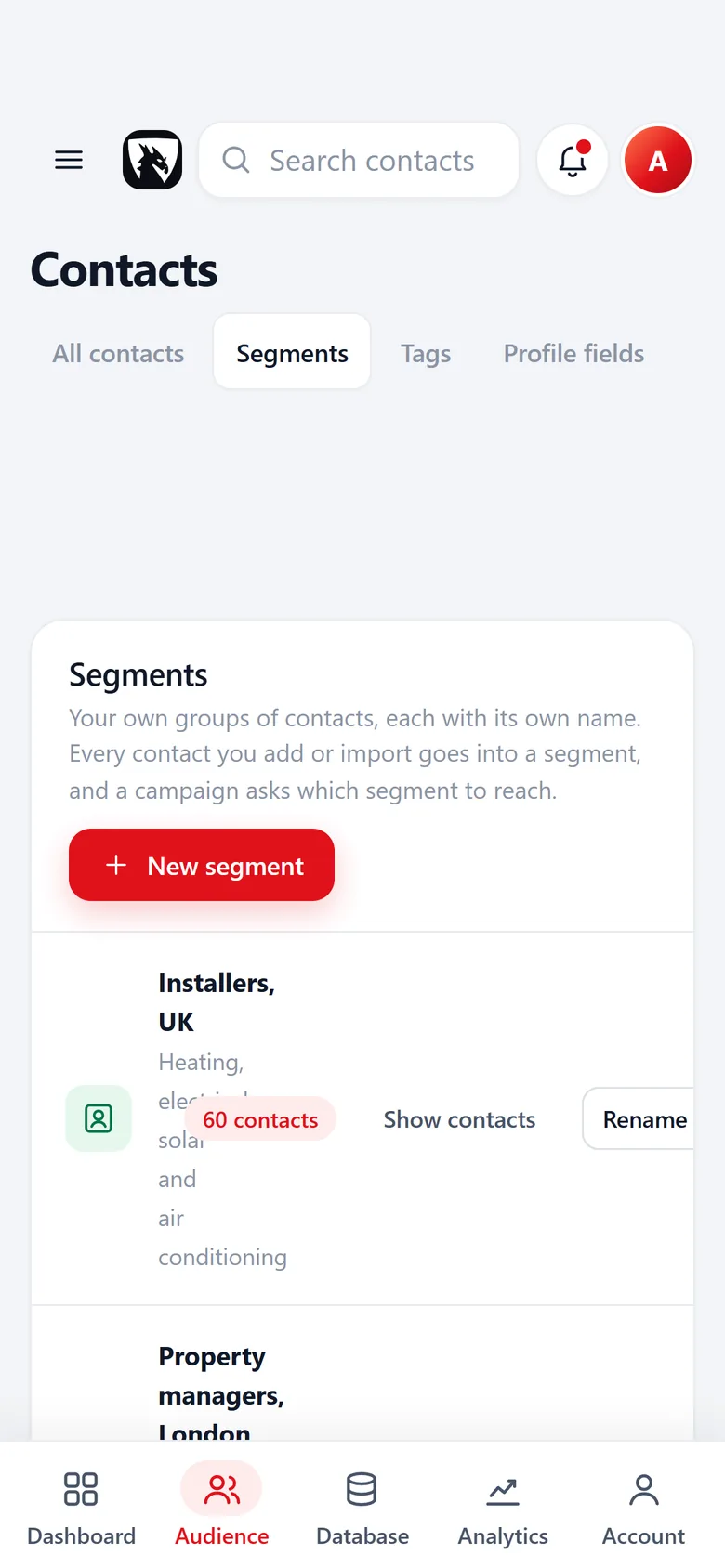
Every import goes into a segment you name, with a contact count, ready to pick as a campaign audience.
Read more
No credits, ever
Import, derive and export as much as your plan allows without a meter running per row or per email.
Read more
Emails from the website
No email in the export? Tick info@, hello@ or your own prefixes and addresses are derived from the domain.
Read moreEmailing dental practices in New Zealand
In New Zealand, the Unsolicited Electronic Messages Act 2007 requires consent for commercial electronic messages. Consent can be express, inferred from an existing relationship, or deemed when someone has conspicuously published their work address without saying they do not want messages and your message relates to their role. Every message must identify the sender and include a working unsubscribe facility. This is general information, not legal advice.
Practices are busy during patient hours. Early morning before the first patient and the end of the day are often best for managers, and lunch breaks can work too. Read the deliverability guide before your first send.
Questions people ask
Yes. The Free plan runs the whole pipeline on one list with small campaigns, and you do not need a credit card. Move to Pro when you want more lists, segments and bigger campaigns.
Yes. Put Queenstown in its own segment, or keep a City field and save a filter such as city contains Queenstown. You always see which part of the market you already worked.
If your file has an email column, that wins. If it only has websites, tick the prefixes you want, such as info@, reception@, enquiries@ and practice@, and Riftjaw derives addresses from each domain. Derived addresses are good guesses, not verified, so start with small batches.
For most supplier and software decisions, the practice manager or principal dentist. Record the role in a field so your campaigns reach the right people.
Yes. Add a field for it while reviewing records and save a filter on it, which you can then use as a campaign audience.
Other lists for Queenstown
 Mortgage Brokers in QueenstownSmall firms that live on referralsGarden Centres in QueenstownFamily nurseries to destination storesCourier Services in QueenstownOwner drivers to same day networks
 Car Dealers in QueenstownIndependent lots and franchised dealerships
 Insurance Brokers in QueenstownLocal independents to specialist teams
 Childcare Providers in QueenstownNurseries, clubs and childminders
Start your Queenstown list today
Create your account, import your first file of dental practices and see them as records you can work in a few minutes.
No credit card · cancel any time · your data stays yours